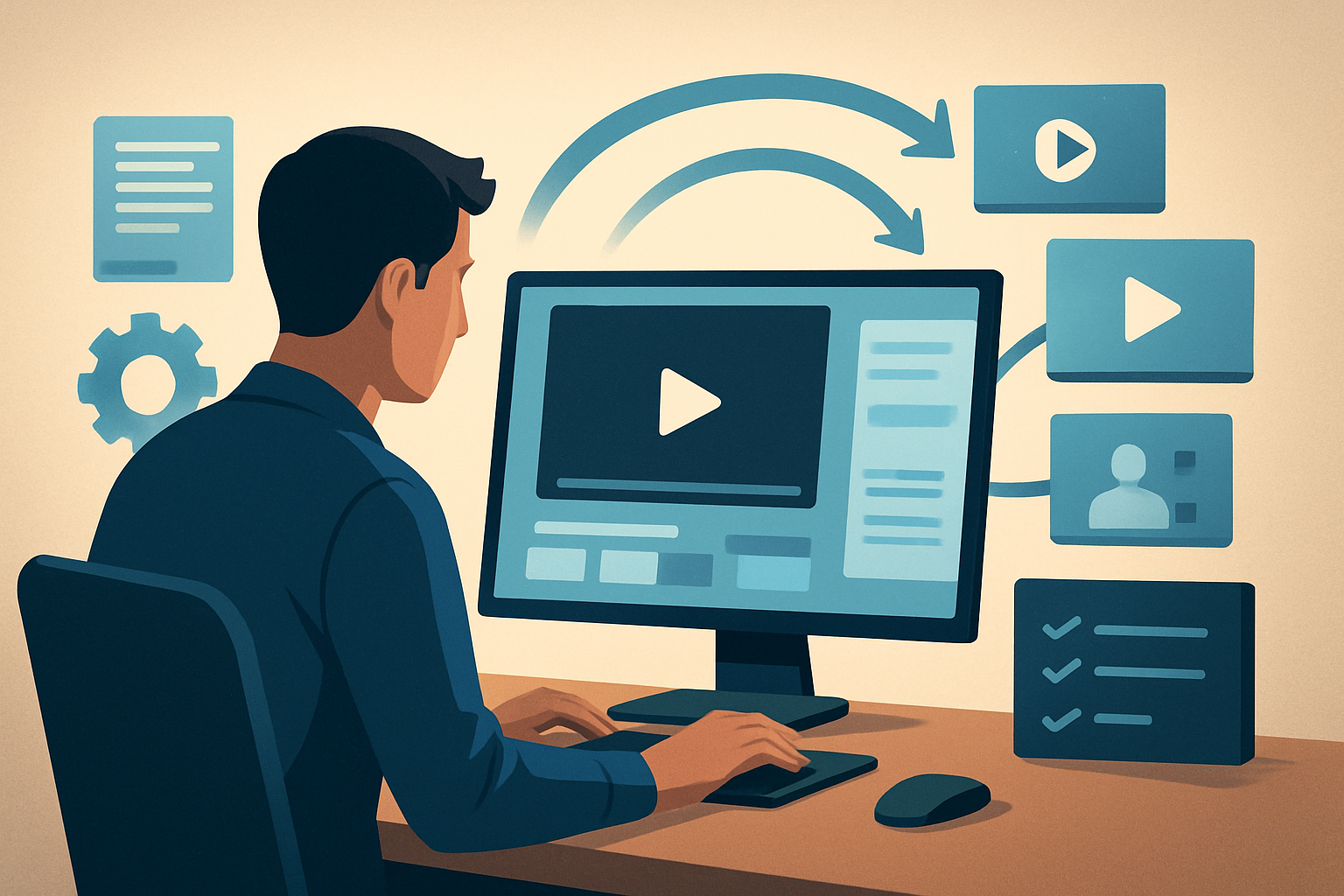
For repurposers who turn podcast recordings into short-form video assets
If you take long-form podcast episodes and need to turn them into social clips, audiograms, and promo assets fast, this page is for you. You’re a repurposer and video creator focused on podcasts — the platform is audio-first, long, and dense with shareable moments. The goal: get more publish-ready video assets out of one recording with less tool switching, repeatable outputs, and a reusable asset library.
Why podcast creators need a dedicated repurposing workflow now
Short-form platforms reward volume and specificity: quoteable soundbites, visually engaging hooks, captions, and platform-optimized crops. Meanwhile, podcasts keep getting longer and more frequent. That creates a backlog of publishable moments that never make it to socials because manual clip selection, captioning, cropping, and thumbnail design are slow and scattered across tools.
A focused repurposing workflow turns one episode into many assets quickly, increasing discoverability, driving listen-throughs, and unlocking ad or sponsor inventory — without burning more recording hours.
Common pain points for podcast repurposers
- Finding the right 30–90 second soundbites inside hour-long recordings.
- Creating platform-specific crops (portrait for Reels/TikTok, square for feed) without re-editing the whole timeline.
- Generating accurate captions and title hooks that make mute viewers click.
- Keeping brand consistency (overlays, thumbnails, music) while publishing frequently.
- Managing many small exports and storing reusable assets for future episodes.
A practical week-of workflow you can implement this week
Day 1 — Import and transcribe
- Pull your long-form audio/video into a single project. You can also download your episode from YouTube or TikTok URL into the local asset library if needed.
- Run the built-in transcription to identify timestamps, speaker changes, and “quoteable” segments.
Day 2 — Auto-generate short edits
- Use an Auto Edit Video workflow on the footage-first source. Let it generate an initial edit sequence that surfaces likely clips (interviews, punchlines, highlights).
- Review and pick 6–10 high-potential clips.
Day 3 — Polish each clip
- Apply title hooks, auto-generated subtitles, and quick visual polish: auto zoom, face tracking, or grayscale emphasis on selected moments.
- Add B-roll and overlays from your local asset library to give clips motion and context.
Day 4 — Produce platform variants
- Preview and adjust each clip in landscape, portrait, and square ratios. Tweak zoom and framing per ratio.
- Create thumbnails and reuse templates stored within the project.
Day 5 — Batch export and schedule
- Render exports for each platform and store rendered assets in your project folder for reuse.
- Keep reusable assets (intros, lower thirds, music stems) in the local library for the next episode.
If you follow this pattern, a single episode can become: short-form cuts, audiogram-style posts, promo trailers, and thumbnails — all without rebuilding the process each week. For a repeatable system, save templates and use project history as your source of truth. Video Repurposing Workflow for More Output
Best tool criteria for podcast video repurposing — and where Shorz shows up
Pick tools that solve the real bottlenecks: speed to first-draft, repeatable outputs, local asset management, and finish controls.
Fast first drafts from long recordings
- Why it matters: You need an edit suggestion that surfaces clips so you can pick instead of hunting.
- Shorz fit: Auto Edit Video analyzes footage, transcribes, and builds an edit sequence from pod/interview material.
Persistent local asset library and project history
- Why it matters: Reuse intros, music, logo overlays, and thumbnails without re-uploading every episode.
- Shorz fit: Stores projects and generated assets locally for reusable libraries and persistent history.
Built-in finishing controls (not just a raw AI draft)
- Why it matters: Subtitles, title hooks, B-roll, and framing adjustments are essential to make clips publish-ready.
- Shorz fit: Provides subtitles, title hooks, B-roll, overlays, borders, music, sound effects, and volume mix controls, plus visual polish layers like auto zoom and face tracking.
Multi-platform preview and exports
- Why it matters: You need to see how a clip performs in portrait, square, and landscape without re-cutting the timeline each time.
- Shorz fit: Preview in landscape, portrait, and square ratios and export accordingly.
Thumbnail and asset generation alongside video
- Why it matters: Thumbnails are often the last-minute bottleneck.
- Shorz fit: Generates, stores, and reuses thumbnails with video outputs.
Strength in repurposing, not just net-new clips
- Why it matters: The highest ROI is squeezing more distribution out of existing episodes.
- Shorz fit: The Auto Edit Video repurposing path is built for webinars, interviews, podcasts, and similar long-form sources. You can also download source material from YouTube or TikTok into the local library to centralize repurposing work. Video Repurposing Workflow for More Output
Where Shorz sits in your stack and workflow
Think of Shorz as the desktop hub that lives between your recorder (Zoom, Riverside, local studio files) and your scheduler/distribution tools. It reduces tool switching by keeping transcription, edit generation, finishing controls, multi-ratio previews, and asset generation in one Windows desktop workspace. Projects and assets stay local so your library becomes an engine for repeatable outputs and faster first drafts.
Typical stack:
- Record (audio/video) → Shorz (import, auto-edit, finish, export) → Scheduler/publishing platform.
Shorz compresses what used to be a multi-tool handoff into a single persistent workspace, so you ship more clips from each episode with less manual effort.
FAQ — for podcasters who repurpose
Q: Can Shorz handle hour-long podcast recordings? A: Yes. The Auto Edit Video workflow is designed for footage-first sources like podcasts and interviews: import, transcribe, generate edit sequences, and pick highlights.
Q: Are assets and projects stored in the cloud? A: No — Shorz stores projects and generated assets locally on your Windows desktop. That supports reuse, local libraries, and persistent history.
Q: Will I still need other design tools for thumbnails? A: Shorz can generate and store thumbnails alongside video outputs, reducing or removing the need for separate thumbnail tools for most repurposing needs.
Q: Can Shorz pull my published episodes from YouTube or TikTok for repurposing? A: Yes — it supports downloading source material from YouTube or TikTok URLs into the local asset library to centralize repurposing work.
Q: How do I maintain brand consistency across dozens of clips? A: Use Shorz’s reusable asset library and project templates: overlays, music stems, title hooks, and thumbnail templates live in the project and are applied across clips to keep a consistent look.
Q: Will I still need to fine-tune audio mixes? A: Shorz includes volume mix controls and basic audio finishing options so you can balance dialog, music, and SFX without moving to another app.
Ready to turn one podcast recording into many publish-ready assets?
Start compressing your repurposing workflow this week: import an episode, run Auto Edit Video, apply title hooks and subtitles, preview across ratios, and export ready-to-post clips — all from one persistent Windows desktop workspace. Learn one repeatable system and scale your output without scaling your workload. Video Repurposing Workflow for More Output
Take the next step: optimize your repurposing pipeline and ship more assets from every episode. Video Repurposing Workflow for More Output