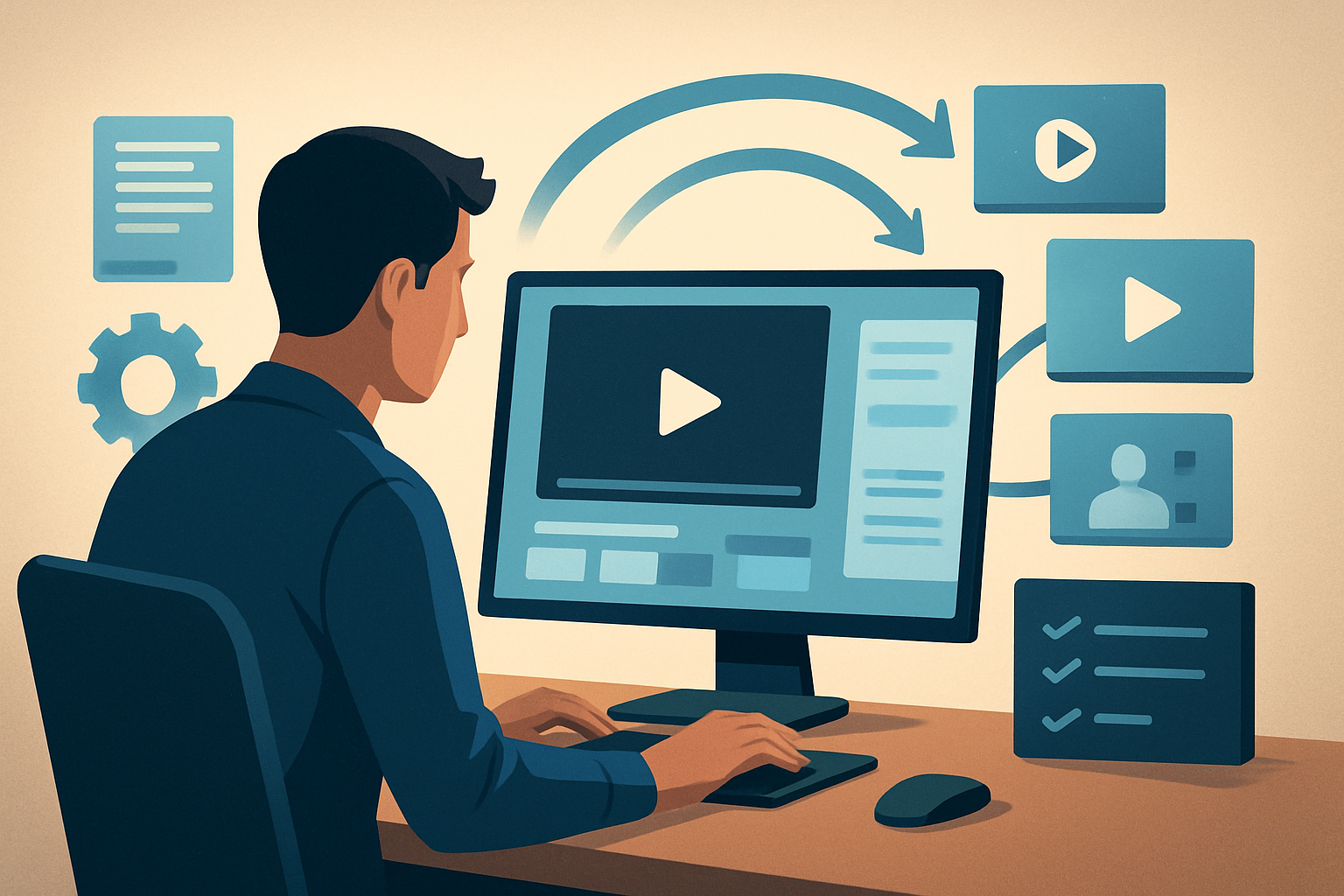

For business creators on YouTube who want to publish more faceless content — fast
You’re a creator building business-focused videos on YouTube: explainers, product breakdowns, market analysis, and lead-gen content. You need a repeatable, low-friction way to turn research, scripts, and recorded audio into publish-ready faceless videos without hours of editing or hiring on-camera talent. This page shows a no-fluff workflow to publish more faceless business videos this week, why the niche demands it now, and how to pick tools (including where Shorz fits).
Why the business niche on YouTube needs a faceless workflow right now
- Scalability: Business channels win through consistent, topical publishing. Faceless formats remove the bottleneck of on-camera setup and reduce time per video.
- Trust + clarity: Business topics require clean visuals (charts, overlays, subtitles) and precise narration. A controlled script-to-video process keeps messaging accurate and repeatable.
- Platform pressure: YouTube prioritizes frequent uploads and multiple formats (long explainers, Shorts). You need a workflow that creates landscape, square, and portrait variants without redoing the whole edit.
- Resource efficiency: Small teams or solo founders can’t afford long edit cycles. Faceless production compresses prep, generation, and finishing into fewer steps.
Quick, actionable workflow you can implement this week
Follow these steps and get a first faceless video live in 3–5 days.
- Pick a narrowly scoped topic (30–90 second idea for Shorts, 3–8 minute explainer for full uploads).
- Draft a script focused on a single value exchange: problem, solution, example, CTA. Save versions in a single folder.
- Generate narration: record locally or synthesize voice. Keep a clean WAV for import.
- Build a style reference: choose 3 images that define colors, graphics, and tone (branded palette, chart style, font feel).
- In your editor:
- Import script and narration.
- Use Text-to-Video to lay out scenes from your script and match with generated images or imported assets.
- Apply title hooks, subtitles, and B-roll overlays for clarity on data points.
- Preview in landscape and portrait to create both long-form and Short-ready cuts.
- Polish: adjust auto-zoom, add freeze-frames on key stats, set volume mix and SFX, and export a thumbnail.
- Upload and schedule variants to YouTube: long-form for search and a Short for discovery. Use the same project assets so thumbnails and captions are consistent.
If you want guided faceless starter ideas for specific business angles, see templates for beginners, finance, and historical market storytelling:
Faceless YouTube Channel Ideas for Beginners
Faceless YouTube Channel Ideas for Finance
Faceless YouTube Channel Ideas for History
Best-tool criteria for faceless business YouTube channels
Choose tools that check these boxes:
- Script-to-video support so you can start from text and end with timed scenes.
- Local project persistence and reusable asset libraries for brand consistency and repeatability.
- Built-in finishing controls (subtitles, hooks, B-roll, thumbnails) so the output is publish-ready — not a raw draft.
- Multi-ratio preview and export so you can produce landscape and vertical variants without separate projects.
- Visual polish options (auto-zoom, freeze-frame, color controls) to make data-driven content feel professional.
- Fast iteration: fewer app switches between generation and finishing.
Why this matters: you want faster first drafts, repeatable outputs, and reusable assets rather than stitching together multiple niche apps.
Where Shorz fits into your stack and workflow
Shorz is a Windows desktop AI video production suite built for exactly this use case. Use it as the central workspace that moves you from script and assets to publish-ready video with less tool switching.
- Start scripts and narration in Shorz’s Text-to-Video workflow, or import recorded audio and footage into Auto Edit Video or Podcast project types.
- Keep brand assets—logos, chart images, style references—in the local asset library for reuse across episodes.
- Combine AI-generated scenes with imported B-roll, then apply shared finishing layers: subtitles, title hooks, overlays, borders, music, and volume mix controls.
- Preview and export in landscape, portrait, and square ratios from the same project, and generate thumbnails inside the app to keep visual identity consistent.
- Shorz stores projects and generated assets locally, making it simple to rerun templates and produce repeatable series without rebuilding creative systems each time.
For a step-by-step Shorz-specific workflow, see: Faceless YouTube Workflow With Shorz
Practical tips to reduce bottlenecks on YouTube
- Batch scripts: write 4–8 scripts in a session, then generate narration and visuals in one pass.
- Use style reference images every time you generate scenes to stabilize visual identity across episodes.
- Save subtitle and thumbnail presets so each upload keeps the same brand frame.
- Keep a single project per episode that stores all export variants and assets for repurposing into Shorts or clips.
FAQ — focused on business creators
Q: Do I need any camera footage to make faceless business videos?
A: No. Shorz’s Text-to-Video can build scenes from scripts with imported images or generated visuals. You can add footage later if you want a hybrid format.
Q: How quickly can I turn a webinar or podcast episode into multiple faceless videos?
A: Import the audio into a Podcast or Auto Edit Video project, clip highlights, use subtitles and title hooks, then export short-form variants. Shorz’s local asset library and reuse capabilities speed iteration.
Q: Will the output look “AI-made” or generic?
A: Use style reference images, overlay charts, and consistent thumbnail templates. Shorz provides finishing controls—auto zoom, freeze-frame, subtitles, and color tweaks—to make the output look professional and on-brand.
Q: Is Shorz cloud-based or does it upload my projects to the internet?
A: Shorz stores projects and generated assets locally on your Windows machine, so you keep a persistent, reusable project history without relying on cloud storage.
Q: How do I scale from one video to a series?
A: Build templates inside Shorz: script structures, subtitle presets, title-hook formats, and thumbnail layouts. Reuse the same asset library and style references to compress the edit cycle across episodes.
Ready to publish more faceless business videos?
If you want the fastest route from scripts and audio to publish-ready faceless videos with repeatable assets and multi-ratio exports, start the Shorz workflow guide and templates here: Faceless YouTube Workflow With Shorz
For idea prompts and niche templates that map directly into this workflow, check these guided lists:
Faceless YouTube Channel Ideas for Beginners
Faceless YouTube Channel Ideas for Finance
Faceless YouTube Channel Ideas for History