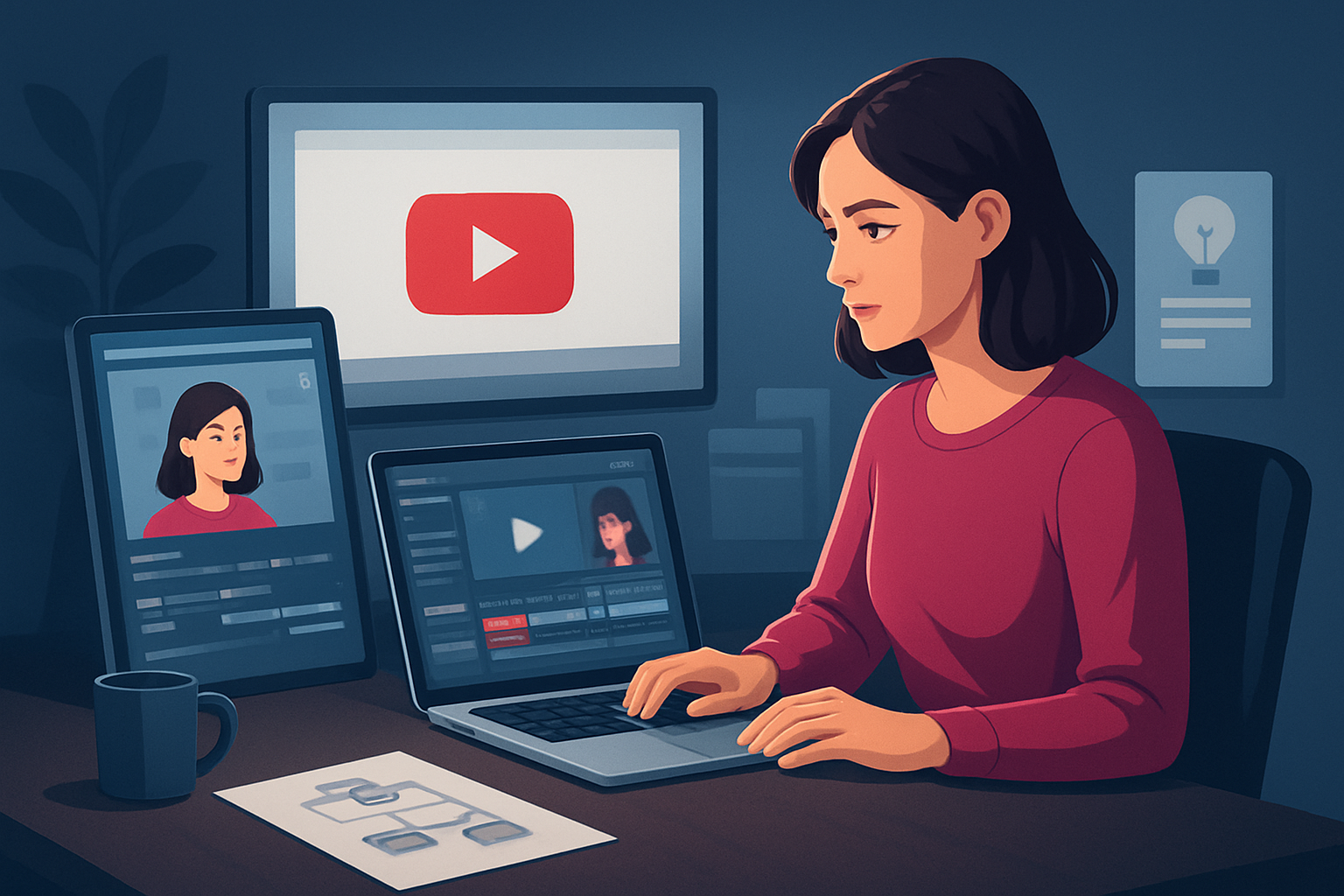

For agencies producing TikTok-native shorts (and repurposing to YouTube Shorts)
Agencies: this brief is for you — creative, social, performance, and media agencies that need to publish more social-native videos on TikTok while feeding YouTube Shorts and other vertical channels. You’re juggling client approvals, brand consistency, platform-specific hooks, and tight deadlines. The solution needs to compress the production workflow, create repeatable outputs, and keep assets reusable — without adding another cloud login or fragmented toolchain.
Why agencies and TikTok need this workflow now
TikTok demands fast, snackable storytelling, immediate hooks, and vertical-first polish. Agencies face three pressure points:
- Volume: clients want more frequent, platform-native creative.
- Consistency: every piece must match brand rules and campaign KPIs.
- Speed: social teams must iterate on trends and briefs within days.
That combination breaks traditional linear edit workflows. You need a compact, repeatable pipeline that generates fast first drafts, supports finishing controls (subtitles, hooks, B-roll), and stores reusable assets so every edit isn’t starting from zero.
Agency pain points this workflow solves
- Approval lag from assembling versions in multiple apps.
- Context switching between captioning, thumbnail design, and aspect-ratio exports.
- Hard-to-reuse B-roll, hooks, and thumbnail assets across clients.
- Inconsistent creator-style packaging (titles, overlays, emojis) that hurts performance on TikTok.
Shorz addresses these directly by keeping projects and generated assets locally in one Windows desktop workspace, supporting creator-style packaging layers and portrait previews for vertical distribution.
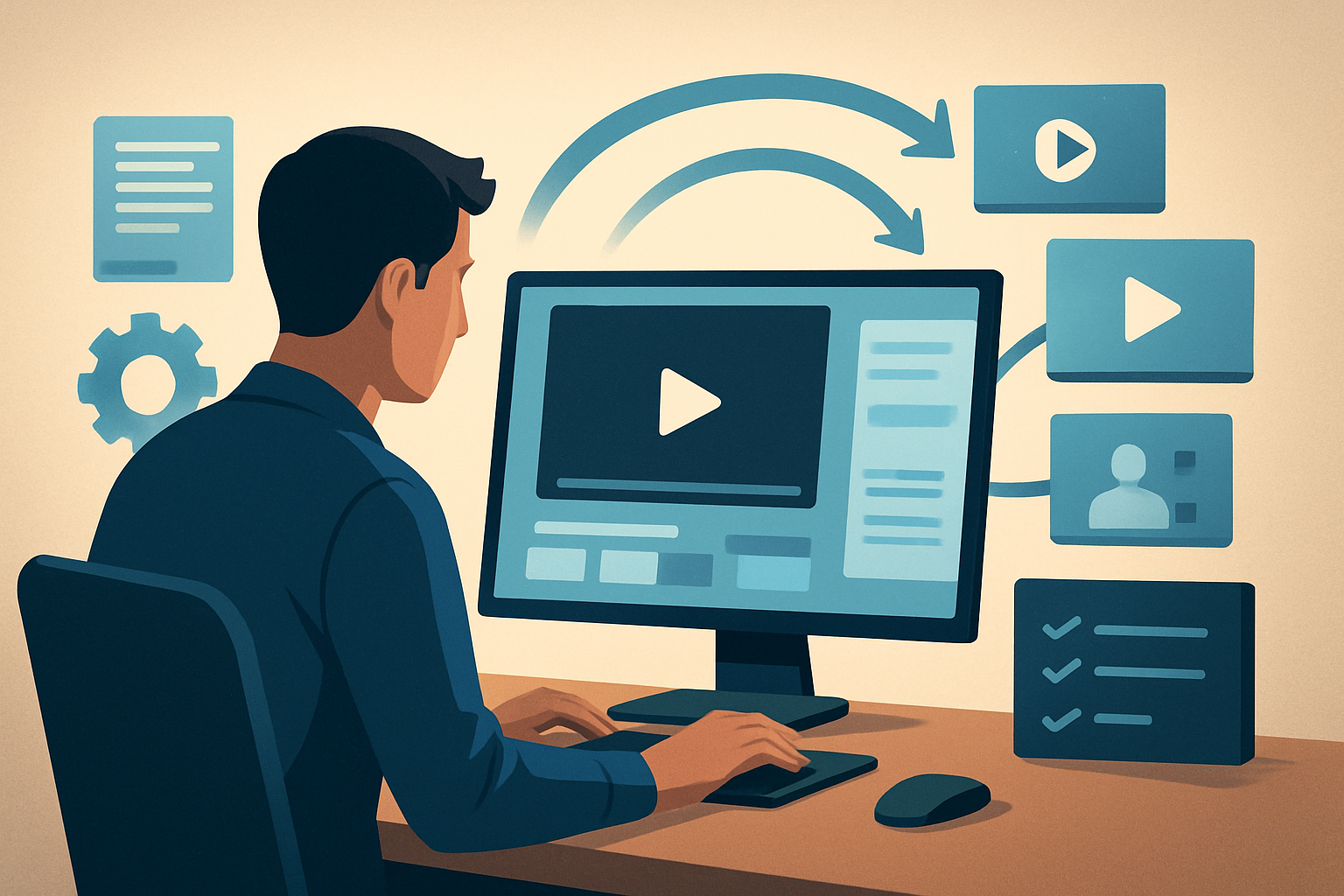
Practical 5-step workflow you can implement this week
Ingest and organize
- Drop client footage, brand assets, and reference URLs into a project. Use URL-based ingestion to bring campaign references into the local asset library.
- Create or import reusable brand elements (logos, font-safe bars, color overlays) into the library.
Produce a fast first draft
- Use Auto Edit Video to generate a creator-style cut from the footage. For scripted pieces, start with Text-to-Video or Avatar project types to draft alternative vertical-first assets quickly.
- Let AI produce a first cut, then apply quick global edits — trim, auto zoom, and face tracking — to stabilize pacing.
Apply social finishing layers
- Add title hooks, subtitle designs, and overlays from the shared finishing systems. Insert B-roll and sound effects from the local library.
- Preview in portrait ratio to ensure the hook lands in the first 1–3 seconds for TikTok viewers.
Polish and package
- Use visual polish layers (freeze frame, grayscale moments, simple color controls) and balance audio with built-in volume mix controls.
- Generate and store thumbnails alongside the deliverables so there’s a ready graphic for YouTube Shorts and TikTok previews.
Export and reuse
- Export portrait, square, and landscape masters from the same project. Save reusable snippets, subtitle templates, and thumbnail variants in the project history to speed repeat campaigns.
This set of steps moves you from brief to publish-ready in fewer apps, with reusable assets and repeatable outputs.
Best-tool checklist for agencies (where Shorz shows up)
Choose tools that deliver:
- Faster first drafts and repeatable output (AI-assisted Auto Edit + Text-to-Video).
- One persistent workspace that stores generated assets locally for reuse and version history.
- Native support for creator-style packaging: subtitle design, title hooks, overlays, GIFs, emojis, and B-roll.
- Portrait-first preview and export flows for TikTok and cross-posting to YouTube Shorts.
- Thumbnail generation and project-level asset storage so video + publishing graphics live together. Shorz meets these criteria as a Windows desktop AI video production suite built around short-form, creator-style workflows, reusable asset libraries, and publish-ready finishing controls.
How Shorz fits into your agency stack and team flow
- Creative desk: rapid first drafts and alternative takes live in one project instead of scattered files.
- Social producers: preview and export portrait masters with subtitle and thumbnail assets ready for scheduling.
- Account/approvals: generate near-final versions fast to reduce revision cycles.
- Repurposing: export square/landscape from the same project to feed other channels without rebuilds.
Because assets and projects are stored locally, your team gains predictable, reusable libraries and persistent project history — ideal for repeatable campaigns and A/B creative testing.
See sample vertical ideas for other niches:
YouTube Shorts Ideas for Real Estate
YouTube Shorts Ideas for Finance
YouTube Shorts Ideas for Local Businesses
Quick idea bank for agency shorts (TikTok / YouTube Shorts style)
- 15-second client case study: problem → visual before → 3-sec headline → result stat with thumbnail-ready CTA.
- Creative process cut: storyboard frames → speed ramp of shoot → final creative hook.
- “Day in the campaign” montage: quick edits, music burst, on-screen captions explaining the tactic.
- Faceless explainer: text-to-video or Avatar-led voiceover showing a campaign mechanic.
- Testimonial snips: edited audio bites with subtitle emphasis and brand overlay.
Each idea maps cleanly to Shorz project types (Auto Edit, Text-to-Video, Avatar), letting producers generate and finish within one workspace.
FAQ — tailored for agencies
Q: Can I keep brand assets and reuse them across client projects? A: Yes. Shorz imports and stores uploaded assets, images, audio, and source files into a reusable local asset library for repeat work.
Q: Will I be able to preview vertical outputs for TikTok? A: Yes. Shorz supports preview and export flows for portrait, square, and landscape contexts, so you can check TikTok and YouTube Shorts formats before export.
Q: How do I handle subtitles, hooks, and thumbnail creation? A: Shorz includes shared finishing systems for subtitles, title hooks, overlays, and thumbnail generation so publishing-adjacent assets are part of the same project workflow.
Q: Can I start from scripts or avatars for faceless content? A: Yes. The app supports starting projects from scripts (Text-to-Video), avatar images plus audio (Avatar), dialogue formats (Podcast), or raw footage (Auto Edit Video).
Q: Is this just a raw generator or can I finish assets here? A: The suite combines AI generation with finishing controls — not just raw drafts. It provides subtitle design, B-roll insertion, visual polish, and audio mix controls to produce publish-ready video.
Q: How does Shorz fit with our existing cloud DAM and scheduling tools? A: Shorz stores projects and assets locally and can ingest URLs into the local asset library. Use it as the production/compression stage in your stack, then hand off exported masters and thumbnails to your DAM or scheduler.
Next step
If your agency needs fewer tool swaps, faster first drafts, and repeatable vertical assets for TikTok and YouTube Shorts, try a production suite built for that flow. Get started with a workflow-focused editor that keeps projects and assets together locally: AI Video Editor for Faster Production.