
For advertisers running local businesses on TikTok
You want fast, repeatable short-video creative that drives foot traffic, bookings, or phone calls — not a slow, freelancer-driven pipeline. This page gives TikTok-native YouTube Shorts ideas tailored to local businesses and a concrete, one-week workflow you can implement to publish more social-native videos this week.
Why this matters now
- Local search and discovery is going visual. TikTok is where attention moves fastest; video-first, vertical content drives discovery for restaurants, clinics, salons, and retail.
- Advertisers have limited creative bandwidth. You need a workflow that compresses ideation → shoot → publish so you can scale volume without blowing budgets.
- Platform bottlenecks (vertical cropping, captions, fast hooks, trending sounds) penalize slow teams. Speed and repeatability beat perfection for local performance ads.
Common pain points for local advertisers on TikTok
- No consistent hook or caption style across ads, so performance is noisy.
- Reformatting assets between YouTube Shorts, TikTok, and Reels wastes time.
- Thumbnail + subtitle creation feels like a second job.
- Small teams struggle to convert long-form content (testimonials, demos) into 15–60s vertical creator-style ads.
- Keeping brand elements (logos, overlays, CTAs) consistent across dozens of short ads is manual and error-prone.
Practical workflow you can finish this week (4-day sprint) Day 0 — Plan (2 hours)
- Pick 7 local intent hooks: “Open late?,” “Same-day booking,” “How we sanitize,” “Customer before/after,” “Local deal.”
- Write 15–30s script bullets for each hook. Keep one primary CTA (call, book, visit).
Day 1 — Capture (2–4 hours)
- Batch-record 7 short takes on staff phone or a single camera: 1 primary angle + 1 close-up for each take.
- Record room-sound or a short voiceover for variant ads.
Day 2 — Drafts in Shorz (3–4 hours)
- Import footage, images, and audio into Shorz’s local asset library. Use URL ingestion for existing social clips.
- Use Auto Edit Video to create fast first drafts for each hook. Auto Edit gives a structured draft you can refine instead of starting from scratch.
- For missing scenes, use Text-to-Video to generate quick contextual B-roll or the Avatar project type to create faceless, script-driven voiceover content.
Day 3 — Finish and repurpose (3–4 hours)
- Apply subtitle presets, title hooks, border/overlay templates, and brand assets from the reusable library.
- Use visual polish layers—auto zoom, face tracking, and freeze-frame moments—to punch up key beats.
- Preview outputs in portrait (TikTok), square, and landscape to create parallel versions for YouTube Shorts or other placements.
- Generate thumbnails inside Shorz and store them with the project.
Day 4 — Export and publish (2 hours)
- Export portrait MP4s optimized for TikTok using Shorz’s preview/export flow.
- Upload to your scheduling or publisher tool and plan staggered creative tests (A/B hook, caption, sound).
Repeat: Keep a persistent project history and reuse assets for weekly batch cycles.
Ideas that work for local businesses on TikTok (quick list)
- Before/after micro-case study (15s): split-screen transform with punchy subtitle hook.
- “Why we’re different” quick tour (20–30s): staff POV + text-based highlights.
- Limited-time deal with strong visual countdown and CTA overlay.
- Local trust builder: customer testimonial trimmed to a memorable 10–20s clip.
- Operational transparency: quick sanitation or prep routine as a trust hook.
- Community spotlight: local supplier or neighborhood shout-out to boost local reach.
Best tool criteria for this stack (why Shorz fits)
- Fast first drafts from real footage (Auto Edit Video) so small teams can iterate quickly.
- Multiple content entry points (start from footage, script, avatar image + audio, or dialogue) to match how local businesses create content.
- Reusable, local asset library that stores logos, overlays, and past project history—ideal for repeatable local campaigns.
- Built-in finishing controls: subtitles, title hooks, overlays, borders, music, SFX, and volume mix so you don’t switch between multiple apps.
- Multi-ratio preview and export for TikTok/YouTube Shorts parity without re-editing.
- Thumbnail generation and publishing-adjacent helpers for social-native packaging.
- Windows desktop app designed to compress the workflow from source material to publish-ready video in one persistent workspace.
Where Shorz fits in your stack
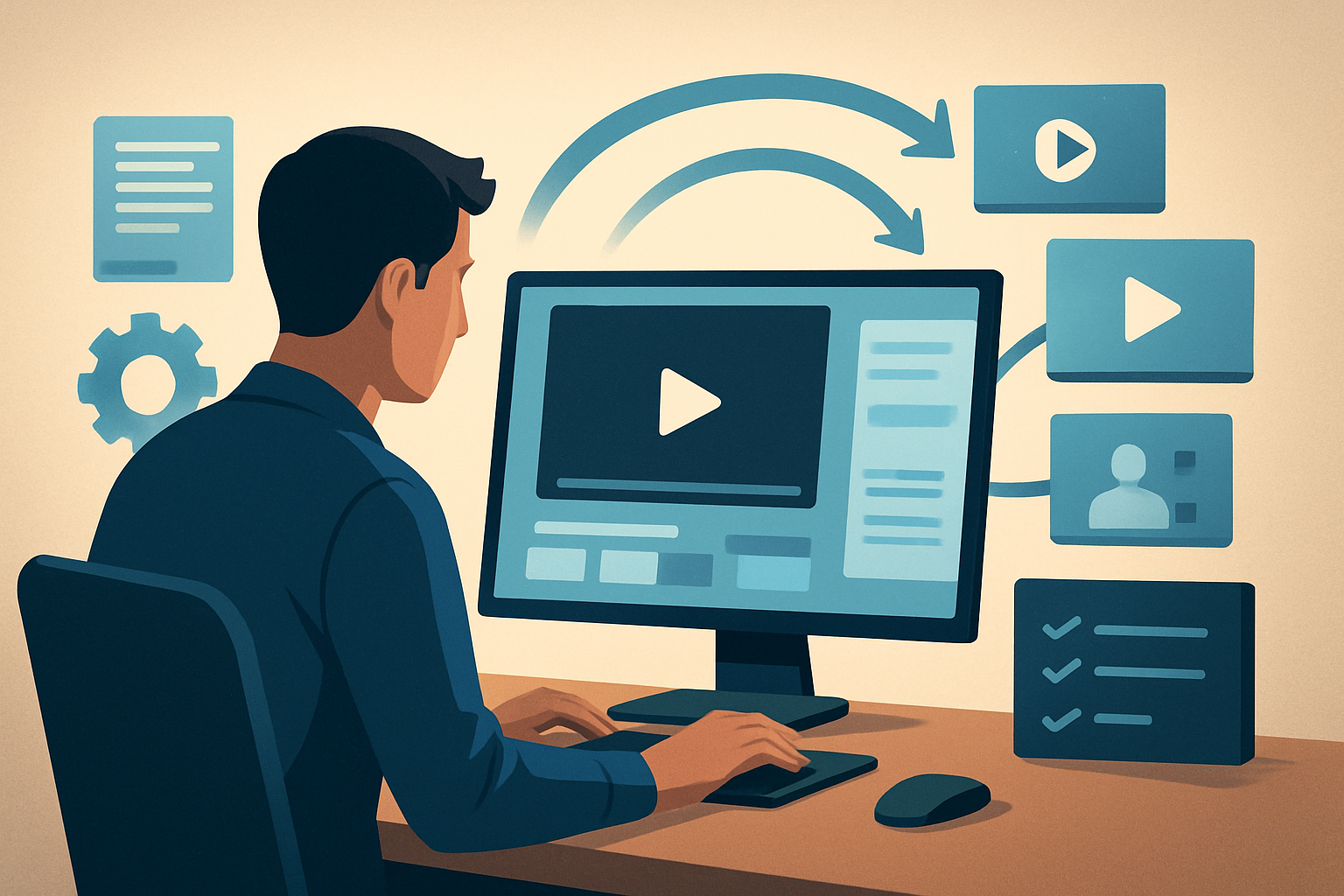
- Recording devices → Shorz (import + URL ingestion) → refine drafts with Auto Edit/Text-to-Video/Avatar → apply subtitle and packaging layers → export portrait files and thumbnails → scheduling/publishing tools.
- Shorz replaces multiple steps (rough cut, captioning, thumbnail production, ratio conversion) with a single workspace and persistent local assets, enabling repeatable output and less tool switching.
FAQ for advertisers and local businesses
Q: Can non-editors produce ads with consistent branding? A: Yes. Shorz’s reusable asset library, subtitle presets, and title-hook templates make it fast for non-editors to apply consistent brand treatments across videos.
Q: How do I repurpose the same asset for YouTube Shorts and TikTok? A: Preview in portrait, square, and landscape inside Shorz and export each format. The same project stores the assets and thumbnails for each ratio—no full re-edit required.
Q: Can I create faceless ads or quick voiceover spots? A: Use the Avatar and Text-to-Video project types to produce faceless or voiceover-driven spots when on-camera options aren’t available.
Q: Will my projects be accessible later? A: Shorz stores projects and generated assets locally, supporting persistent project history and reusable libraries for future campaigns.
Q: I have small budgets. Is this overkill? A: No. The fastest wins for local advertisers are volume and consistent hooks. Shorz is built to compress the workflow and create repeatable output so small teams can scale creative without hiring more editors.
Examples and next steps
- If you want industry-specific prompts, see tailored examples for other verticals: YouTube Shorts Ideas for Real Estate, YouTube Shorts Ideas for Finance, YouTube Shorts Ideas for Course Creators.
Ready to compress your short-form ad workflow and push more local creative live this week? Start with a trial of the Windows desktop AI video editor that supports Auto Edit Video, Text-to-Video, Avatar projects, multi-ratio previews, and local asset libraries. Try it at AI Video Editor for Faster Production.