






GPT Image 2.5 Sunburstfor sharper scenes
OpenAI's precision image variant takes a few seconds longer than Flare and gives back visibly sharper scenes, more natural lighting and the strongest likeness to a reference face — at the same credit price.
- From 1 credits per image
- Max size · 1536px
- Speed · Slower
Made with GPT Image 2.5 Sunburst in Shorz
Real images generated in Shorz, unedited, shown with the exact prompt that made them.

“Photorealistic portrait of a woman with freckles laughing in a wheat field at golden hour, natural skin texture, soft rim light.”
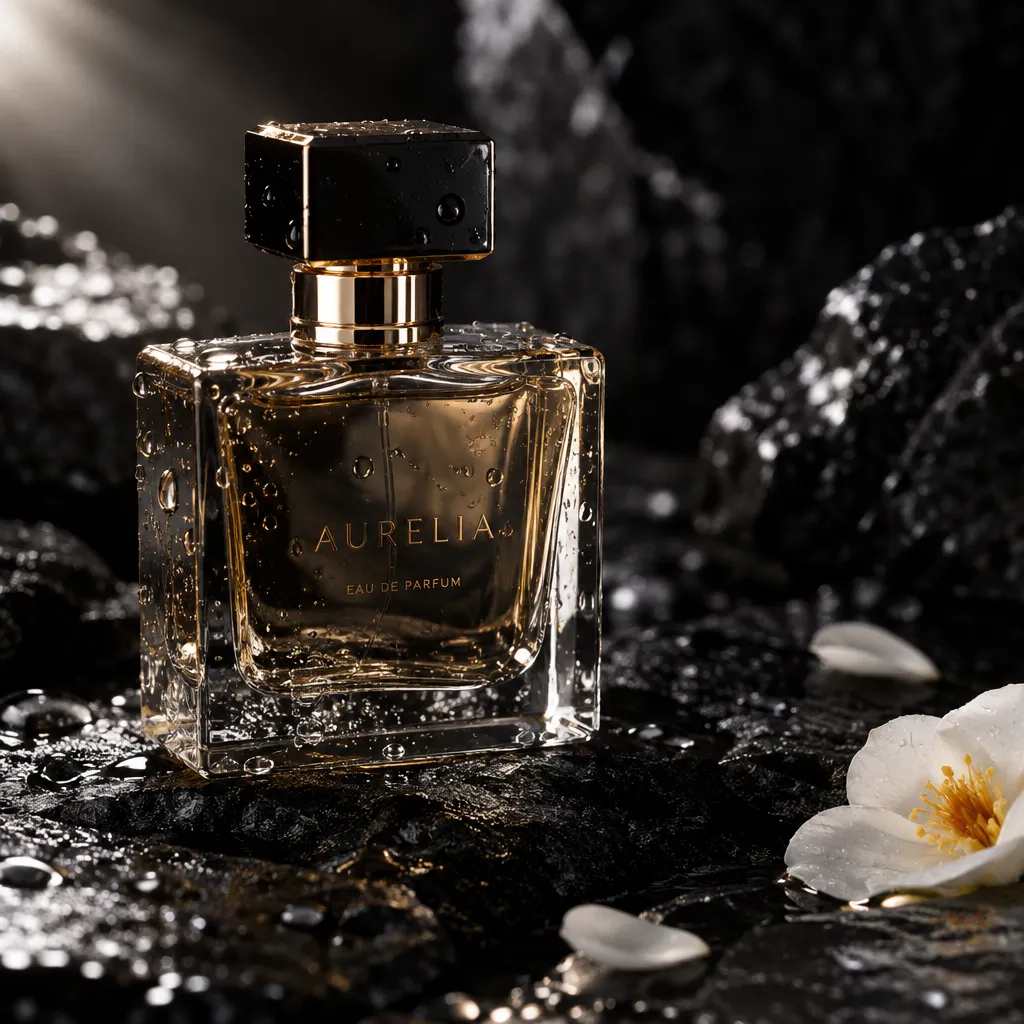
“Luxury product photo of a glass perfume bottle on wet black stone with water droplets, dramatic side light, macro detail.”
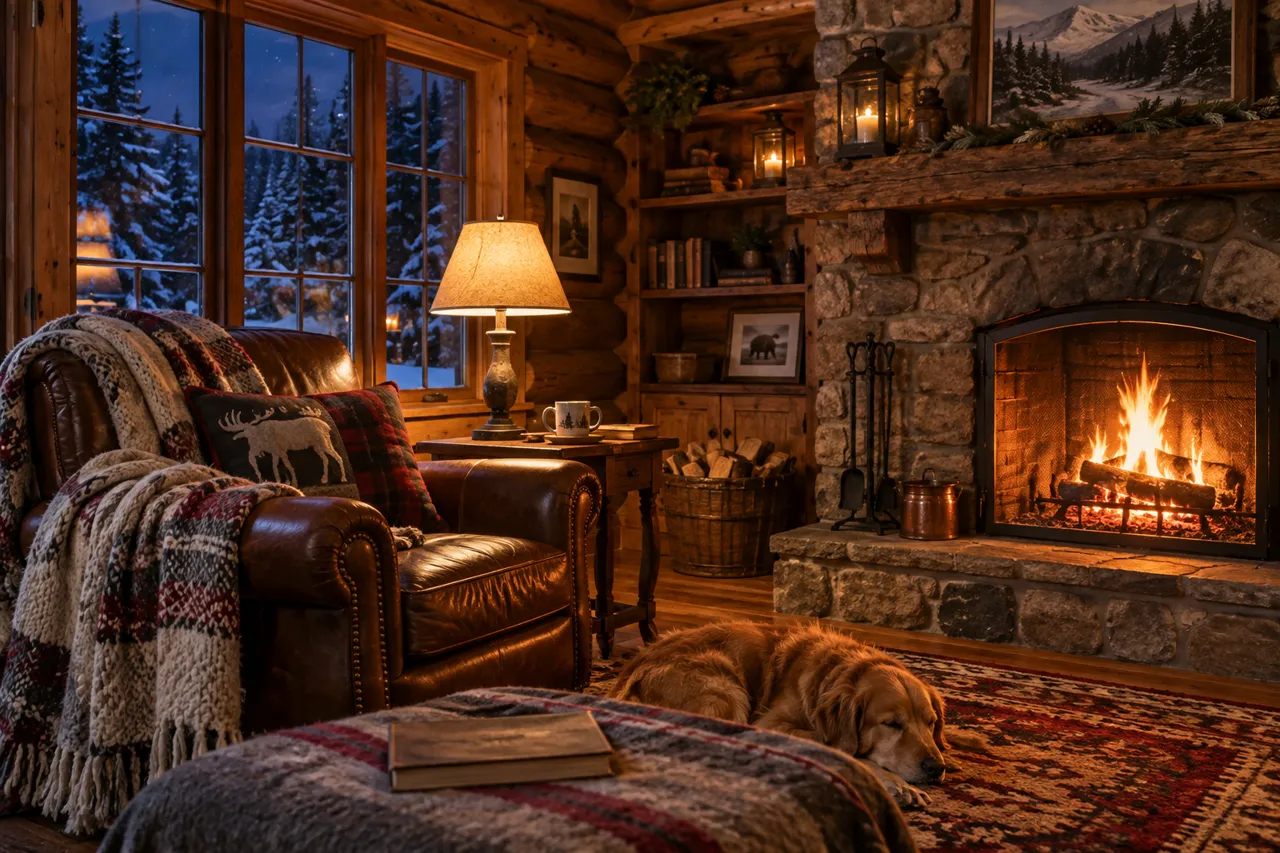
“Interior of a cozy log cabin at night, crackling fireplace, wool blankets on a leather armchair, snow visible through the window, warm lamplight.”
GPT Image 2.5 Sunburst at a glance
Sunburst is the second GPT Image 2.5 model OpenAI ships, described as offering sharper details, more natural lighting and greater control across edits. In Shorz's own side-by-side tests it produced the sharpest scenes and the strongest same-face likeness from a reference — and even Flare at max quality didn't beat Sunburst at medium.
Specs in Shorz
- Made by
- OpenAI
- Variant
- GPT Image 2.5 Sunburst (precision)
- Sizes
- 1024×1024, 1536×1024, 1024×1536
- Speed
- About 23–28 s per image in our tests (Flare: 17–21 s)
- Available in
- Text-to-Video scenes and AI B-roll
Price in Shorz credits
1–28credits per image
- 1024x1024 · low · per image1 cr
- 1024x1024 · max · per image28 cr
- 1024x1024 · high · per image7 cr
- 1024x1024 · xhigh · per image13 cr
- 1024x1024 · medium · per image2 cr
- 1024x1536 · low · per image1 cr
- 1024x1536 · max · per image22 cr
- 1024x1536 · high · per image6 cr
- 1024x1536 · xhigh · per image10 cr
- 1024x1536 · medium · per image2 cr
- 1536x1024 · low · per image1 cr
- 1536x1024 · max · per image22 cr
- 1536x1024 · high · per image6 cr
- 1536x1024 · xhigh · per image10 cr
- 1536x1024 · medium · per image2 cr
1 credit = €0.01. Prepaid packs, no subscription, credits never expire. Prices are read from the same live catalog the app uses. See packs
Why pick GPT Image 2.5 Sunburst in Shorz
Sharper detail
Visibly crisper scenes than Flare on the same prompt, in our side-by-side tests.
Best likeness from a reference
The strongest same-face match of any GPT Image option — useful for a recurring character.
Same price as Flare
Both variants spend the same tokens per image, so the upgrade costs time, not credits.
Best for
- Recurring characters
- Photoreal scenes
- Story videos
- Lighting-sensitive shots
Where GPT Image 2.5 Sunburst works in Shorz
Same model, no separate account: it runs on your Shorz credits wherever the app offers it.
How to use GPT Image 2.5 Sunburst in Shorz
Shorz is a desktop app for Windows and Mac. Download it, sign in, and GPT Image 2.5 Sunburst is already in the model picker — no API key, no waitlist, no second subscription.
- 1Download Shorz for Windows or Mac and sign in.
- 2Open a Faceless or Script to Video project, AI B-roll, the Thumbnail Creator, or Your Library → Images.
- 3Pick the image model in the dropdown.
- 4Write the prompt — or let Shorz write scene prompts from your script — and add reference images if a face or product must stay consistent.
- 5Generate; the stills drop into your scenes, B-roll track or thumbnail canvas.
GPT Image 2.5 Sunburst vs other image models
All image models in Shorz, with live credit prices.
| Model | Best at | Max size | Speed | Credits |
|---|---|---|---|---|
 Nano Banana 2 Nano Banana 2 | Google's image model for photographic scene stills, at 1K, 2K or 4K. | 4K | Standard | 6–20 per image |
| Nano Banana 2 Lite | Google's fast, low-cost 1K image tier for high-volume AI B-roll. | 1K | Fast | 6–13 per image |
| GPT Image 2.5 | OpenAI's image model (Flare) — legible text and fast edits, the thumbnail default. | 1536px | Fast | 1–28 per image |
| GPT Image 2.5 Sunburst | OpenAI's precision variant — sharper detail, natural light, strongest same-face likeness. | 1536px | Slower | 1–28 per image |
Every model, one app
Shorz isn't a model playground. The models generate the parts; the editor around them turns those parts into a finished, captioned, published video.
- Every model on one prepaid balance — no per-provider subscriptions
- No watermark on anything you generate or export
- Full commercial rights on what you create
- No API keys to manage: the models run on your Shorz account
- New model versions appear in the picker without an app update
- Drivable from Claude, Cursor, Codex or Gemini over MCP
GPT Image 2.5 Sunburst questions
Same price. Flare (labelled GPT Image 2.5) is faster; Sunburst takes a few seconds longer per image and returns sharper scenes with more natural light and better likeness from a reference face.
Sunburst is offered for scene and B-roll images. The Thumbnail Creator uses GPT Image 2.5 (Flare) or Nano Banana 2.
No. Shorz never watermarks output, and you keep full commercial rights.
Still have questions? Ask founder
More models in Shorz
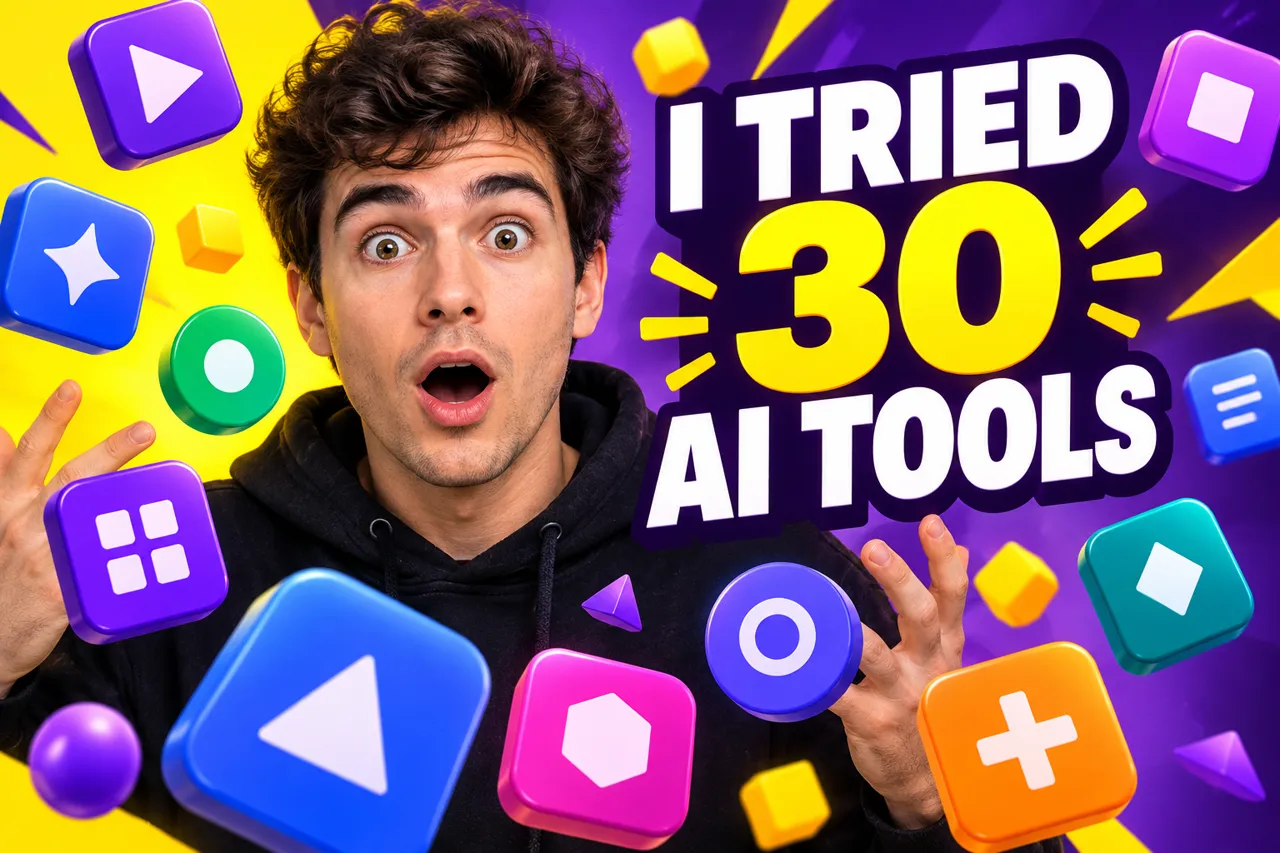 Thumbnail default
GPT Image 2.5
OpenAI · Image
OpenAI's image model (Flare) — legible text and fast edits, the thumbnail default.
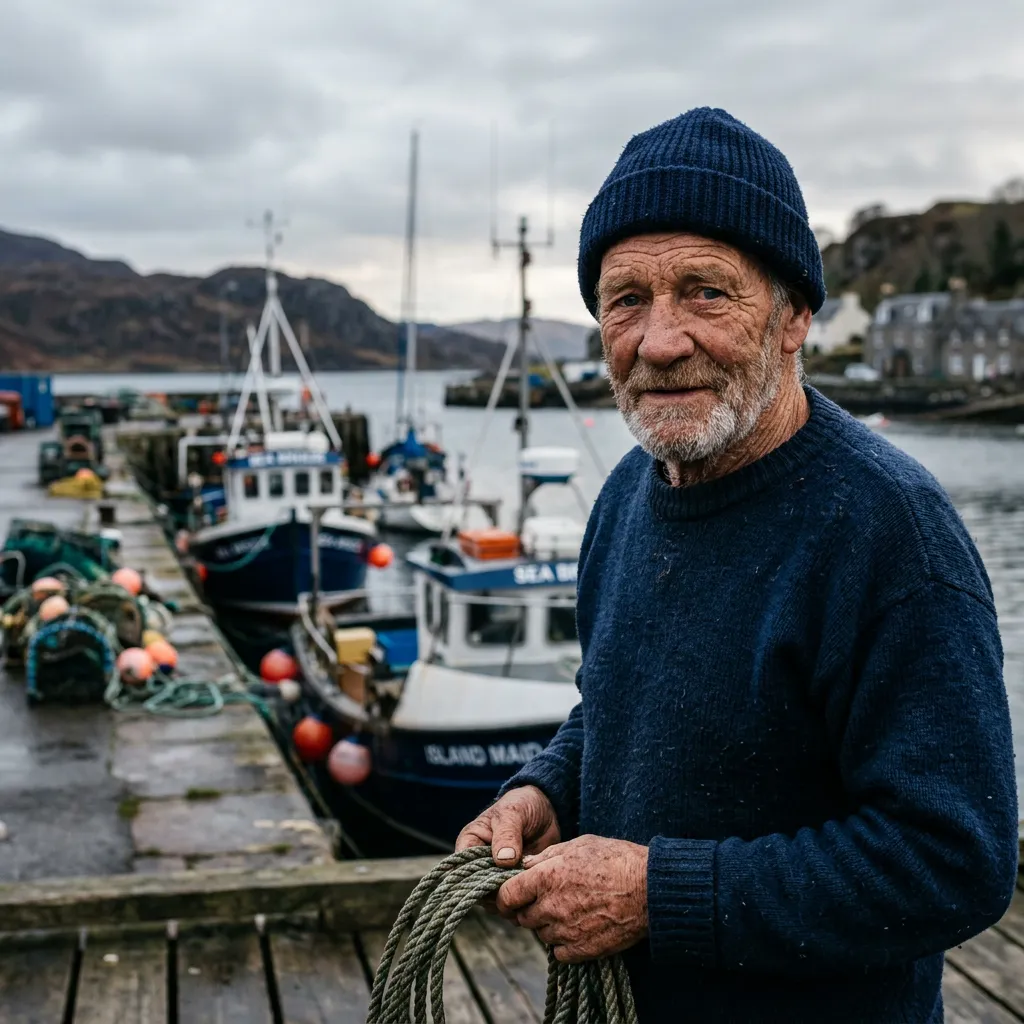 Default · Up to 4K
Nano Banana 2
Google · Image
Google's image model for photographic scene stills, at 1K, 2K or 4K.

Kling Video v3
Kling AI · Video
Kling AI's v3 Standard model for motion-heavy shots, 3–15s at 720p.
 Default
Claude Opus 5.5
Anthropic · Language
Anthropic's Opus 5.5 — the default brain behind every Shorz project.

Try GPT Image 2.5 Sunburst in Shorz
Download Shorz for Windows or Mac and GPT Image 2.5 Sunburst is already in the picker — no API key, no subscription, no watermark.
Publishes straight to