





Presenter-led lessons
One photo + a script → an instructor who speaks, gestures and keeps eye contact.
Try this prompt
“Script: 'In this lesson we'll set up your first report.' Calm, open hand gestures.”
Turn scripts, slides and screen recordings into lessons people finish. An AI presenter delivers them, captions make them accessible, and updating a lesson means editing text — not reshooting.

a photo + a lesson scriptone promptpresenter-led lesson
Training content goes stale fast, and every update used to mean booking the presenter again. With Shorz the lesson is a script: the presenter is a photo, the voice is ElevenLabs, the visuals are generated or recorded — so a policy change is a text edit and a re-render.
One photo + a script → an instructor who speaks, gestures and keeps eye contact.
Try this prompt
“Script: 'In this lesson we'll set up your first report.' Calm, open hand gestures.”
Narration plus a generated visual for every beat.
Try this prompt
“Explain our expense policy in 3 minutes: clean flat illustrations, one idea per scene.”
Screen recordings tightened, with zooms on every click and a title per step.
Try this prompt
“Speed up the waiting, zoom on each click, add a step title before every section.”
Word-timed subtitles on every lesson, in your brand fonts.
Try this prompt
“Add large high-contrast captions to every lesson in the course.”
Dub lessons into around 108 languages, captions re-synced.
Try this prompt
“Dub the onboarding course into Spanish, Polish and Ukrainian.”
Describe a process and get a motion-graphics explainer.
Try this prompt
“Animate our 4-step approval flow as connected boxes that light up in order.”
Up to 40,000 characters per presenter video.
Upload a photo or generate one; choose an ElevenLabs voice.
Screen recordings, generated scenes, titles and subtitles.
Change the script, re-render — no reshoot.
The models training teams lean on most in Shorz — all on one prepaid balance, no API keys.
 Kling AvatarKling AIEveryday lesson presenters, with motion instructions.
 OmniHuman 1.5ByteDanceThe most realistic presenter for flagship courses.
 ElevenLabs v4ElevenLabsNarration in 90+ languages.
 Nano Banana 2 LiteGoogleCheap stills for long lesson series.ElevenLabs Scribe v2ElevenLabsCaptions timed to every word.ElevenLabs Dubbing v2ElevenLabsLessons re-voiced for global teams.
One desktop app for the edit, the generation and the upload — with one credit balance instead of a stack of subscriptions.
Shorz speaks MCP. Connect it to Claude, Cursor, Codex or Gemini and one message runs the edit, the generation and the scheduling. You review before anything is published.
See every MCP toolYou say
“Turn each file in /lessons into a 3-minute presenter video with captions, then dub them into Spanish.”
Shorz does
Up to 40,000 characters (about 6,000 words) per presenter video — roughly 45 minutes of finished video.
No. Upload a photo of the presenter or generate one, pick a voice, and Shorz lip-syncs the presenter to the script.
Yes. Dub finished lessons into around 108 languages with re-synced captions, or narrate a translated script natively in 90+ languages.
Shorz is a desktop app for Windows and Mac, so your source footage and projects stay on your machine. Only the inputs a generation needs — a prompt, a script, a reference image — are sent to the model.
Still have questions? Ask founder
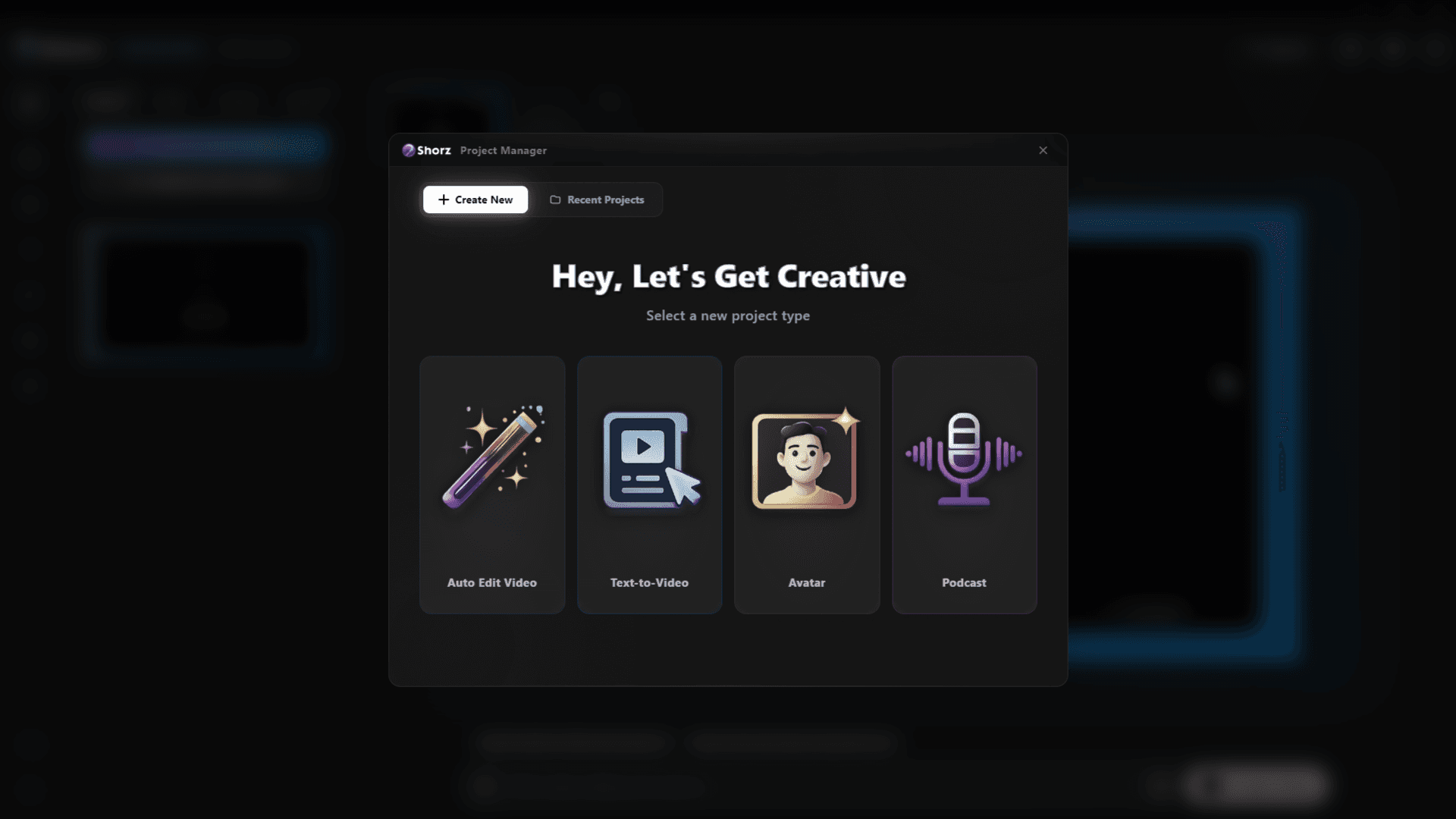
Spokesperson updates, onboarding and announcements — captioned, dubbed and kept on your machine.
Explore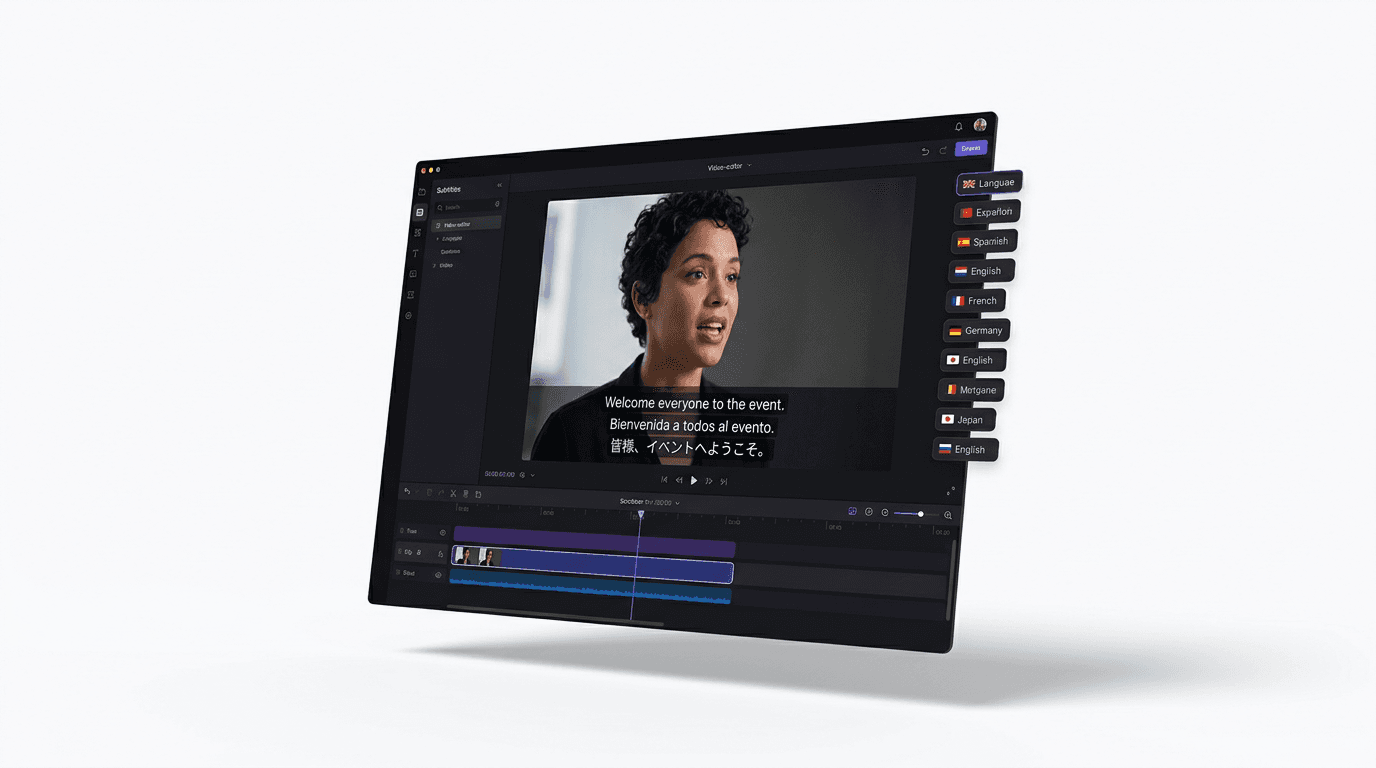
Dub finished videos into ~108 languages, narrate natively in 90+, captions included.
Explore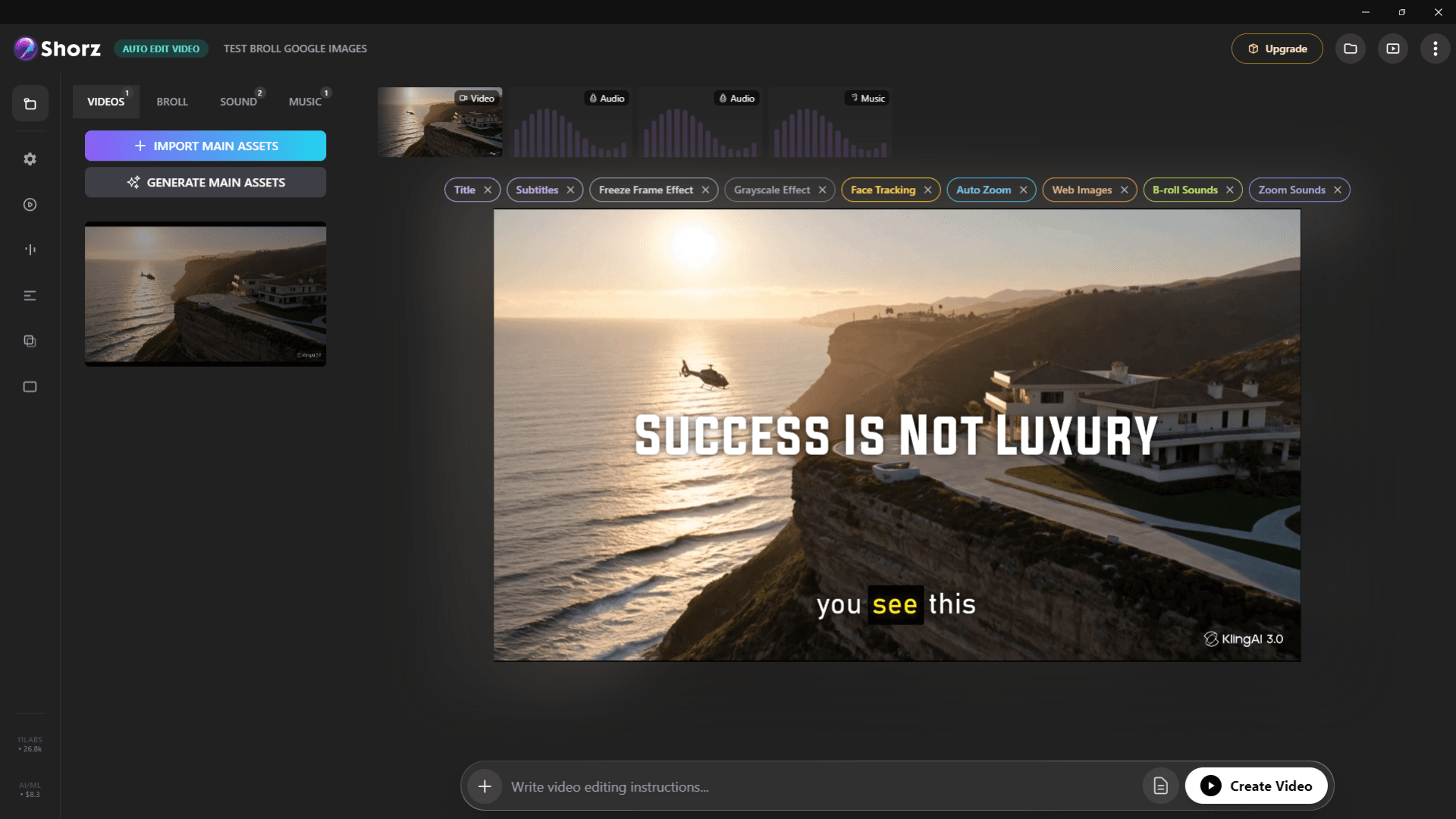
Auto-edit talking heads, clip long videos into Shorts, run faceless channels and publish everywhere.
ExplorePresenters, narration, captions and dubbing — in one desktop app.
Publishes straight to
