





Personalised prospecting videos
One script template, a version per account — name, company and pain point.
Try this prompt
“Rep photo + cloned voice: 'Hi Sam — noticed Acme just opened a Berlin office…' 30 seconds.”
Personal video for every prospect, without recording every take. Your rep's clone speaks to each account by name, and an AI agent batches the whole list.

a photo + a scriptone prompta personal video per lead
Personal video gets replies — but recording forty takes a day doesn't scale. In Shorz, a rep's photo and cloned voice become a presenter, and an AI agent writes and renders a version per prospect from your list. Reps review and send; the camera stays off.
One script template, a version per account — name, company and pain point.
Try this prompt
“Rep photo + cloned voice: 'Hi Sam — noticed Acme just opened a Berlin office…' 30 seconds.”
A 60-second demo cut from a longer recording.
Try this prompt
“Cut this demo to the three features that matter for finance teams, 60 seconds, captions.”
A short recap of the call with next steps.
Try this prompt
“Recap for Dana: what we heard, what we'll send, next meeting Thursday. 45 seconds.”
Narrate a proposal with visuals per section.
Try this prompt
“2-minute walkthrough of the proposal: scope, timeline, pricing, why us.”
Cut customer webinar moments into shareable proof.
Try this prompt
“Find 4 moments where customers mention ROI and cut each under 40 seconds.”
The same video in the prospect's language.
Try this prompt
“Dub the intro video into French and German for the EU accounts.”
A photo and a cloned voice per rep.
Leave slots for name, company and pain point.
An AI agent fills the slots and renders a video per prospect.
Reps check each video and send it from their own tools.
The models sales teams lean on most in Shorz — all on one prepaid balance, no API keys.
 OmniHuman 1.5ByteDanceRealistic rep clones that hold up one-to-one.
 Kling AvatarKling AILower-cost presenters for high-volume lists.
 ElevenLabs v4ElevenLabsEach rep's cloned voice.
 Claude Sonnet 5.5AnthropicFills templates and plans demo cuts.
 Grok 4.3 X SearchxAILive research on an account before outreach, via MCP.ElevenLabs Dubbing v2ElevenLabsOutreach re-voiced for other markets.
One desktop app for the edit, the generation and the upload — with one credit balance instead of a stack of subscriptions.
Shorz speaks MCP. Connect it to Claude, Cursor, Codex or Gemini and one message runs the edit, the generation and the scheduling. You review before anything is published.
See every MCP toolYou say
“For each row in prospects.csv, make a 30-second video from my avatar using the 'Berlin expansion' template.”
Shorz does
Yes. Each rep uploads a photo and, if they want their real voice, adds a cloned ElevenLabs voice with their key. The Avatar project lip-syncs the photo to each script.
Through MCP: an AI agent like Claude or Cursor reads your list, fills the script template for each prospect and renders the videos. Reps review them before sending.
We recommend it. Follow your local rules and platform policies on AI-generated likeness and disclose where required — and only clone a rep's face and voice with their consent.
There's no subscription. Auto Edit and Clipping include 4 free videos a week; AI generation, avatars and dubbing run on prepaid credits (1 credit = €0.01) that never expire. No watermark on any tier.
Still have questions? Ask founder
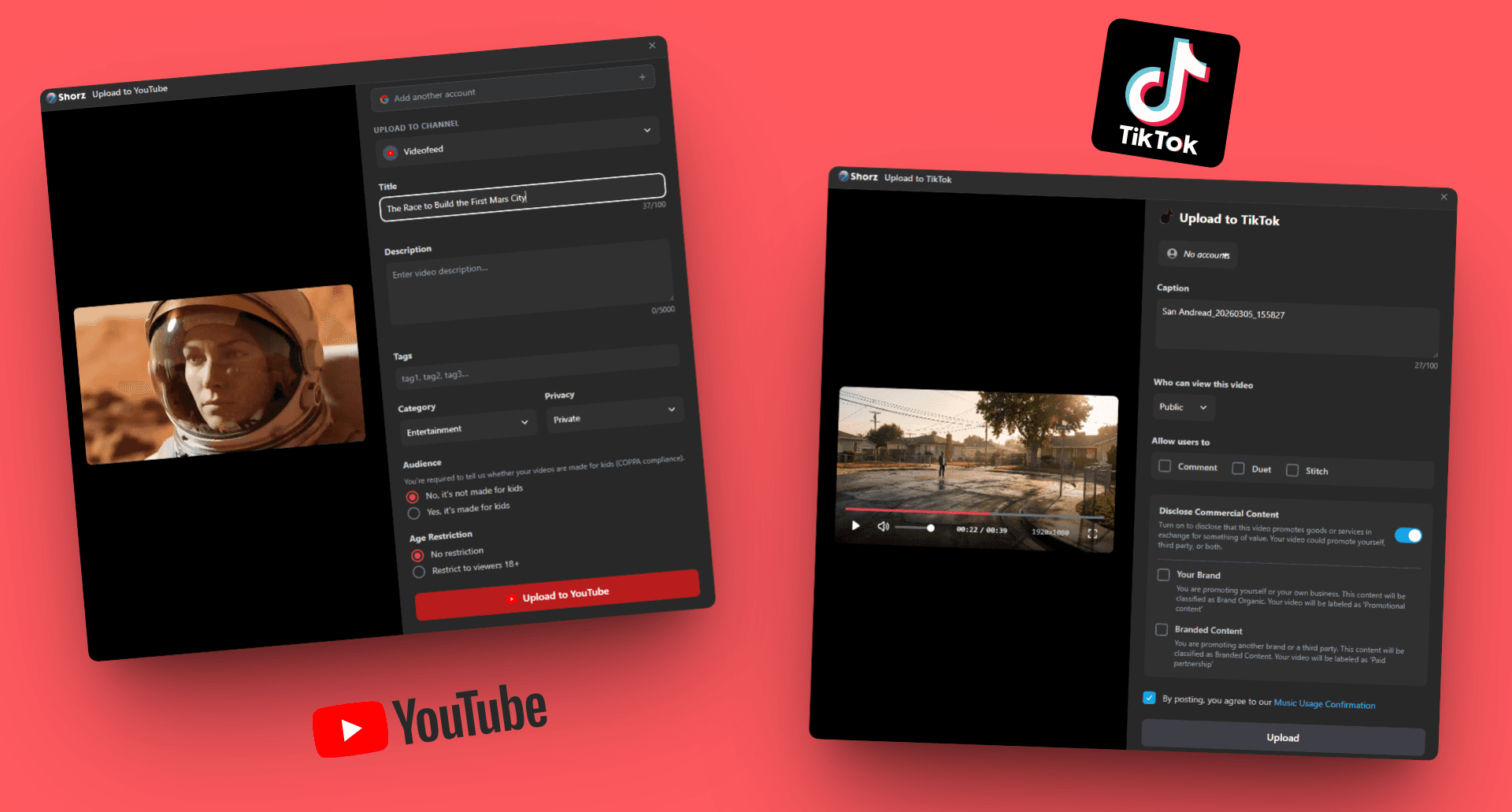
Repurpose long content, test ad variants and schedule on-brand video to eight platforms.
Explore
Product demos from screen recordings, launch videos, changelogs and multilingual tutorials.
Explore
Spokesperson updates, onboarding and announcements — captioned, dubbed and kept on your machine.
ExploreRep clones, demo cuts and recaps — batched by your AI agent.
Publishes straight to
