




Promo reels from phone clips
Drop in raw clips; get a cut with captions, music and zooms.
Try this prompt
“30-second reel of today's bakes: fast cuts, upbeat music, captions, 'Open till 6' end title.”
Post video every week without an agency or an editor. Phone clips become promo reels, a product photo becomes an ad, and everything is scheduled from one app.

six phone clipsone prompta reel cut to the beat
Owners know video works — they just don't have an afternoon a week to edit it. Shorz turns the clips already on your phone into captioned reels, makes ads from a single product photo, and schedules the lot, so a week of posting takes a coffee break instead of a weekend.
Drop in raw clips; get a cut with captions, music and zooms.
Try this prompt
“30-second reel of today's bakes: fast cuts, upbeat music, captions, 'Open till 6' end title.”
One product photo and a brief become a storyboarded 10–40 second spot.
Try this prompt
“20-second ad for our spring menu: fresh ingredients, cosy interior, '10% off this week' end card.”
Your photo and your voice introduce the business — no filming.
Try this prompt
“My photo + my cloned voice: 'Hi, I'm Maria — here's why we started this shop.'”
Bold graphics with legible prices and dates.
Try this prompt
“Square promo graphic: 'Weekend sale — 2 for 1 coffees', warm café colours.”
Tighten a customer's phone recording into a clean, captioned clip.
Try this prompt
“Cut this review to 30 seconds, keep the best line, captions, soft background music.”
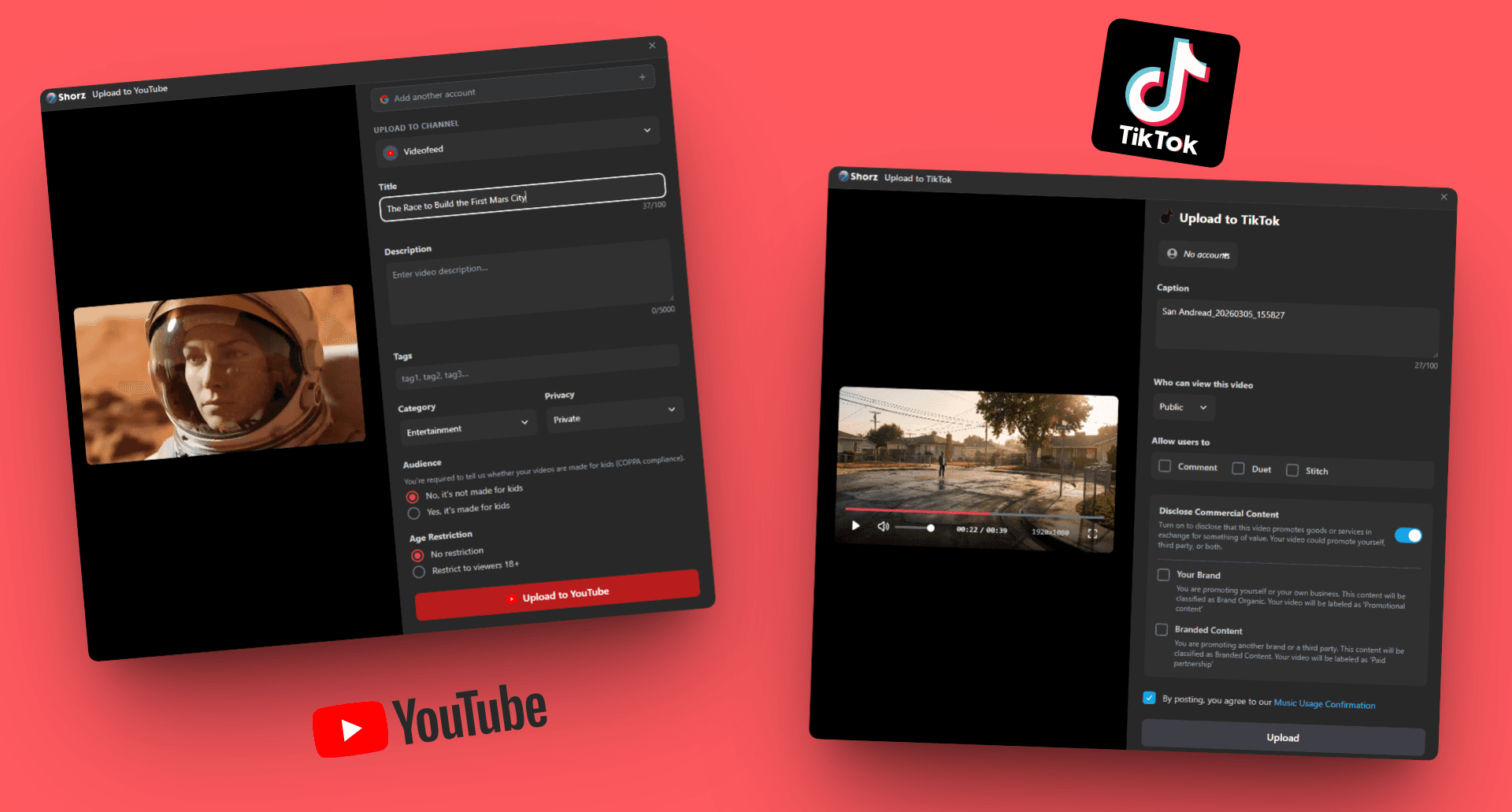
Schedule to Instagram, Facebook, TikTok, YouTube and more from the app.
Try this prompt
“Post one reel a day this week at 12pm to Instagram, Facebook and TikTok.”
Phone clips, product photos, a line about this week's offer.
Length, mood, the offer, the call to action.
Shorz builds the cut — tweak captions or music if you want.
One session, a week of posts.
The models small businesses lean on most in Shorz — all on one prepaid balance, no API keys.
 Claude Sonnet 5.5AnthropicPlans everyday edits from your clips and brief.
 Gemini Omni 1.1 FlashGoogleAnimates product and service ads.
 GPT Image 2.5OpenAIOffer graphics with legible prices and dates.
 Kling AvatarKling AILow-cost owner and staff intros.Google Lyria 2GoogleCheap background music for reels.
 ElevenLabs Scribe v2ElevenLabsCaptions on every post for silent scrolling.
One desktop app for the edit, the generation and the upload — with one credit balance instead of a stack of subscriptions.
Shorz speaks MCP. Connect it to Claude, Cursor, Codex or Gemini and one message runs the edit, the generation and the scheduling. You review before anything is published.
See every MCP toolYou say
“Turn the clips in /this-week into 5 reels with captions and music, and schedule one a day at noon.”
Shorz does
There's no subscription. Auto Edit and Clipping include 4 free videos a week; AI generation, avatars and dubbing run on prepaid credits (1 credit = €0.01) that never expire. No watermark on any tier.
No. You describe what you want in plain language and Shorz builds the edit — cuts, captions, music and zooms. You can still adjust anything in the panels.
YouTube, TikTok, Instagram, Facebook, X, LinkedIn, Threads and Pinterest, scheduled from the app.
Yes. Everything you make comes with full commercial rights and no watermark.
Still have questions? Ask founder
Repurpose long content, test ad variants and schedule on-brand video to eight platforms.
Explore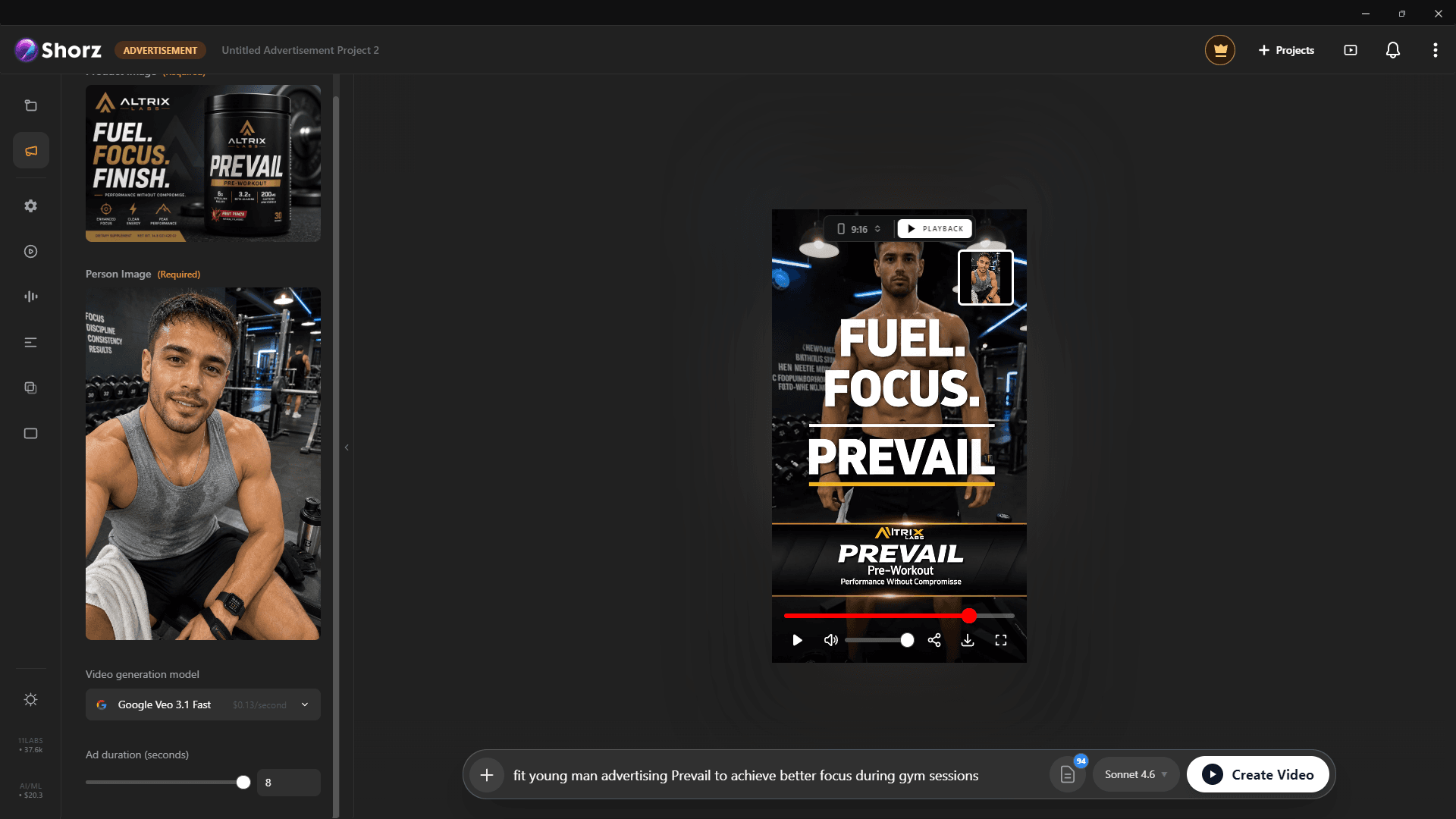
Product ads, UGC-style spots and animated packshots from the photos you already have.
Explore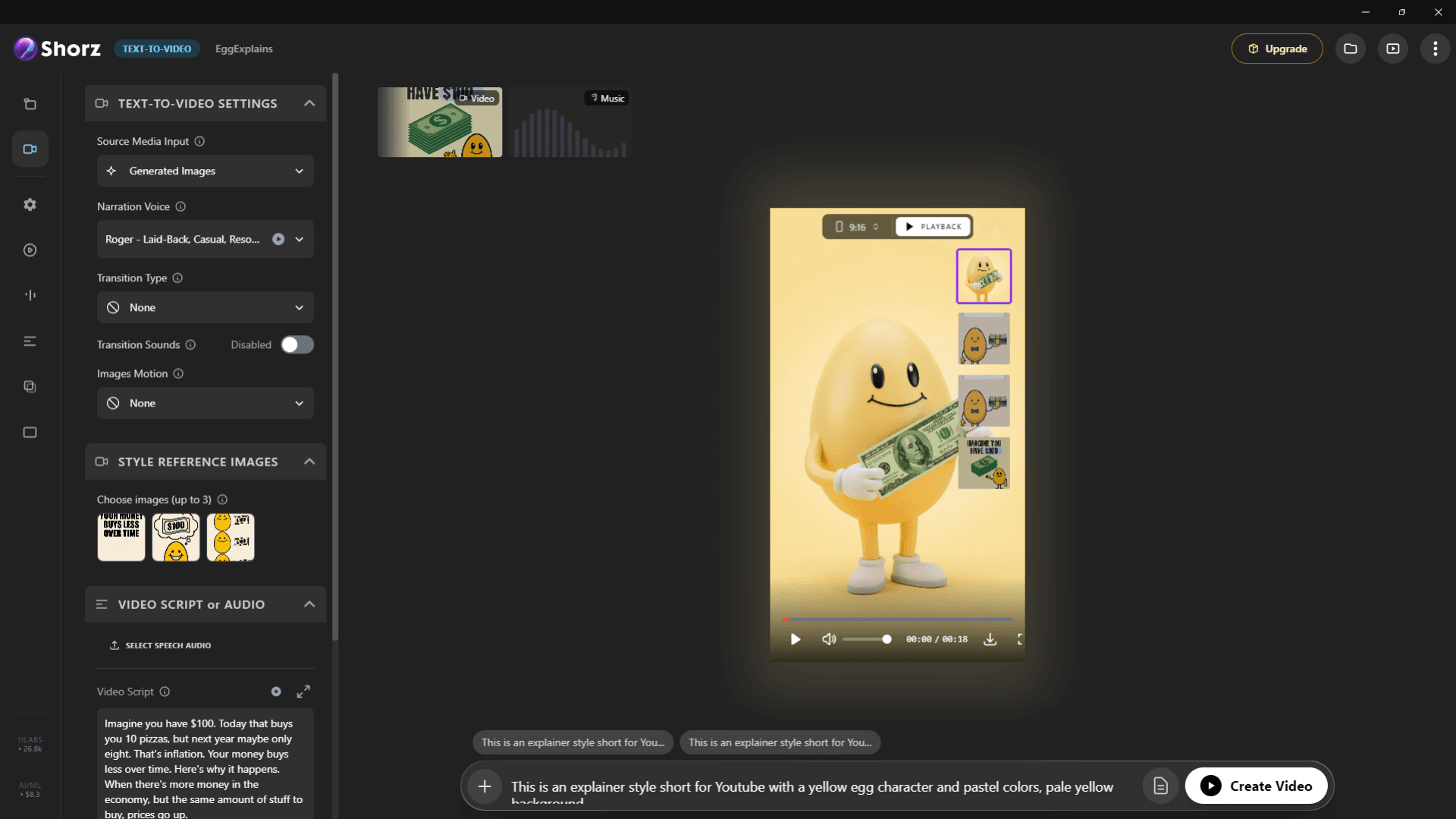
Listing videos from photos, narrated walkthroughs and agent presenters for Reels and TikTok.
ExploreReels, ads and posts from the clips and photos you already have.
Publishes straight to
