





Weekly and monthly updates
A consistent presenter reading this week's update, captioned.
Try this prompt
“Our quarter in 90 seconds: wins, numbers, what's next. Warm, confident delivery.”
Company updates people actually watch. A consistent spokesperson, captions for silent viewing, every language your team speaks — and the files never leave your machine.

a photo + an updateone promptcaptioned update in every language
A memo gets skimmed; a two-minute video gets watched — if someone has time to make it. Shorz turns the update you'd have written anyway into a captioned video with a consistent presenter, then dubs it for every office. Because it's a desktop app, the drafts stay on your machine.
A consistent presenter reading this week's update, captioned.
Try this prompt
“Our quarter in 90 seconds: wins, numbers, what's next. Warm, confident delivery.”
A founder or exec clone from a headshot and a cloned voice.
Try this prompt
“CEO headshot + cloned voice: announce the new office opening, 60 seconds.”
One video per team or role, updated whenever the process changes.
Try this prompt
“Welcome to the team: how your first week works, friendly illustrations, calm narrator.”
Cut a long recording down to the moments people need.
Try this prompt
“Cut the 4 key announcements from this all-hands into short captioned clips.”
Turn a dense document into a short narrated explainer.
Try this prompt
“Explain the new travel policy in 2 minutes: what changed, who it affects, where to ask.”
Every update dubbed into the languages your offices speak.
Try this prompt
“Dub the update into German, Japanese and Portuguese with captions.”
Paste what you'd have put in the memo.
A photo of the real spokesperson, or a generated one.
Subtitles on, plus a version per language.
Export the files for your intranet, Slack or LMS.
The models internal comms teams lean on most in Shorz — all on one prepaid balance, no API keys.
 Kling Avatar ProKling AIA polished, consistent spokesperson.
 OmniHuman 1.5ByteDanceRealistic leadership clones from a headshot.
 ElevenLabs v4ElevenLabsPreset voices or the speaker's own clone.ElevenLabs Dubbing v2ElevenLabsUpdates re-voiced for every office.ElevenLabs Scribe v2ElevenLabsCaptions for silent viewing.
 Claude Sonnet 5.5AnthropicPlans highlight cuts from long recordings.
One desktop app for the edit, the generation and the upload — with one credit balance instead of a stack of subscriptions.
Shorz speaks MCP. Connect it to Claude, Cursor, Codex or Gemini and one message runs the edit, the generation and the scheduling. You review before anything is published.
See every MCP toolYou say
“Turn this week's update doc into a 90-second presenter video with captions, plus German and Japanese versions.”
Shorz does
Shorz is a desktop app for Windows and Mac, so your source footage and projects stay on your machine. Only the inputs a generation needs — a prompt, a script, a reference image — are sent to the model.
Yes. Upload a headshot and, if you want their real voice, add a cloned ElevenLabs voice with your key. Shorz lip-syncs the photo to the script.
Yes. Shorz exports normal video files, so they work in Slack, Teams, an intranet or an LMS.
Dub each update into around 108 languages with re-synced captions, or write the script in the target language and narrate it natively.
Still have questions? Ask founder

AI presenters, script-to-video lessons and screen-recording tutorials you update by editing text.
Explore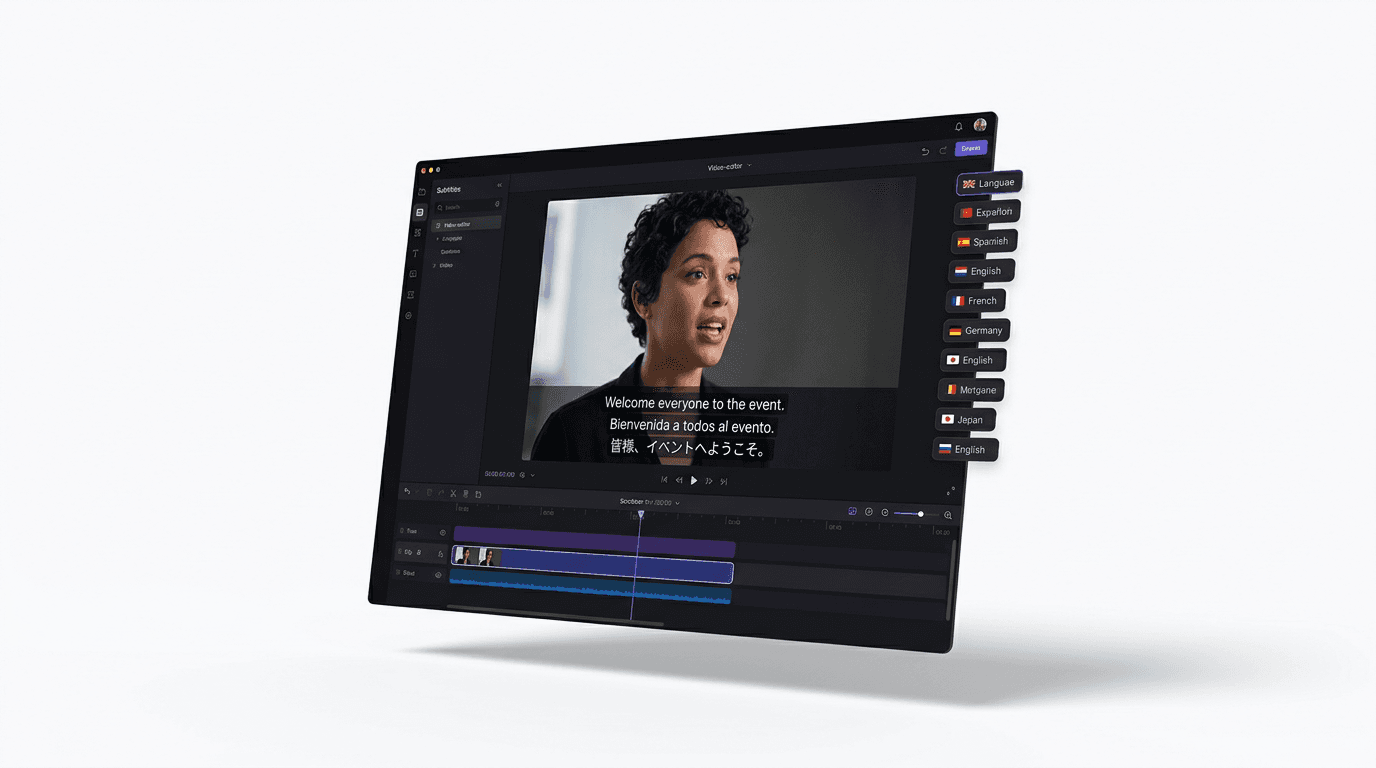
Dub finished videos into ~108 languages, narrate natively in 90+, captions included.
Explore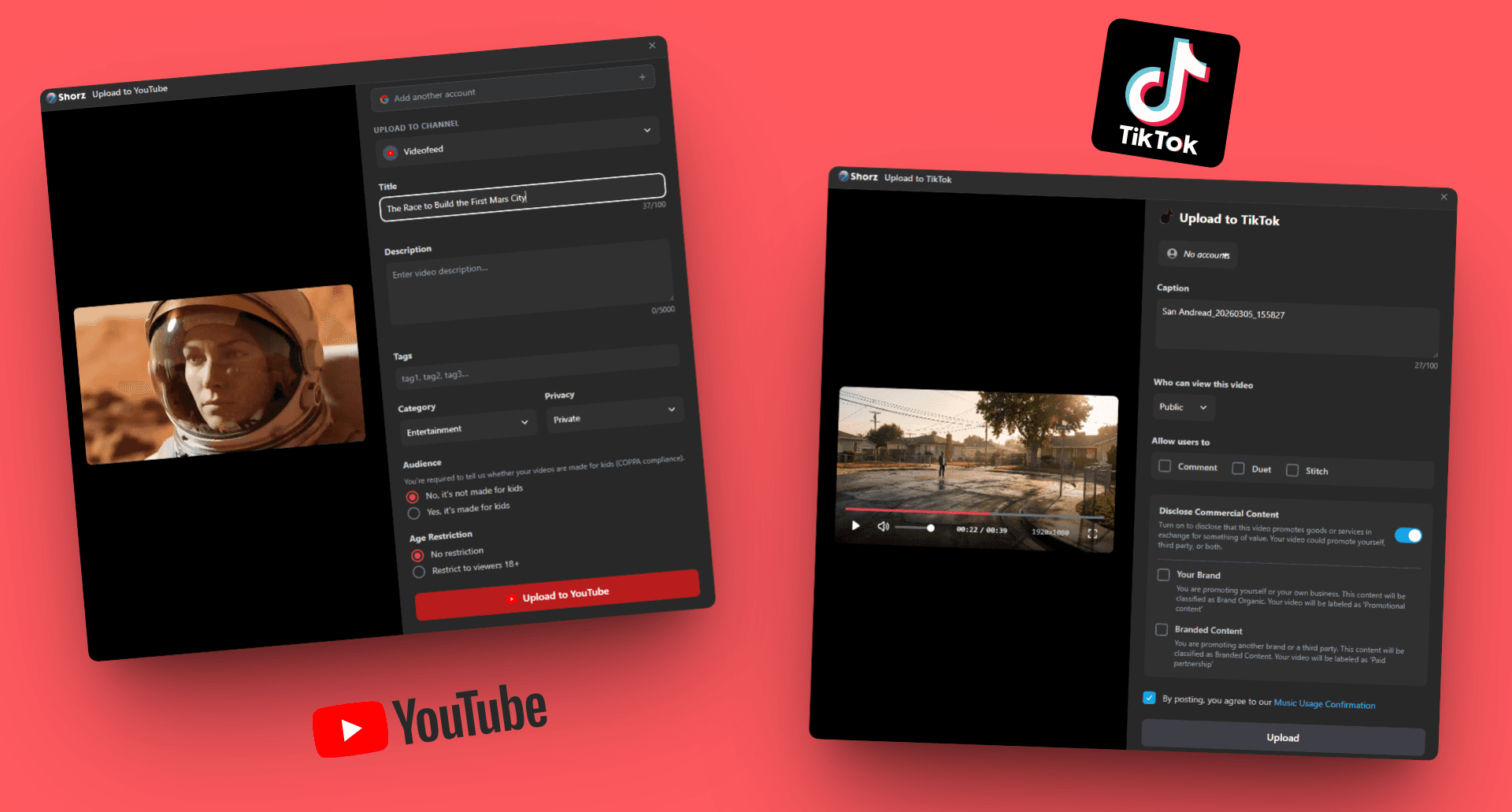
Repurpose long content, test ad variants and schedule on-brand video to eight platforms.
ExploreSpokesperson, captions and dubbing — and the files stay on your machine.
Publishes straight to
