




Webinar and event clips
Turn a recording into a week of short, captioned posts.
Try this prompt
“Cut 6 clips about pricing objections from this webinar, each under 40 seconds.”
More video, same headcount. Turn every webinar, demo and interview into a stream of on-brand clips and ad variants — resized, captioned and scheduled to eight platforms.

a webinar recordingone promptclips for every platform
Every channel wants more video, in a different shape, every week. The bottleneck isn't ideas — it's the editing and posting in between. Shorz turns the long content you already have into platform-ready clips, generates the footage you don't have, and posts it from the same app.
Turn a recording into a week of short, captioned posts.
Try this prompt
“Cut 6 clips about pricing objections from this webinar, each under 40 seconds.”
Product photo + presenter still + brief → a storyboarded 10–40 second spot.
Try this prompt
“30-second ad for our bottle: commute, gym, hike — 'cold for 24 hours' end card.”
A presenter reading your script, in as many variants as you want to test.
Try this prompt
“Three hooks, same presenter: a question, a bold claim, a customer quote.”
Tighten a screen recording into a clean 60-second demo with captions.
Try this prompt
“Keep the three key features, zoom on each click, captions and a CTA end card.”
One edit, exported 9:16, 1:1 and 16:9 with face tracking keeping the subject in frame.
Try this prompt
“Export this as 9:16 for Reels, 1:1 for LinkedIn and 16:9 for YouTube.”
Per-platform captions and timing, posted from the app.
Try this prompt
“Schedule to LinkedIn and X at 9am Tuesday, TikTok and Reels at 6pm.”
A webinar, a demo, a product photo or a brief.
Clips, ad versions and ratios from one source.
Your fonts, colours, captions and end cards on every cut.
Post to eight platforms with per-platform settings.
The models marketing teams lean on most in Shorz — all on one prepaid balance, no API keys.
 Gemini Omni 1.1 FlashGoogleAnimates storyboarded ad spots in Advertisement projects.
 GPT Image 2.5OpenAIAd frames and end cards with legible text and offers.
 Kling AvatarKling AILow-cost presenters for ad variant batches.
 Seedance 2.0 FastByteDanceSocial-ready B-roll at 720p.
 Claude Sonnet 5.5AnthropicPlans everyday edits and clip picks.
 Grok 4.3 X SearchxAILive X research for hooks and angles, via MCP.
One desktop app for the edit, the generation and the upload — with one credit balance instead of a stack of subscriptions.
Shorz speaks MCP. Connect it to Claude, Cursor, Codex or Gemini and one message runs the edit, the generation and the scheduling. You review before anything is published.
See every MCP toolYou say
“Turn this webinar into 6 clips, make 3 ad hooks from the best one, and schedule everything next week.”
Shorz does
YouTube, TikTok, Instagram, Facebook, X, LinkedIn, Threads and Pinterest — scheduled from the app with per-platform options.
Advertisement projects run 10 to 40 seconds: Shorz storyboards the spot and Gemini Omni Flash animates each scene.
Yes. Use any font installed on your machine, your own colours, background pills, strokes and highlight-on-the-spoken-word.
Yes. Everything you generate or export comes with full commercial rights and no watermark.
Still have questions? Ask founder
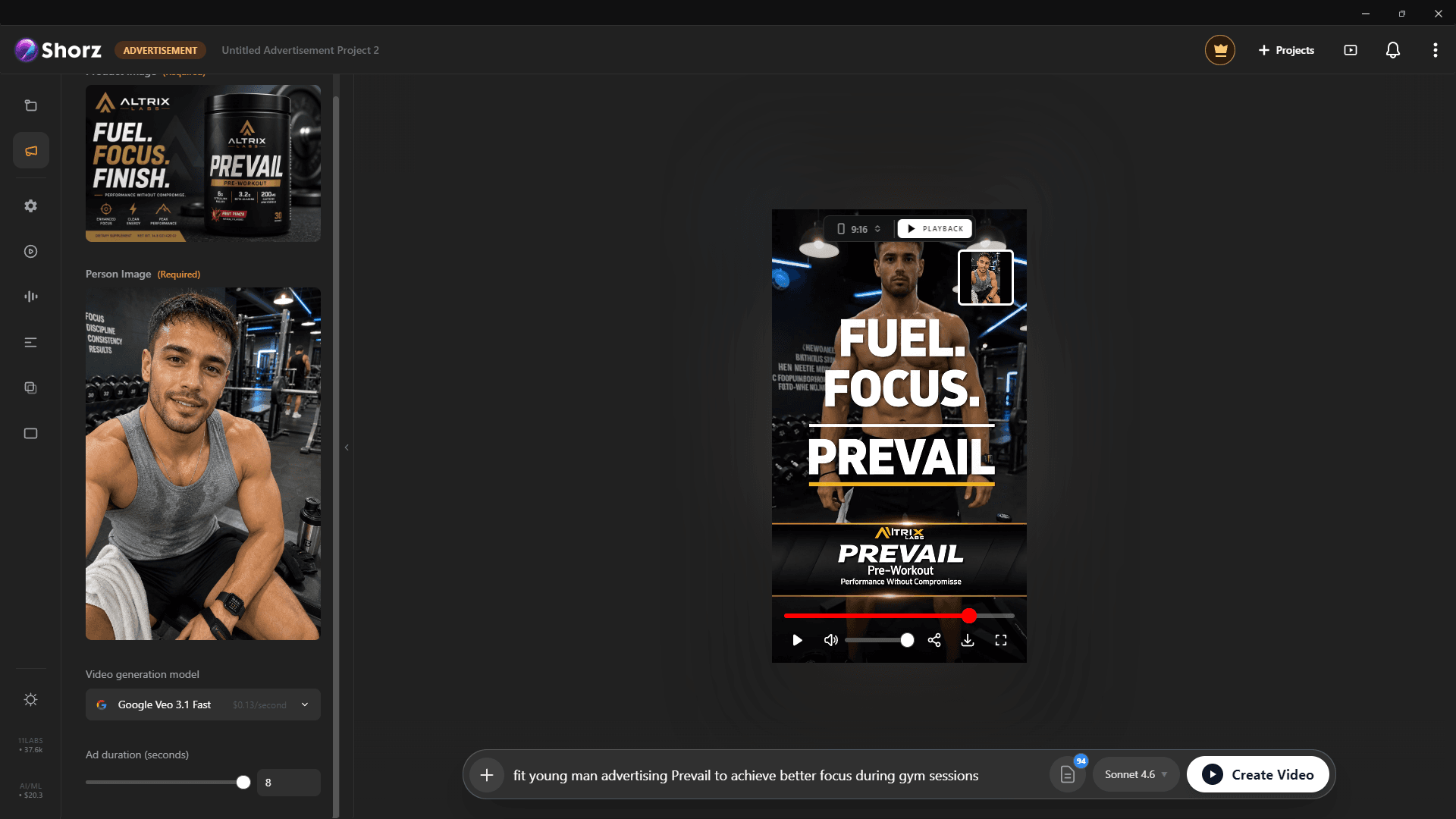
Product ads, UGC-style spots and animated packshots from the photos you already have.
Explore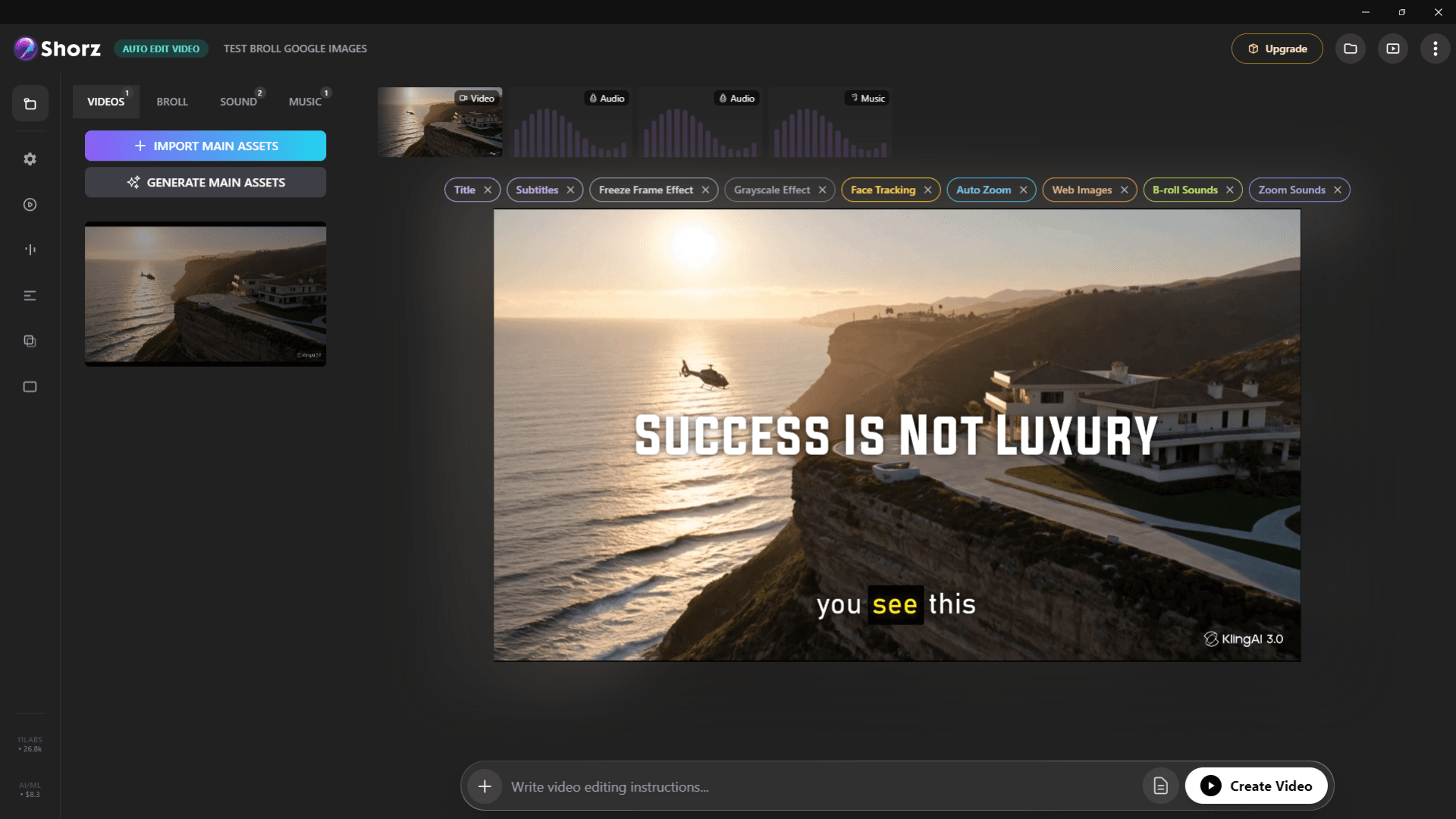
Auto-edit talking heads, clip long videos into Shorts, run faceless channels and publish everywhere.
Explore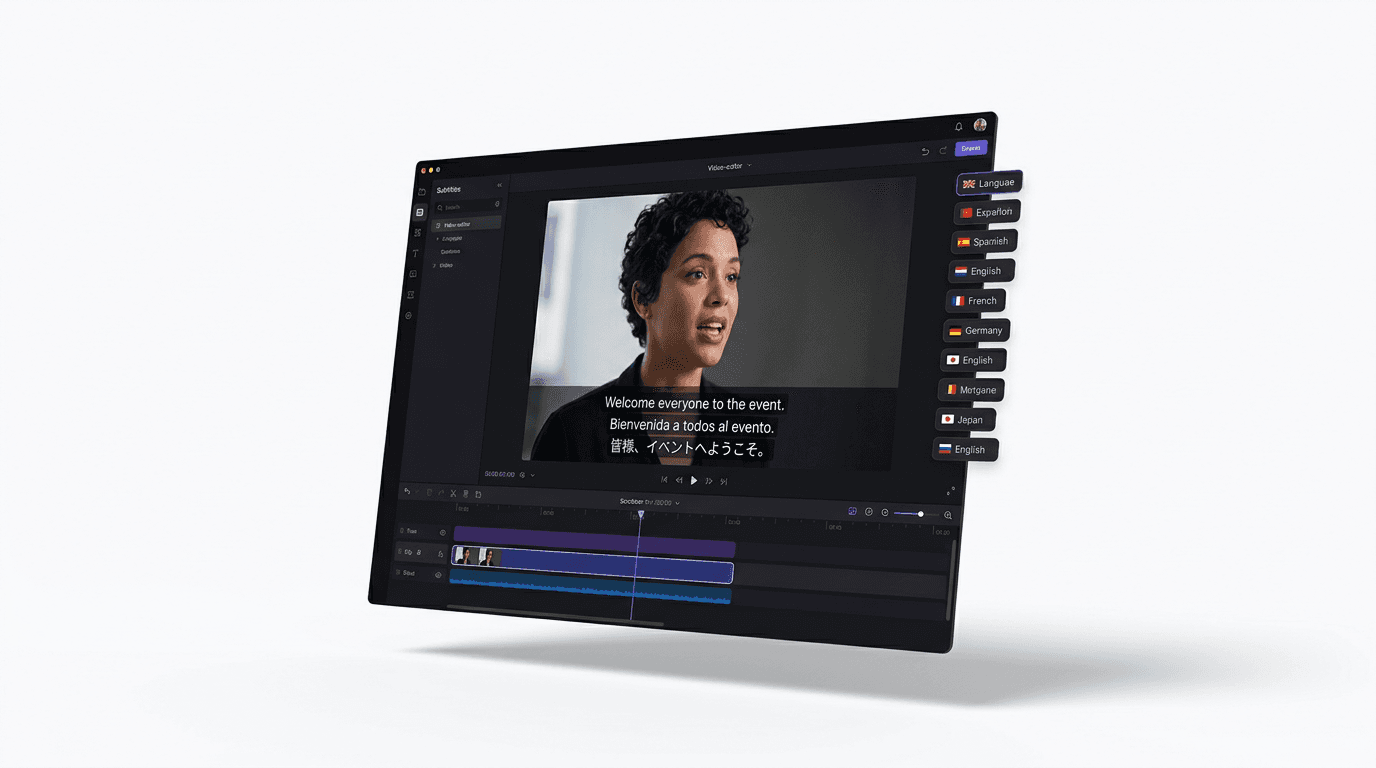
Dub finished videos into ~108 languages, narrate natively in 90+, captions included.
ExploreRepurpose, generate, resize and schedule — from one desktop app.
Publishes straight to
