





Webinar and workshop clips
The best teaching moments, cut vertical with captions.
Try this prompt
“Find 6 moments where I explain a framework, 30–60 seconds each, captions on.”
Your expertise, on camera every week — without spending the week on camera. Turn webinars into clips, newsletters into videos and frameworks into a mini-course presented by your AI clone.

a recorded talkone promptbranded vertical and square clips
For coaches and consultants, video is the trust-builder that turns a follower into a booked call. The problem is time: every hour editing is an hour not coaching. Shorz turns the talks, calls and posts you already produce into a steady stream of video — and can present new material as you, from one photo.
The best teaching moments, cut vertical with captions.
Try this prompt
“Find 6 moments where I explain a framework, 30–60 seconds each, captions on.”
Square or vertical talking-head posts, cleaned up and captioned.
Try this prompt
“Cut this to 90 seconds, square, remove ums, bold captions, my name as a lower third.”
Five short lessons presented by your clone, from a script.
Try this prompt
“My photo + cloned voice, lesson 1 of 5: 'The three numbers every founder should track.'”
Turn this week's email into a narrated explainer.
Try this prompt
“Turn this newsletter into a 2-minute video: clean illustrations, calm narrator, captions.”
Cut a recorded call into a short, captioned testimonial.
Try this prompt
“Keep the part where the client describes the result, 45 seconds, captions and soft music.”
Animate your model or process as motion graphics.
Try this prompt
“Animate my 4-stage growth framework as a pyramid that builds level by level.”
A webinar, a client call, a newsletter or a framework.
Clips, a talking-head post, a mini-course or an explainer.
Your fonts, your colours, your voice.
Schedule the batch to every platform you're on.
The models coaches and consultants lean on most in Shorz — all on one prepaid balance, no API keys.
 Claude Opus 5.5AnthropicFinds the teaching moments across long sessions.
 OmniHuman 1.5ByteDanceA realistic clone of you for courses and posts.
 ElevenLabs v4ElevenLabsYour cloned voice, or a preset narrator.ElevenLabs Scribe v2ElevenLabsWord-timed captions on every clip.
 Nano Banana 2GoogleVisuals for newsletter-to-video explainers.ElevenLabs Voice IsolatorElevenLabsClean audio from calls and webinars.
One desktop app for the edit, the generation and the upload — with one credit balance instead of a stack of subscriptions.
Shorz speaks MCP. Connect it to Claude, Cursor, Codex or Gemini and one message runs the edit, the generation and the scheduling. You review before anything is published.
See every MCP toolYou say
“Cut 5 LinkedIn clips from yesterday's workshop, caption them in my brand font and schedule them weekdays at 8am.”
Shorz does
Yes. Upload a clear photo, add a script and your cloned ElevenLabs voice, and the Avatar project makes you the presenter.
Shorz is a desktop app, so recordings stay on your machine. Only what a generation needs is sent to a model.
Yes. Export square or vertical with captions for silent viewing, and schedule straight to LinkedIn from the app.
There's no subscription. Auto Edit and Clipping include 4 free videos a week; AI generation, avatars and dubbing run on prepaid credits (1 credit = €0.01) that never expire. No watermark on any tier.
Still have questions? Ask founder
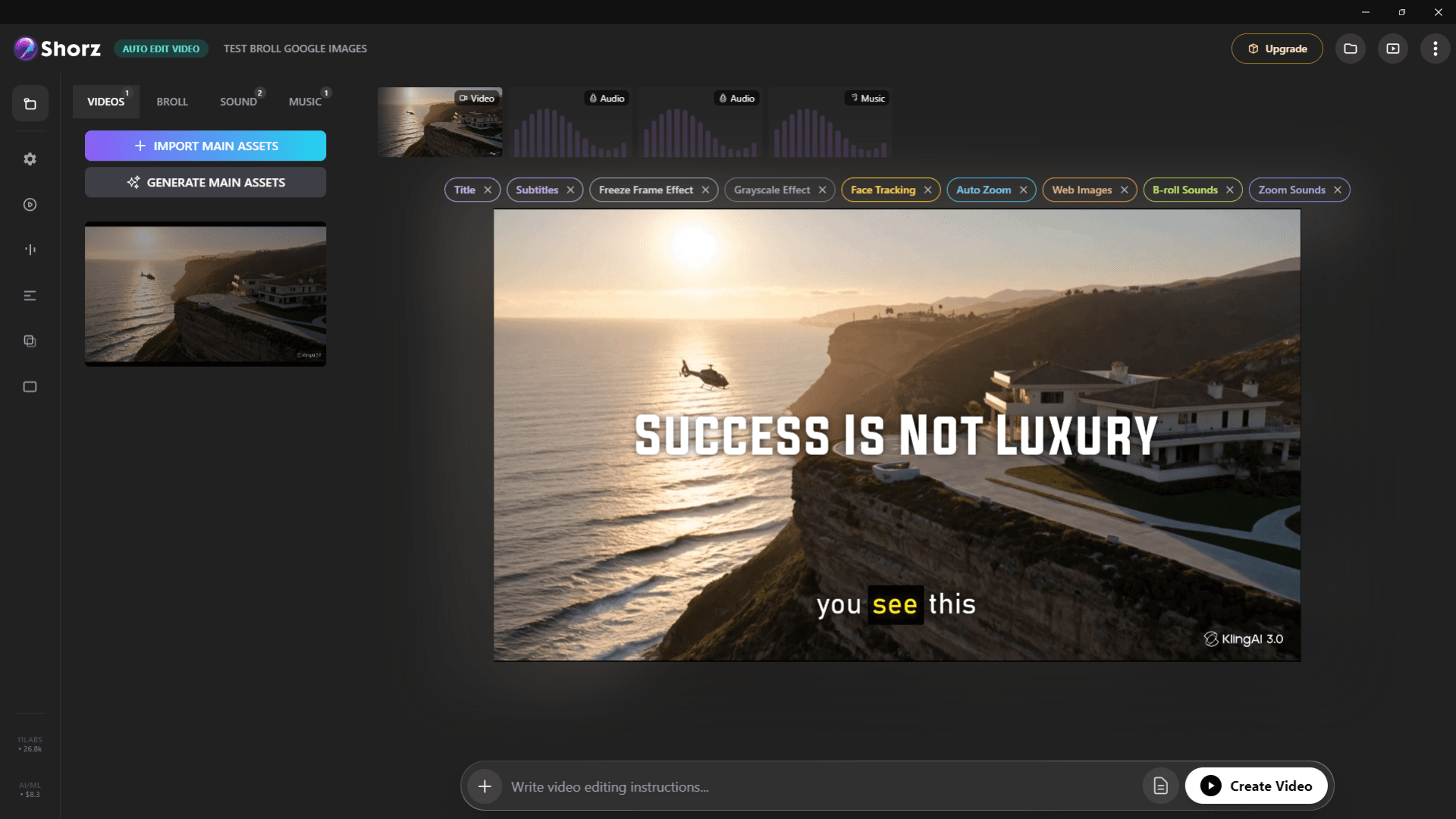
Auto-edit talking heads, clip long videos into Shorts, run faceless channels and publish everywhere.
Explore
AI presenters, script-to-video lessons and screen-recording tutorials you update by editing text.
Explore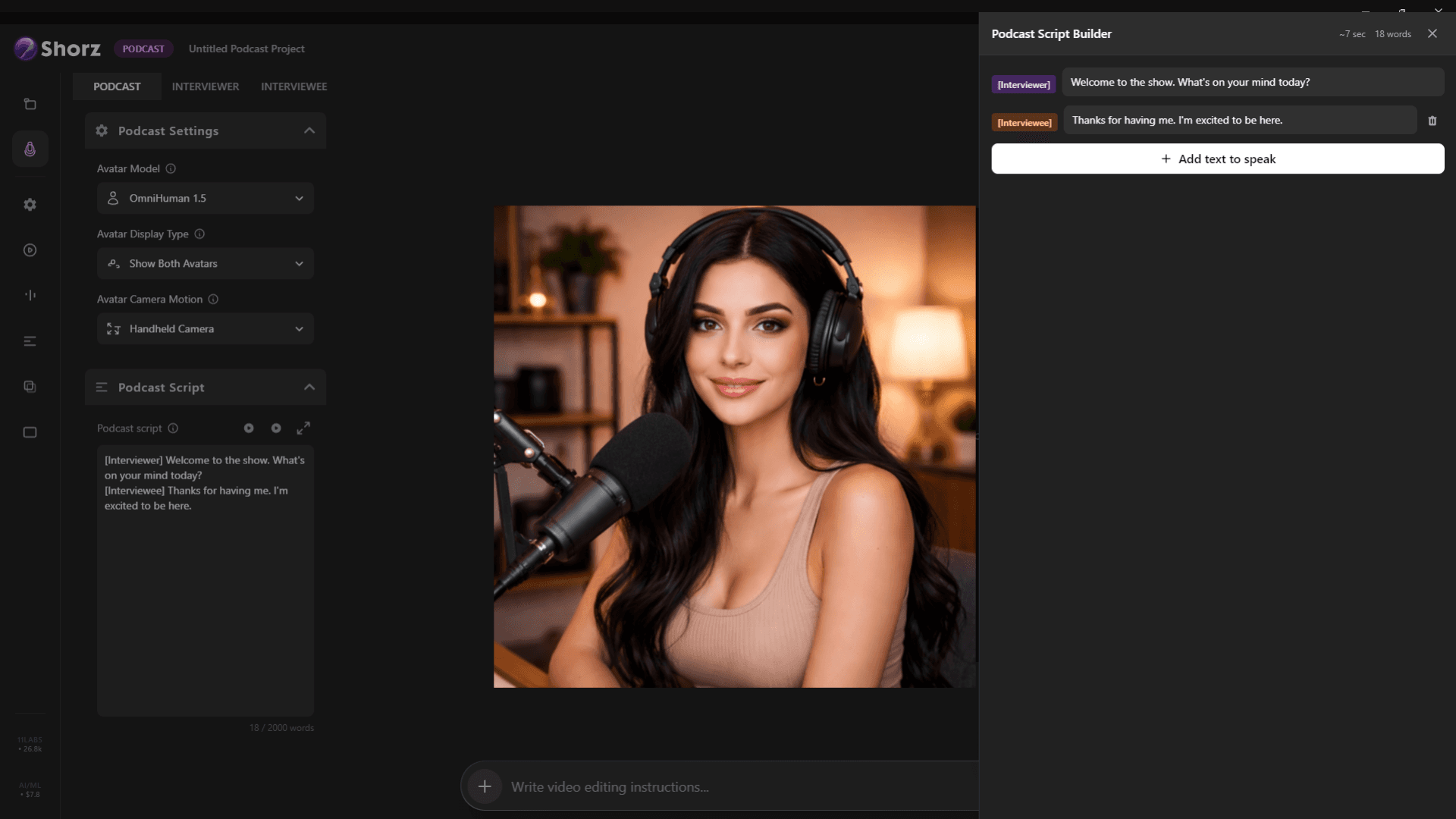
Clips from every episode, clean audio, word-timed captions and AI video podcasts from a script.
ExploreClips, posts and mini-courses from the content you already make.
Publishes straight to
