





Product demos
A raw screen recording, tightened with zooms on every click.
Try this prompt
“Cut the waiting, zoom on each click, title per step, captions, 90 seconds max.”
Video that ships as fast as your releases. Screen recordings become polished demos, changelogs become launch videos, and help-centre tutorials go out in every language your users speak.

a screen recordingone prompta polished product demo
Product ships weekly; video ships quarterly — because every demo needs someone to trim the recording, zoom on the clicks, write captions and add music. Shorz does those passes from a sentence, so the launch video goes out with the launch, and the help centre stays current.
A raw screen recording, tightened with zooms on every click.
Try this prompt
“Cut the waiting, zoom on each click, title per step, captions, 90 seconds max.”
A narrated launch spot with animated callouts.
Try this prompt
“60-second launch video for our new reporting dashboard: problem, feature, result.”
This month's release notes, presented by a consistent host.
Try this prompt
“Presenter reads this month's 5 updates in 90 seconds, friendly and quick.”
Counters, charts and architecture diagrams as motion graphics.
Try this prompt
“Animate '3× faster reports' as a counter, then a bar chart comparing before and after.”
One tutorial, dubbed with captions for each market.
Try this prompt
“Dub the onboarding tutorial into German, French, Spanish and Japanese.”
Customer webinars and talks cut into short posts.
Try this prompt
“Cut 5 clips where customers describe their results, captions in brand colours.”
A screen recording, the release notes or a launch brief.
Length, tone, what to highlight.
Zooms, captions, motion graphics and music.
Export for the blog, docs, socials and in-app.
The models SaaS teams lean on most in Shorz — all on one prepaid balance, no API keys.
 Claude Opus 5.5AnthropicPlans demo edits from the recording and brief.
 ElevenLabs v4ElevenLabsNarration for launch videos and tutorials.
 Kling Avatar ProKling AIA polished host for changelog updates.
 GPT Image 2.5OpenAIUI-style frames and title cards with legible text.ElevenLabs Dubbing v2ElevenLabsTutorials re-voiced for every market.ElevenLabs Scribe v2ElevenLabsCaptions on every demo.
One desktop app for the edit, the generation and the upload — with one credit balance instead of a stack of subscriptions.
Shorz speaks MCP. Connect it to Claude, Cursor, Codex or Gemini and one message runs the edit, the generation and the scheduling. You review before anything is published.
See every MCP toolYou say
“Turn release-notes.md into a 60-second launch video with narration, captions and an animated '3× faster' stat.”
Shorz does
Yes. Auto Edit cuts the waiting, adds zooms on clicks, titles per step, captions and music from one brief.
Yes. Shorz exposes an MCP server, so Claude, Cursor, Codex or Gemini can turn release notes into a video as part of your workflow — you review before publishing.
Yes. Dub finished tutorials into around 108 languages with re-synced captions, without re-editing.
Shorz is a desktop app for Windows and Mac, so source footage and projects stay on your machine. Only the inputs a generation needs — a prompt, a script, a reference image — are sent to the model.
Still have questions? Ask founder

AI presenters, script-to-video lessons and screen-recording tutorials you update by editing text.
Explore
Repurpose long content, test ad variants and schedule on-brand video to eight platforms.
Explore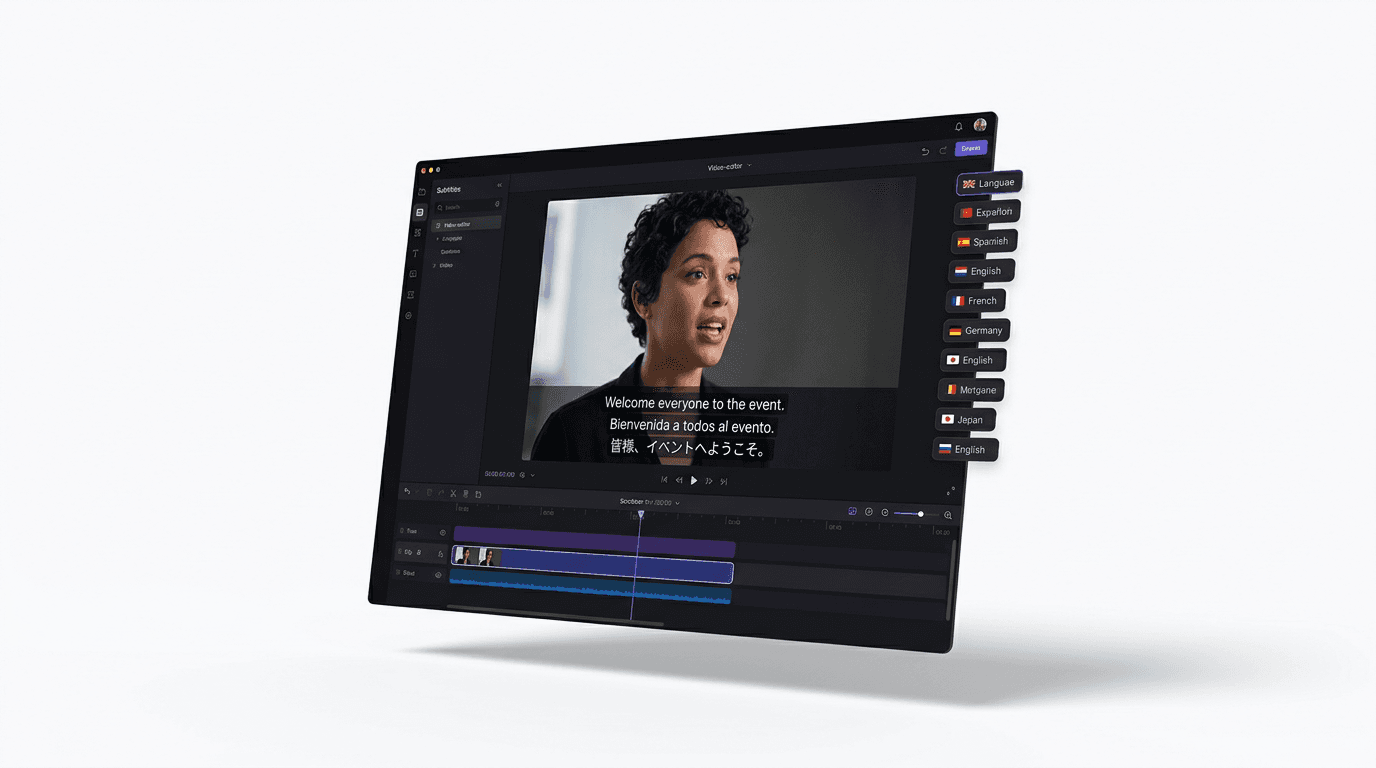
Dub finished videos into ~108 languages, narrate natively in 90+, captions included.
ExploreDemos, launches, changelogs and tutorials — from one desktop app.
Publishes straight to
