





Dub a finished video
Toggle dubbing, pick a language, render. Captions follow the new audio.
Try this prompt
“Dub this explainer into Spanish, Hindi and Japanese with matching captions.”
Ship every video in every market. Dub finished edits into around 108 languages with captions that follow the new audio — the cuts, B-roll and music stay exactly where they were.

one finished videoone promptSpanish, German and Japanese versions
Localisation used to mean a re-edit per language: new voiceover, new captions, new timing. In Shorz, dubbing is a switch on a finished project — the voice track and the captions are swapped, everything else stays put. For new content, write the script in the target language and narrate it natively.
Toggle dubbing, pick a language, render. Captions follow the new audio.
Try this prompt
“Dub this explainer into Spanish, Hindi and Japanese with matching captions.”
Write the script in the target language and narrate it in 90+ languages.
Try this prompt
“Narrate the French script with a native French documentary voice.”
Same face, a native voice per market.
Try this prompt
“Same presenter, German script, native German voice, captions in German.”
Subtitles in the viewer's language, styled in your fonts.
Try this prompt
“Add Portuguese captions to the dubbed version, brand font, bottom third.”
One winning creative, re-voiced for every country you run in.
Try this prompt
“Dub the winning ad into Italian, Polish and Turkish for the EU campaign.”
Short-form clips re-posted to non-English accounts.
Try this prompt
“Cut 5 clips and dub them into Korean and Indonesian.”
Cut, caption, score and approve the master version.
Pick the target language in the Audio panel.
Voice and captions swap; the edit stays intact.
Post each version to the right account or channel.
The models localisation teams lean on most in Shorz — all on one prepaid balance, no API keys.
 ElevenLabs Dubbing v2ElevenLabsTranslates and re-voices finished videos.ElevenLabs v4ElevenLabsNative narration in 90+ languages.ElevenLabs Scribe v2ElevenLabsTranscribes the source for captions and dubbing.
 Kling AvatarKling AIPresenters lip-synced to any language.
 OmniHuman 1.5ByteDanceRealistic presenters for premium markets.
 GPT 6.1 SolOpenAIPlans edits and clips for each version.
One desktop app for the edit, the generation and the upload — with one credit balance instead of a stack of subscriptions.
Shorz speaks MCP. Connect it to Claude, Cursor, Codex or Gemini and one message runs the edit, the generation and the scheduling. You review before anything is published.
See every MCP toolYou say
“Dub my latest video into Spanish, German and Japanese, re-sync the captions, and export all three.”
Shorz does
Dubbing covers around 108 languages via ElevenLabs Dubbing. Narration from a script runs on ElevenLabs v4, which covers 90+ languages.
Yes. Dubbing swaps the voice track and the captions together, so the on-screen text matches the new language.
No. The cuts, zooms, B-roll, music and effects stay exactly where they were — only the speech and captions change.
Yes, it's billed per minute of video on prepaid credits. It's one of the paid extras, so it's locked on free Auto Edit and Clipping runs.
Still have questions? Ask founder

AI presenters, script-to-video lessons and screen-recording tutorials you update by editing text.
Explore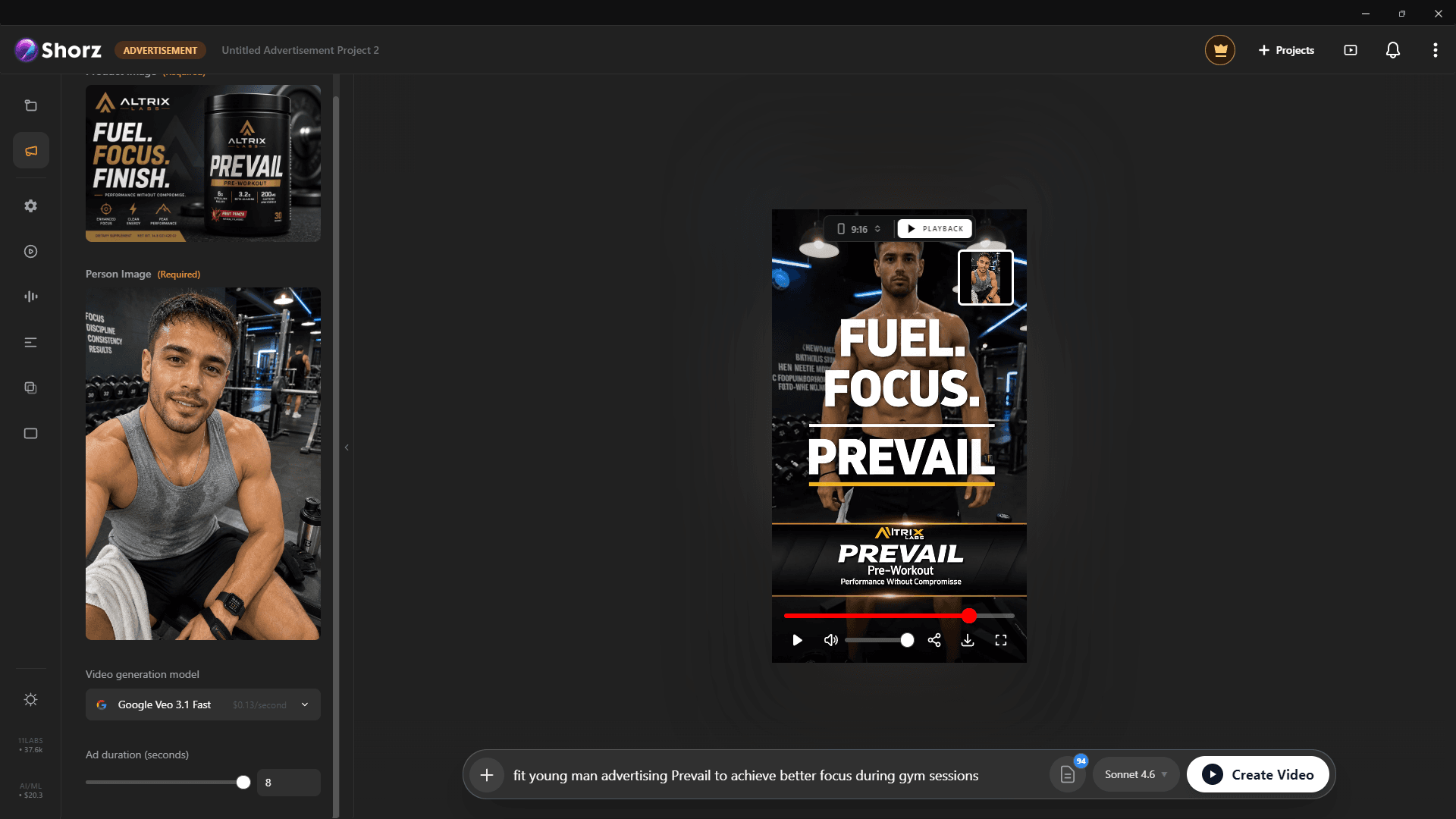
Product ads, UGC-style spots and animated packshots from the photos you already have.
Explore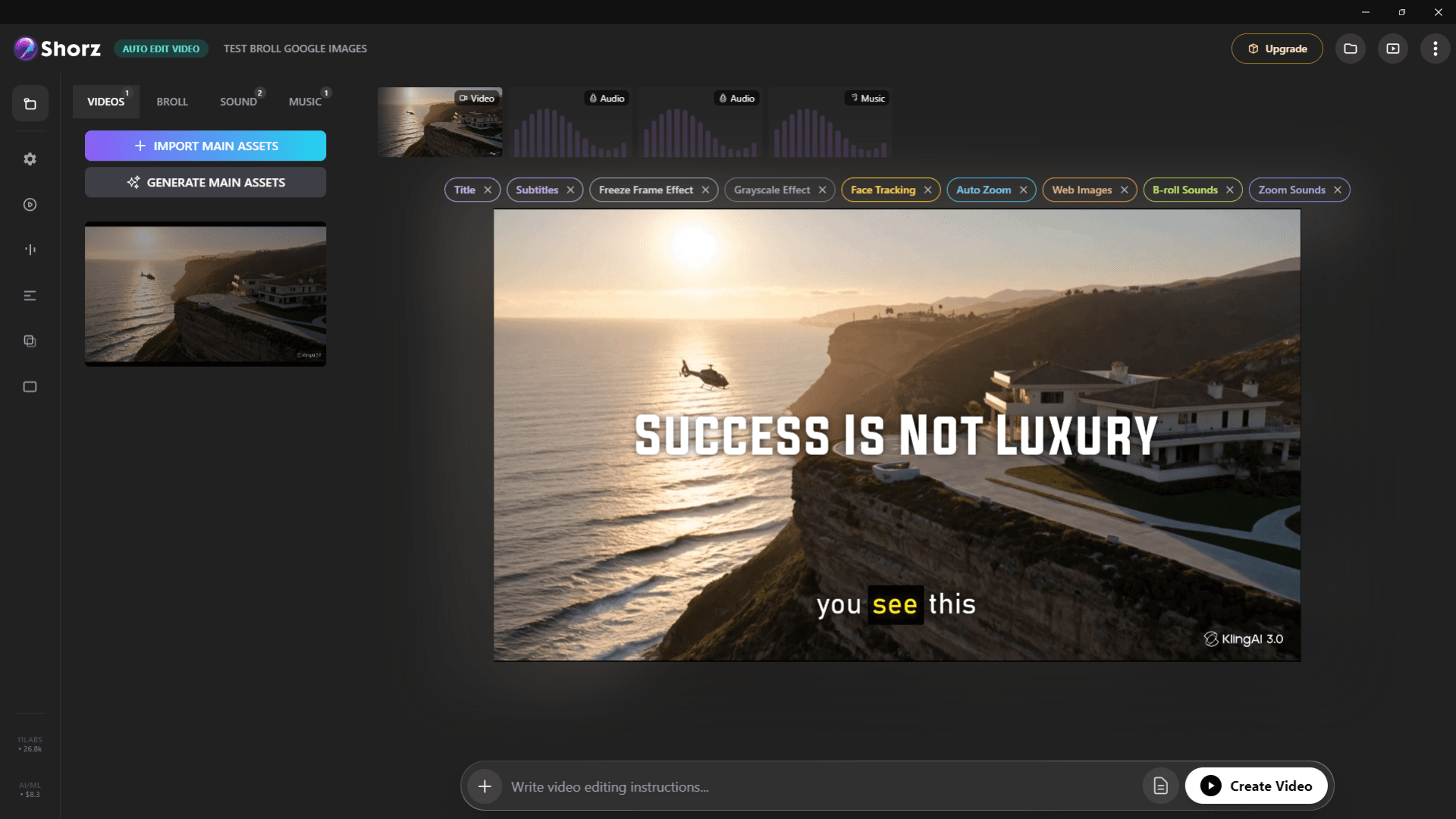
Auto-edit talking heads, clip long videos into Shorts, run faceless channels and publish everywhere.
ExploreDub, narrate and caption for every market — without re-editing.
Publishes straight to
