





Shorts from VODs
Up to 8 vertical clips per run from a long stream.
Try this prompt
“Find the 6 funniest reactions in this 4-hour stream and cut them vertical, under 40 seconds.”
Hours of stream in, the moments worth posting out. Shorz finds the highlights, reframes them vertical, and adds captions, zooms and hits — ready for TikTok, Shorts and Reels.

a stream recordingone prompta vertical clip of the best play
Streaming is hours of content and a few seconds of gold — and finding those seconds is the job nobody wants. Shorz transcribes the VOD, ranks the moments that stand alone, and cuts them vertical with captions, zooms and sound effects, so the stream keeps working after you go offline.
Up to 8 vertical clips per run from a long stream.
Try this prompt
“Find the 6 funniest reactions in this 4-hour stream and cut them vertical, under 40 seconds.”
A tight YouTube recap of the session.
Try this prompt
“8-minute highlight reel: cold open on the clutch, cut the downtime, keep the commentary.”
Face tracking keeps you in frame when reframing to 9:16.
Try this prompt
“Reframe to 9:16 and keep my face centred during the reactions.”
Zooms, sound effects and captions on every big moment.
Try this prompt
“Zoom and add an impact sound on every kill, bold captions on the callouts.”
Bold, readable thumbnails for the highlight video.
Try this prompt
“Shocked streamer face, neon green glow, text '1 HP CLUTCH', game-style background.”
Schedule clips to TikTok, Shorts, Reels and X.
Try this prompt
“Post one clip every 4 hours to TikTok and Shorts starting tonight.”
Your recording or a YouTube link.
Or tell it exactly what to look for.
Captions, zooms, sound effects, face tracking.
Clips go out while you're offline.
The models gamers and streamers lean on most in Shorz — all on one prepaid balance, no API keys.
 Claude Sonnet 5.5AnthropicRanks the moments across long VODs.
 ElevenLabs Scribe v2ElevenLabsTranscribes commentary for captions and clip picks.ElevenLabs Sound EffectsElevenLabsCustom hits, whooshes and stingers.
 Nano Banana 2GoogleDetailed thumbnails up to 4K.
 GPT Image 2.5OpenAIThumbnails with readable text.ElevenLabs MusicElevenLabsBackground tracks cut to length.
One desktop app for the edit, the generation and the upload — with one credit balance instead of a stack of subscriptions.
Shorz speaks MCP. Connect it to Claude, Cursor, Codex or Gemini and one message runs the edit, the generation and the scheduling. You review before anything is published.
See every MCP toolYou say
“Clip last night's stream into 8 vertical highlights with captions and impact sounds, and post one every 4 hours.”
Shorz does
Yes. Clipping transcribes the VOD, ranks the moments most likely to land and cuts up to 8 vertical clips per run. Tell it what to look for, or let it decide.
Yes. Face tracking follows your face while reframing to 9:16, so you stay centred.
Clip picking reads the transcript, so it works best when you're talking. For silent gameplay, tell it the timestamps or describe what to keep.
There's no subscription. Auto Edit and Clipping include 4 free videos a week; AI generation, avatars and dubbing run on prepaid credits (1 credit = €0.01) that never expire. No watermark on any tier.
Still have questions? Ask founder
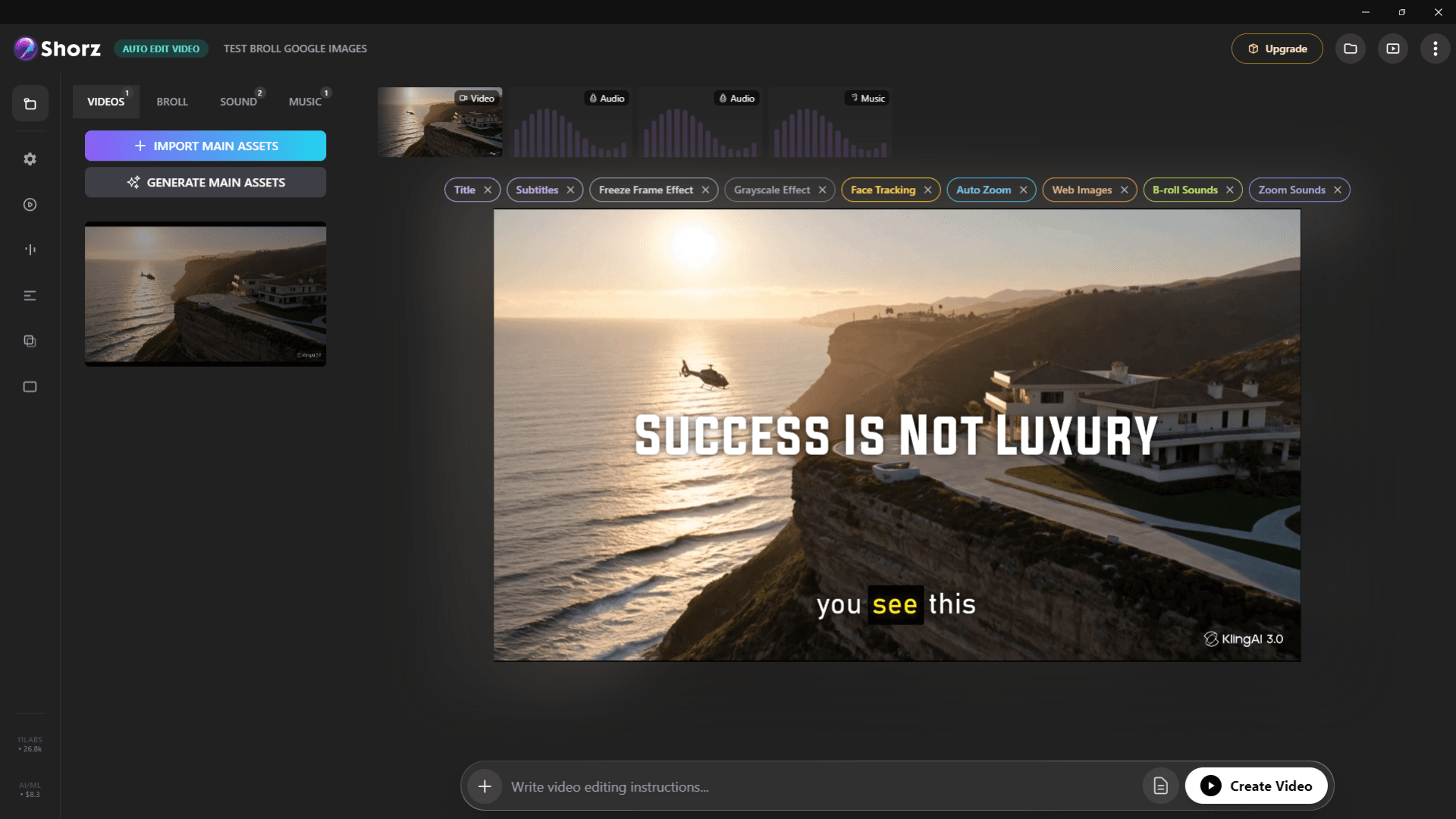
Auto-edit talking heads, clip long videos into Shorts, run faceless channels and publish everywhere.
Explore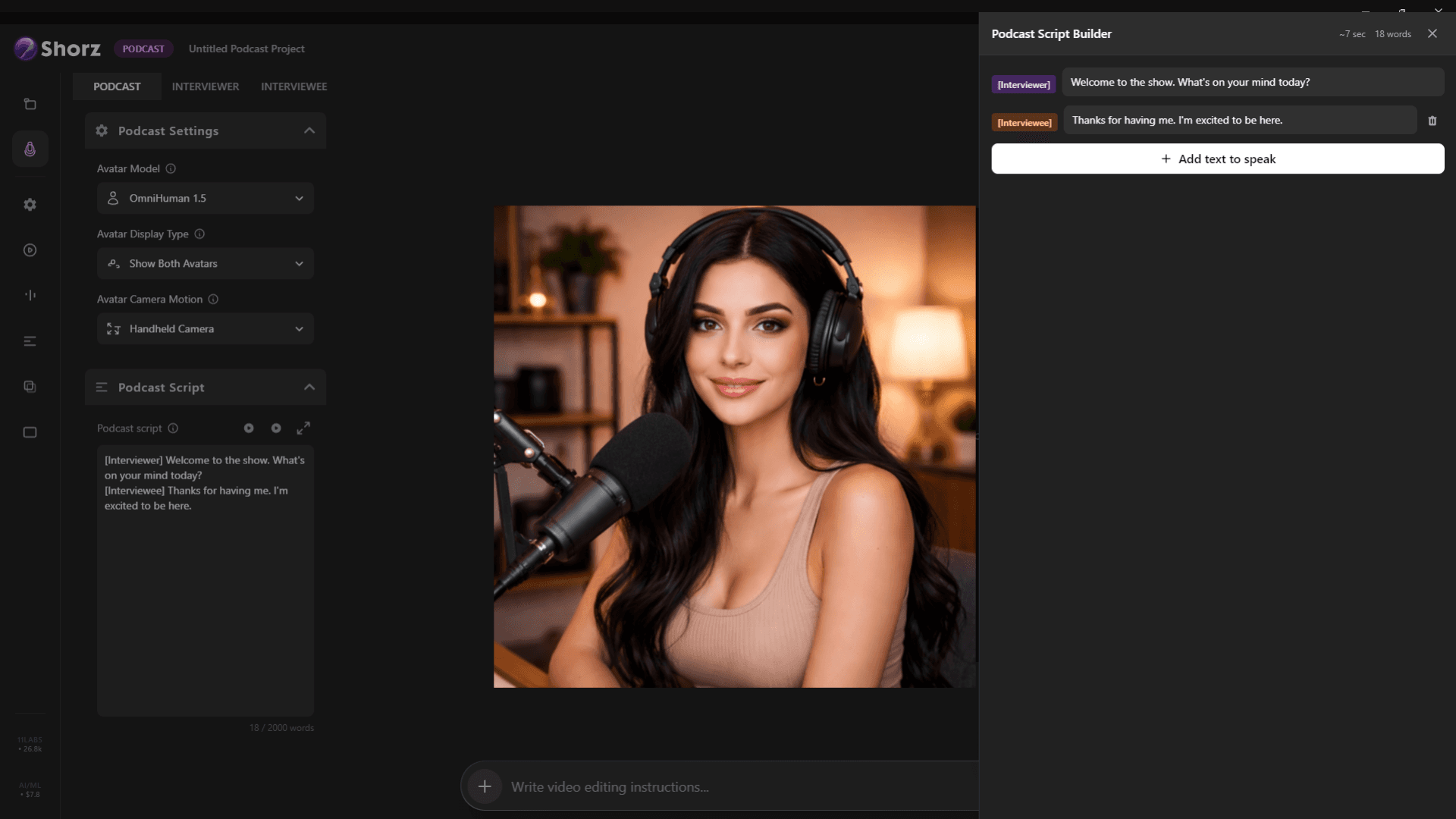
Clips from every episode, clean audio, word-timed captions and AI video podcasts from a script.
Explore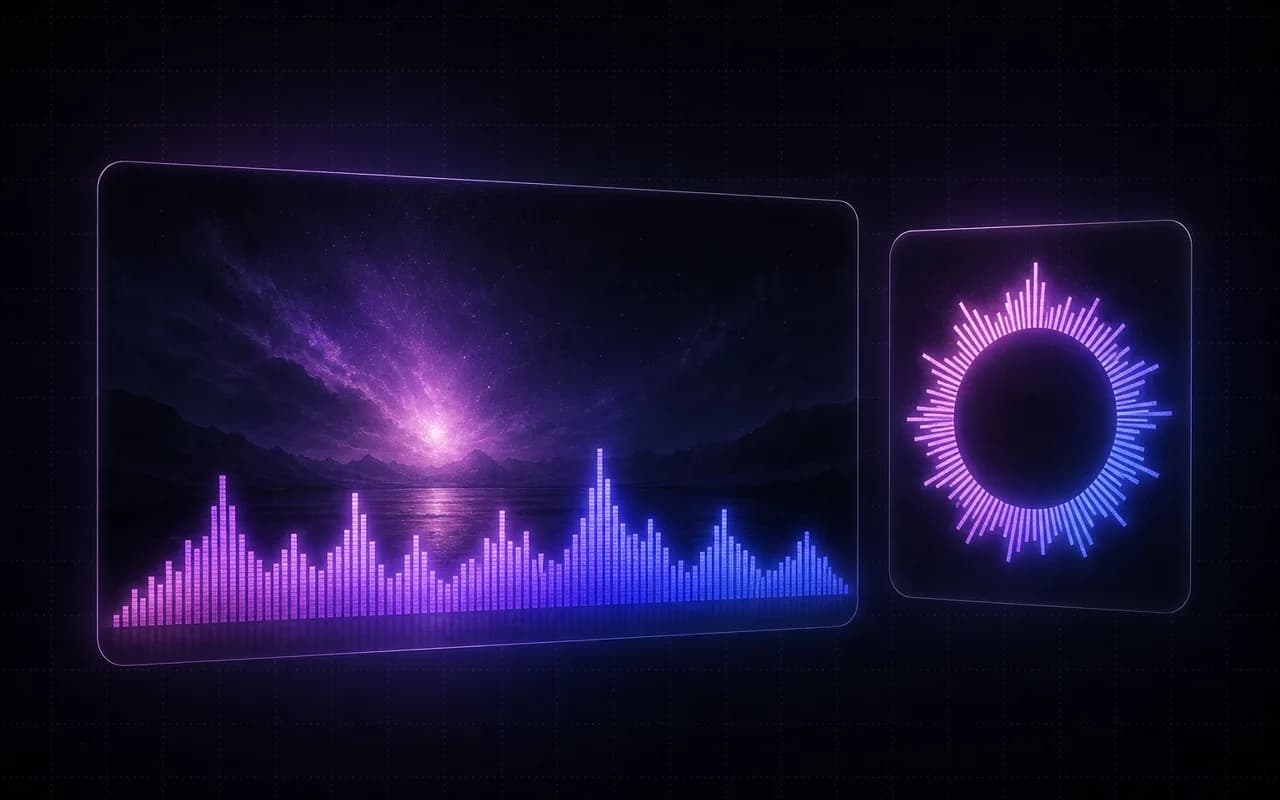
Visualizers, AI-generated loops, lyric captions, cover art and short promo clips.
ExploreHighlights, vertical clips and thumbnails — posted on a schedule.
Publishes straight to
