





Talking-head YouTube videos
Dead air, ums and retakes out; captions, zooms and B-roll in — from one brief.
Try this prompt
“Cut the dead air and retakes, zoom on every punchline, B-roll each product I mention, yellow captions.”
Describe the edit and Shorz builds it — cuts, captions, zooms, B-roll and music. Clip long videos into Shorts, run a faceless channel, and publish everywhere from one desktop app.

your raw takesone promptcut, captioned, B-rolled edit
Most creators don't have a filming problem — they have an editing backlog. Every video needs the same passes: cut the silences, caption it, zoom on the punchlines, find B-roll, add music, make a thumbnail, upload it four times. Shorz does those passes from a sentence, so the hours go back into making the next video.
Dead air, ums and retakes out; captions, zooms and B-roll in — from one brief.
Try this prompt
“Cut the dead air and retakes, zoom on every punchline, B-roll each product I mention, yellow captions.”
Clipping reads the transcript and cuts up to 8 vertical clips with the strongest hooks.
Try this prompt
“Find the 5 moments with the best hook in the first sentence and cut each to under 45 seconds.”
Script in, finished video out: narration, generated scenes, captions and music.
Try this prompt
“10-minute documentary on the fall of Rome: moody cinematic stills, calm narrator, slow zooms.”
One photo plus your cloned voice becomes a talking presenter — no camera day.
Try this prompt
“My photo + my cloned voice reading this week's script, natural gestures, captions on.”
Six options from an idea, a reference, or the look of a video you admire.
Try this prompt
“Shocked face, cracked phone, bold text 'I WAS WRONG', bright yellow background.”
Schedule the render to YouTube, TikTok, Instagram, Facebook, X, LinkedIn, Threads and Pinterest.
Try this prompt
“Post the vertical cut to TikTok, Reels and Shorts at 6pm, the 16:9 to YouTube tomorrow.”
Describe the cut; Shorz plans and builds the whole edit from the transcript.
ExploreLong video or podcast in, up to 8 captioned vertical clips out.
ExploreScripted, narrated channels without showing your face.
ExploreTurn one long video into a week of posts.
ExploreDrop in your footage, paste a YouTube or TikTok link, or write a script.
Say what you want in the PromptBar — pacing, captions, B-roll, music, length.
Shorz builds the edit; tweak any panel and re-render without starting over.
Export clean or post straight to eight platforms with a thumbnail.
The models content creators lean on most in Shorz — all on one prepaid balance, no API keys.
 Claude Opus 5.5AnthropicPlans the edit from your transcript and brief.
 ElevenLabs Scribe v2ElevenLabsWord-timed transcripts behind captions and clip picks.
 Nano Banana 2GoogleScene stills, B-roll images and thumbnails up to 4K.
 Seedance 2.5ByteDanceGenerated hero shots and cutaways.ElevenLabs v4ElevenLabsNarration for faceless videos, or your cloned voice.ElevenLabs MusicElevenLabsBackground tracks written to your video's length.
One desktop app for the edit, the generation and the upload — with one credit balance instead of a stack of subscriptions.
Shorz speaks MCP. Connect it to Claude, Cursor, Codex or Gemini and one message runs the edit, the generation and the scheduling. You review before anything is published.
See every MCP toolYou say
“Edit today's recording, cut 3 Shorts from it, make a thumbnail, and schedule everything for this week.”
Shorz does
Yes — that's Auto Edit. Describe the result and Shorz plans the cut from the transcript: removes dead air and filler, adds captions, zooms, B-roll, music and sound effects.
Yes. Clipping transcribes the video, ranks the moments most likely to land and cuts up to 8 vertical clips, captioned and reframed. It imports from YouTube, TikTok, Facebook and Instagram links or your own files.
Auto Edit and Clipping include 4 free videos a week, no card needed. Everything else — AI generation, dubbing, avatars — runs on prepaid credits that never expire. There's no subscription and no watermark on any tier.
Yes. Everything you export comes with full commercial rights — monetise it anywhere.
Still have questions? Ask founder
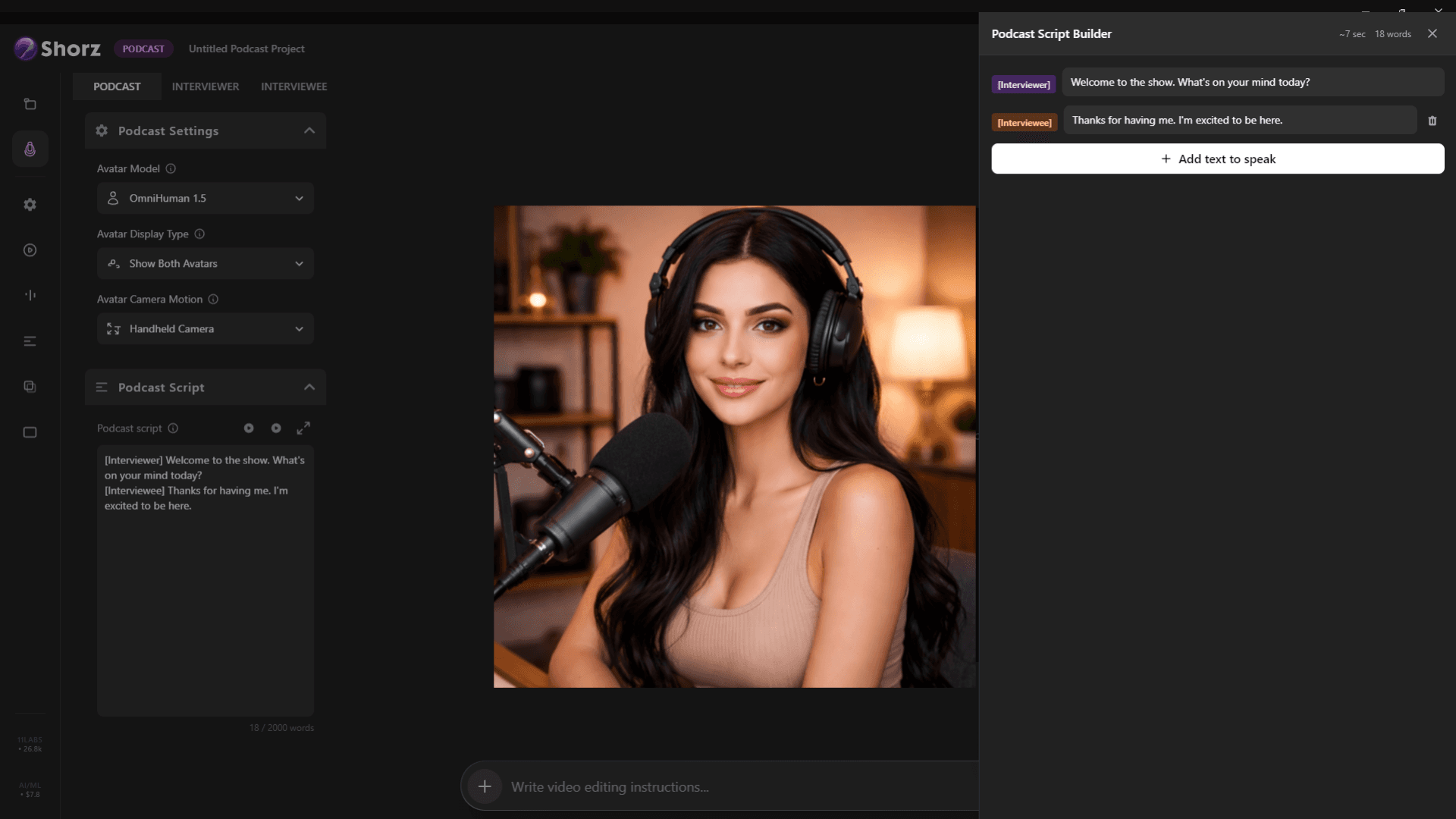
Clips from every episode, clean audio, word-timed captions and AI video podcasts from a script.
Explore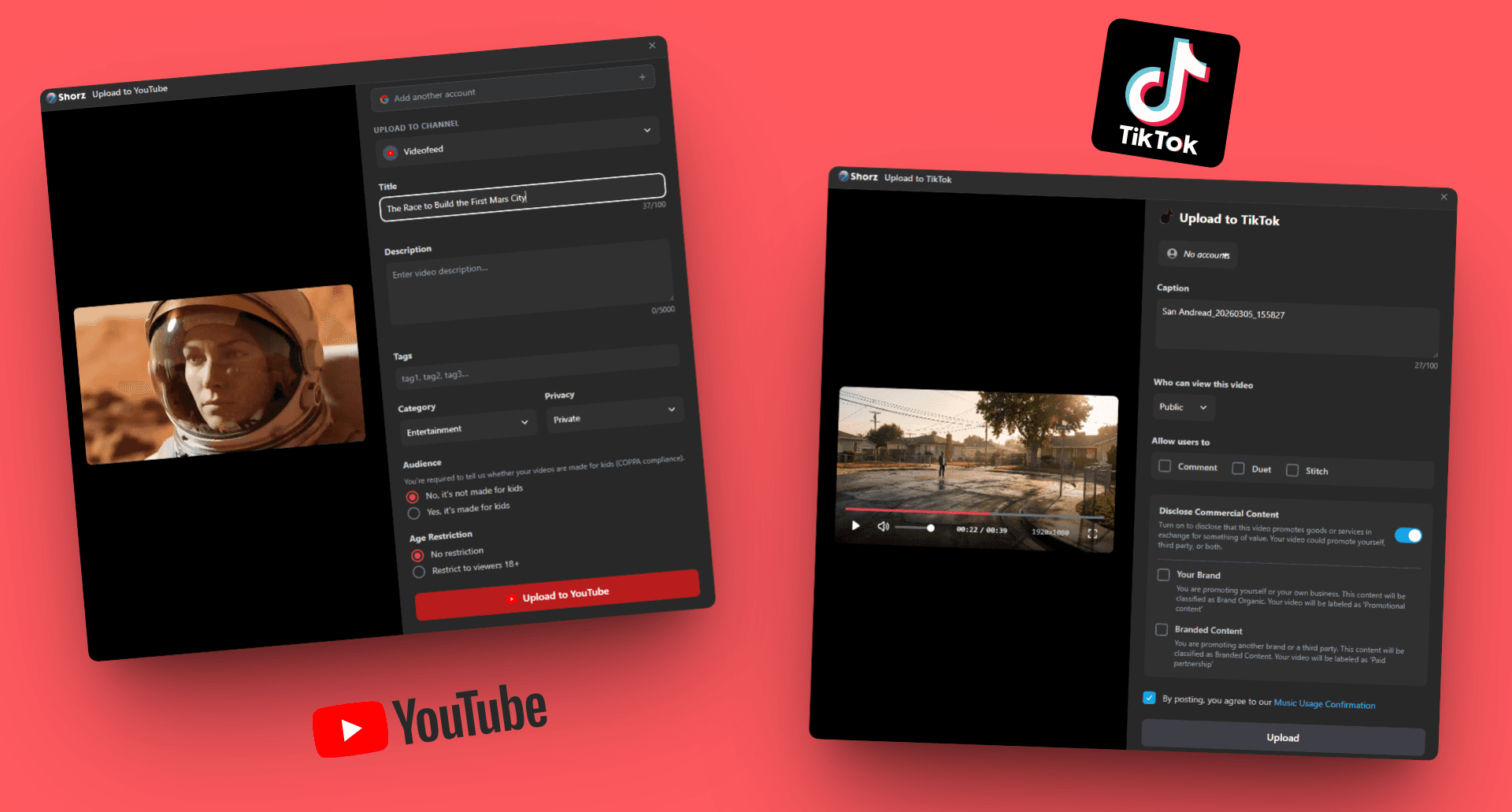
Repurpose long content, test ad variants and schedule on-brand video to eight platforms.
Explore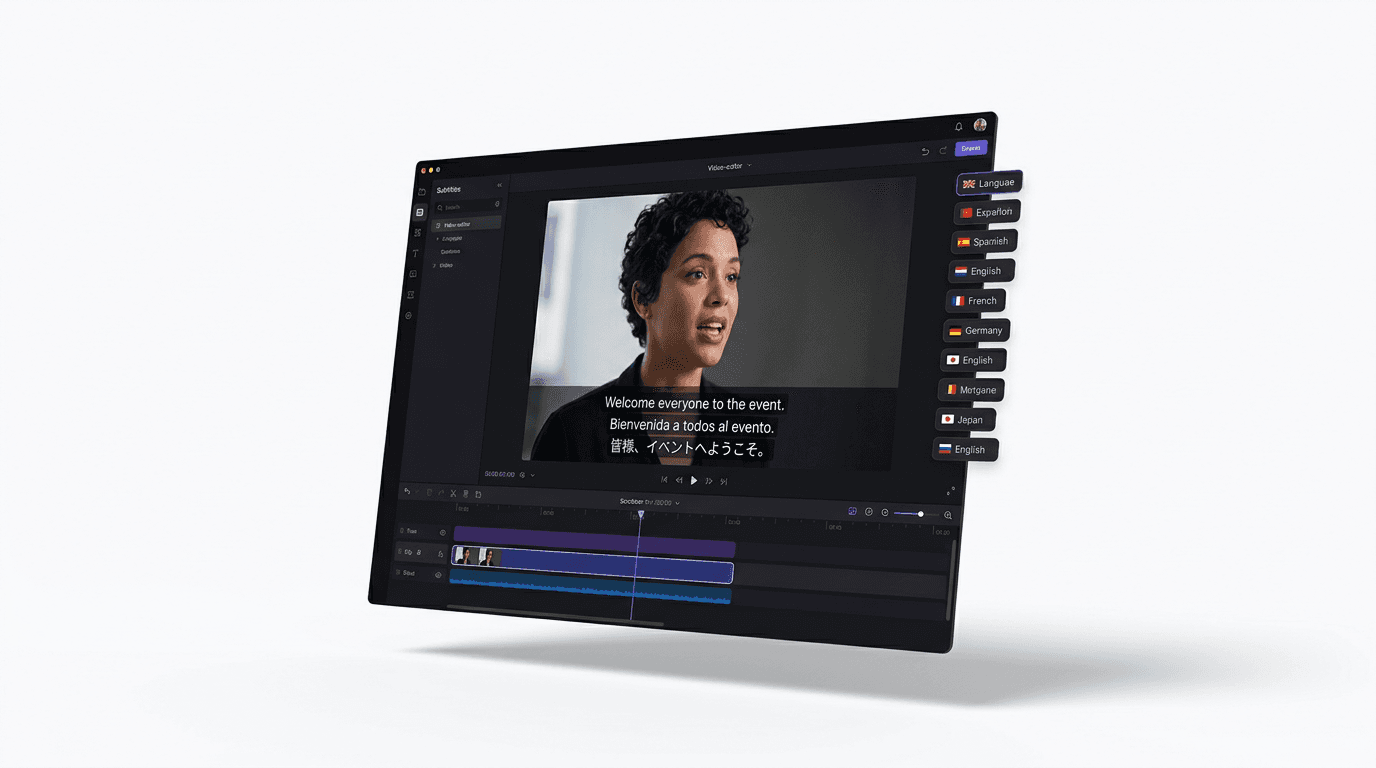
Dub finished videos into ~108 languages, narrate natively in 90+, captions included.
ExploreShorz handles the edit, the clips, the thumbnail and the upload.
Publishes straight to
