






Impact stories
Interviews with beneficiaries and volunteers, cut into a story.
Try this prompt
“3-minute story: before, the turning point, today. Keep Ana's quote, gentle music, captions.”
Your impact, told well — on a nonprofit budget. Turn interviews into stories, reports into videos, and reach every community in its own language.

an appeal scriptone promptnarrated appeal with a donate card
Nonprofits have the strongest stories and the smallest video budgets. Shorz is pay-as-you-go with no subscription, and it does the editing passes for you — so a volunteer with a phone and an hour can produce the impact story, the appeal and the thank-you video.
Interviews with beneficiaries and volunteers, cut into a story.
Try this prompt
“3-minute story: before, the turning point, today. Keep Ana's quote, gentle music, captions.”
A short, captioned appeal with a clear ask.
Try this prompt
“60-second appeal: €25 provides a week of meals. Warm narrator, real photos, donate end card.”
Your year in numbers, narrated and animated.
Try this prompt
“Animate our year: 12,000 meals, 340 volunteers, 4 new cities — counters and a map.”
Short clips that show what a shift is really like.
Try this prompt
“Cut 4 clips from the volunteer day footage, each ending with 'Join us — link in bio'.”
Dub stories and appeals with captions.
Try this prompt
“Dub the appeal into Arabic, Ukrainian and Spanish.”
A personal thank-you from the director, without a shoot.
Try this prompt
“Director's photo + cloned voice: thank donors for the winter campaign, 45 seconds.”
Interviews, photos, phone clips and your numbers.
Who it's about, what changed, what you're asking for.
Accessible, and in every language you need.
Post to social, embed on the site, play at the gala.
The models nonprofits lean on most in Shorz — all on one prepaid balance, no API keys.
 Claude Sonnet 5.5AnthropicPlans story edits from interview transcripts.
 ElevenLabs v4ElevenLabsA warm narrator in 90+ languages.ElevenLabs Scribe v2ElevenLabsCaptions for accessibility.ElevenLabs Dubbing v2ElevenLabsStories re-voiced for every community.ElevenLabs Voice IsolatorElevenLabsClean audio from field interviews.
 Google Lyria 2GoogleLow-cost, gentle background music.
One desktop app for the edit, the generation and the upload — with one credit balance instead of a stack of subscriptions.
Shorz speaks MCP. Connect it to Claude, Cursor, Codex or Gemini and one message runs the edit, the generation and the scheduling. You review before anything is published.
See every MCP toolYou say
“Make a 60-second appeal from the photos in /winter-campaign with a warm narrator, captions and a donate end card.”
Shorz does
Shorz has no subscriptions at all. Auto Edit and Clipping include 4 free videos a week, and everything else runs on prepaid credits that never expire — you only pay for what you generate.
Yes. You describe the video in plain language and Shorz builds the edit. Anyone can adjust captions, music or length in the panels.
Only use footage and images you have consent for. Shorz is a desktop app, so your source material stays on your machine.
Yes. Dub finished videos into around 108 languages, or narrate translated scripts natively in 90+.
Still have questions? Ask founder
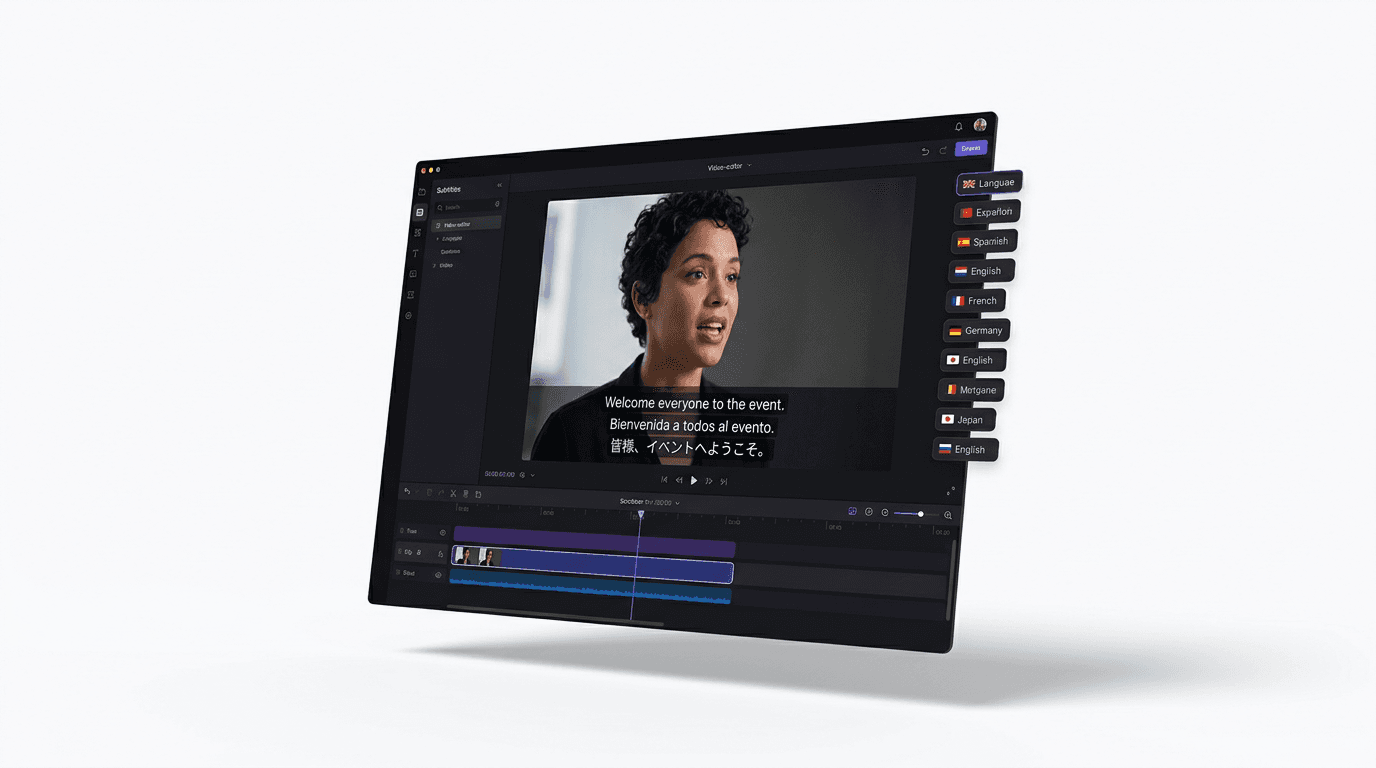
Dub finished videos into ~108 languages, narrate natively in 90+, captions included.
Explore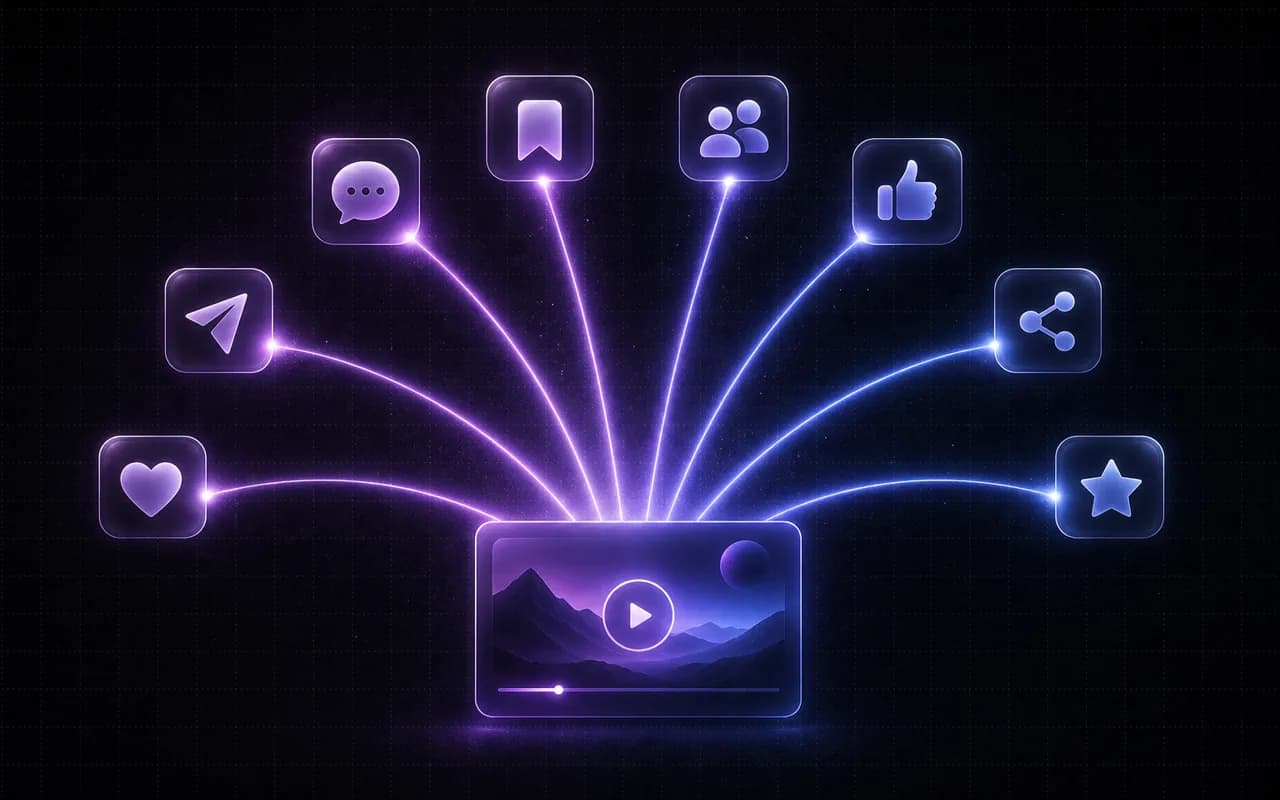
Promo reels from phone footage, ads from a photo, and a week of posts scheduled in one go.
Explore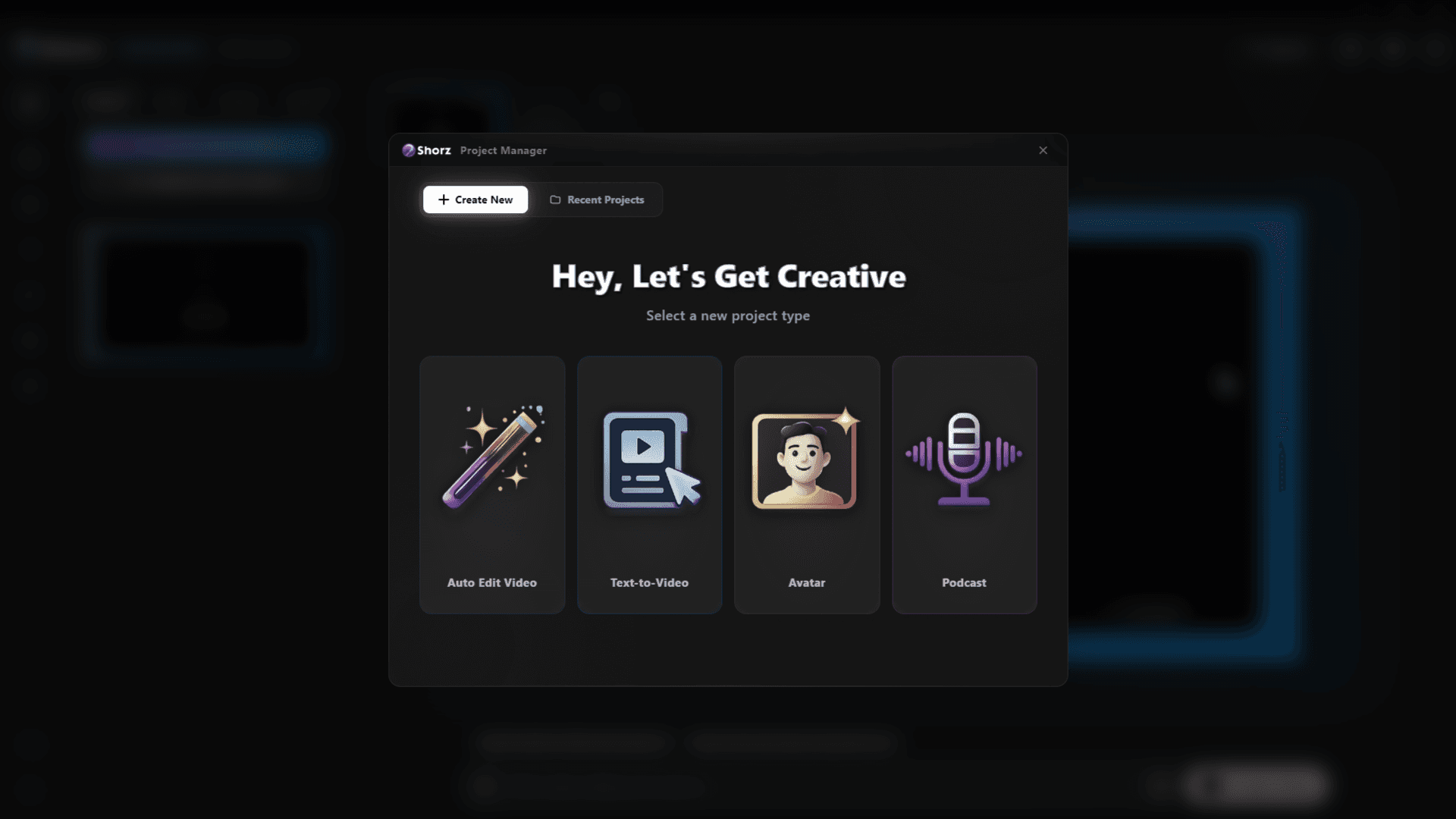
Spokesperson updates, onboarding and announcements — captioned, dubbed and kept on your machine.
ExploreStories, appeals and reports — captioned, translated, on budget.
Publishes straight to
