






Episode clips for Shorts and Reels
Up to 8 vertical clips per episode, picked from the transcript.
Try this prompt
“Find the 6 moments where the guest disagrees with the host and cut each as a 30–45s clip.”
Every episode becomes a week of clips. Shorz finds the moments, captions them, cleans the audio and posts them — and can make a two-host video podcast from a script.

one podcast episodeone promptvertical clips with captions
Podcasts grow on short-form video, but nobody has time to scrub two hours of audio for the 40 seconds worth posting. Shorz transcribes the episode, ranks the moments that stand alone, and cuts them vertical with captions — then cleans the audio, adds a visualizer, and schedules the lot.
Up to 8 vertical clips per episode, picked from the transcript.
Try this prompt
“Find the 6 moments where the guest disagrees with the host and cut each as a 30–45s clip.”
Tighten the episode, add captions, zooms and chapter titles.
Try this prompt
“Cut long pauses and crosstalk, zoom on whoever is speaking, add chapter titles.”
Spectrum bars, waveforms or a pulse ring moving with the real audio.
Try this prompt
“Waveform in brand purple over the cover art, captions at the bottom.”
Write tagged dialogue; each host gets a voice and a lip-synced avatar.
Try this prompt
“[Interviewer] curious young voice; [Interviewee] calm expert — 5 minutes on sleep science.”
Strip hum, room echo and street noise from the voices.
Try this prompt
“Remove background noise from both mics before cutting clips.”
Dub clips or whole episodes into around 108 languages with matching captions.
Try this prompt
“Dub the top 3 clips into Spanish and Portuguese with captions.”
Import the video or audio file, or paste a YouTube link.
Shorz transcribes and ranks clips — or tell it exactly what to look for.
Captions, noise removal, visualizer, reframing to 9:16.
Post clips across eight platforms from the app.
The models podcasters lean on most in Shorz — all on one prepaid balance, no API keys.
 ElevenLabs Scribe v2ElevenLabsTranscribes the episode with word-level timing.
 Claude Opus 5.5AnthropicRanks moments and plans the clips across long episodes.ElevenLabs Voice IsolatorElevenLabsPulls voices clean out of noisy recordings.ElevenLabs Dubbing v2ElevenLabsRe-voices clips in other languages.ElevenLabs v4ElevenLabsHost voices for scripted AI podcasts.
 OmniHuman 1.5ByteDanceLip-synced hosts for video podcasts.
One desktop app for the edit, the generation and the upload — with one credit balance instead of a stack of subscriptions.
Shorz speaks MCP. Connect it to Claude, Cursor, Codex or Gemini and one message runs the edit, the generation and the scheduling. You review before anything is published.
See every MCP toolYou say
“Cut 5 Shorts from this week's episode, clean the audio, caption them and schedule one a day at 6pm.”
Shorz does
Clipping cuts up to 8 vertical clips per run, captioned and reframed. Run it again with a different brief to find more.
Yes. The Podcast project turns a tagged two-speaker script into a video: each host gets an ElevenLabs voice and an optional avatar image that's animated and lip-synced.
Yes. Add an audio visualizer — spectrum bars, a waveform or a pulse ring — over cover art or B-roll, plus captions. Visualizers are drawn locally and cost nothing.
Auto Edit and Clipping include 4 free videos a week, no card needed. Everything else — AI generation, dubbing, avatars — runs on prepaid credits that never expire. There's no subscription and no watermark on any tier.
Still have questions? Ask founder
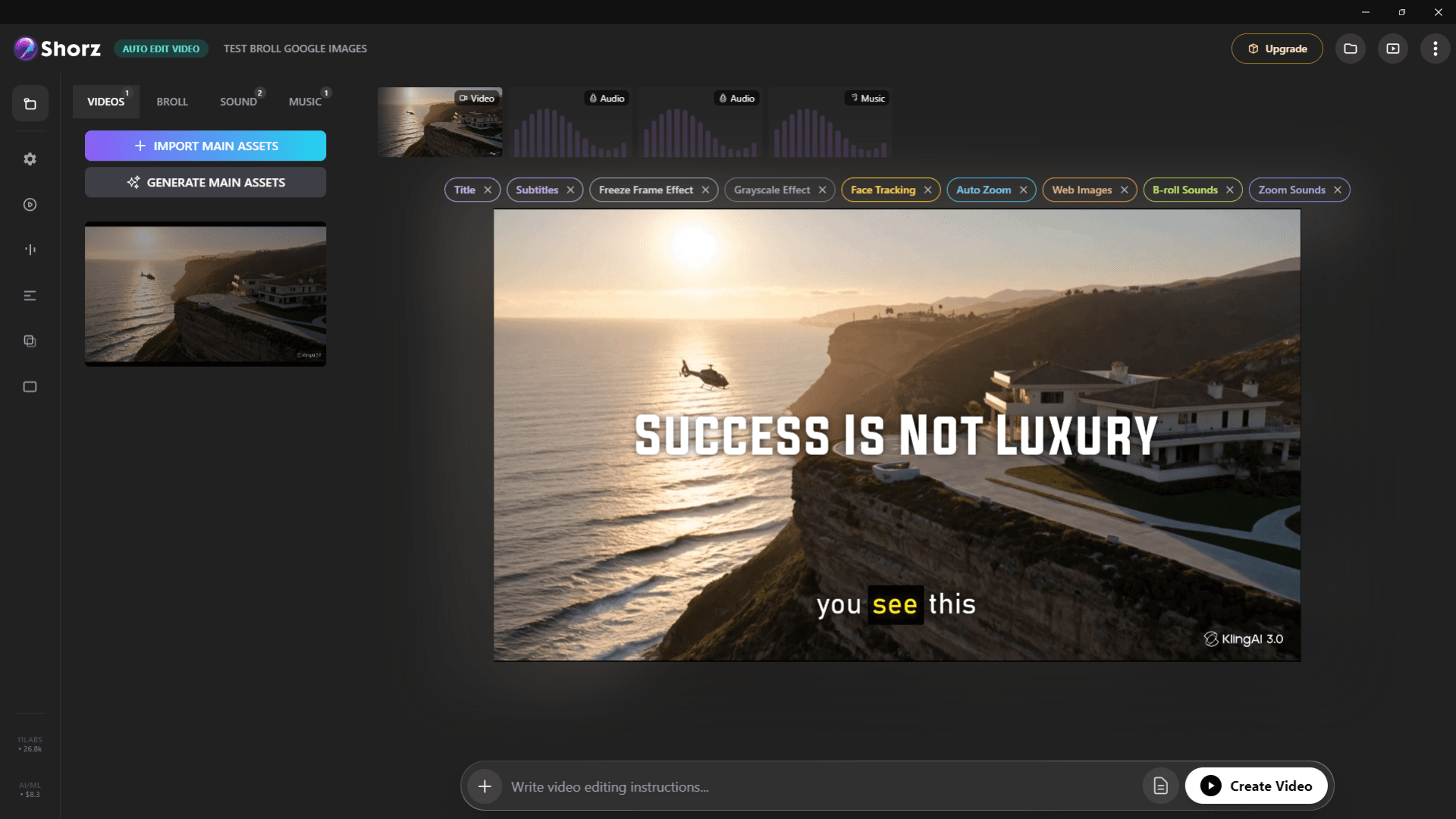
Auto-edit talking heads, clip long videos into Shorts, run faceless channels and publish everywhere.
Explore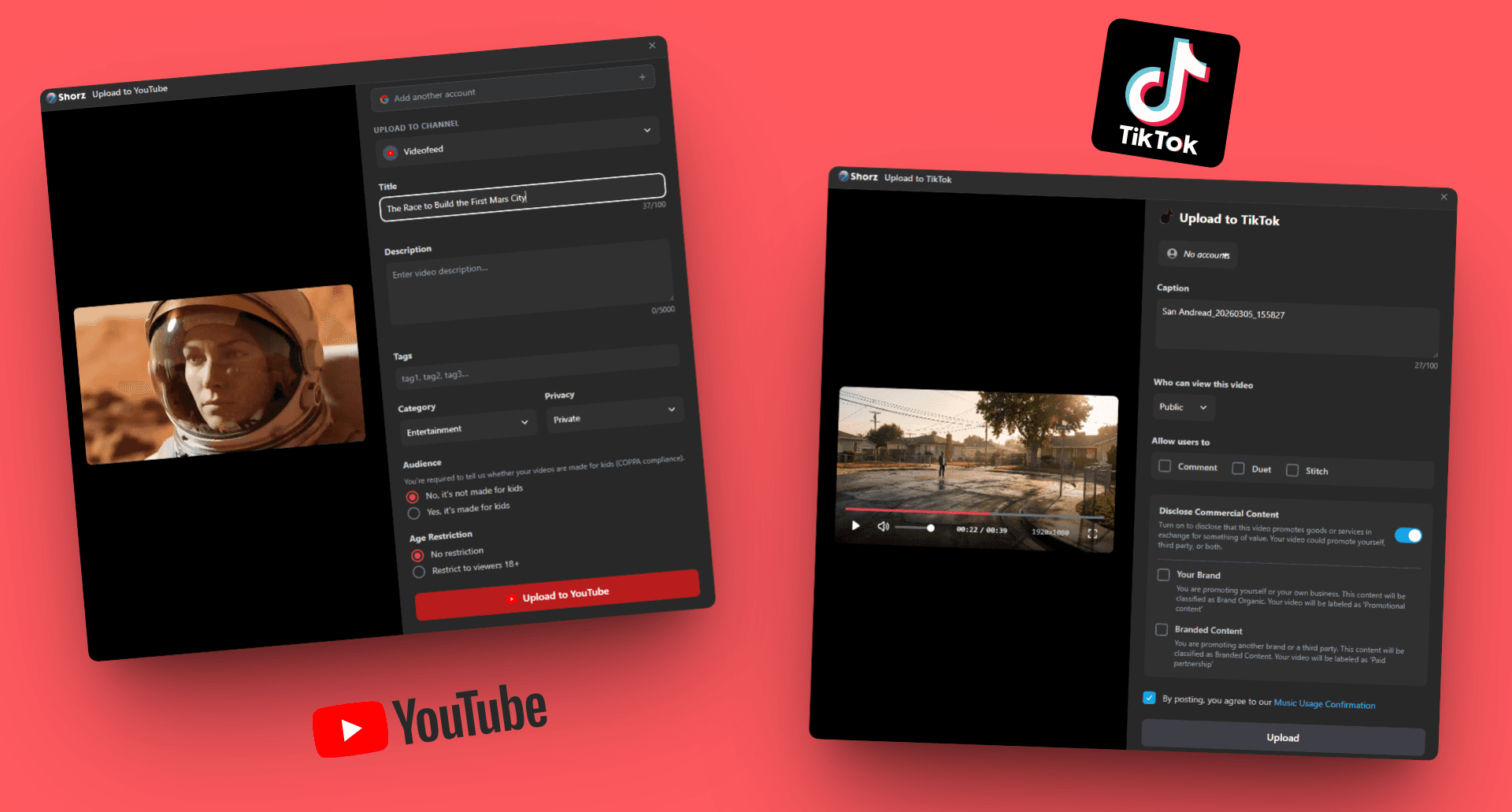
Repurpose long content, test ad variants and schedule on-brand video to eight platforms.
Explore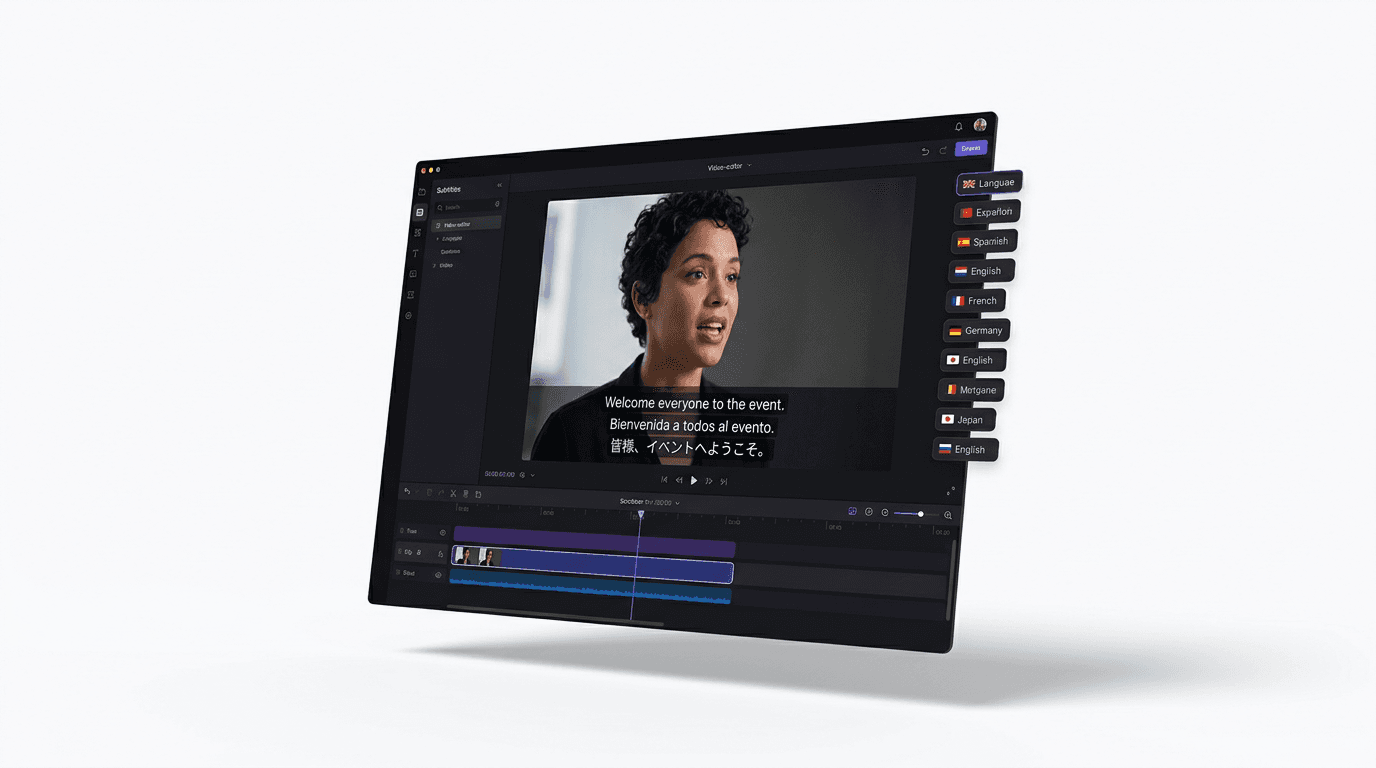
Dub finished videos into ~108 languages, narrate natively in 90+, captions included.
ExploreTranscribe, clip, caption and schedule — from one desktop app.
Publishes straight to
