





Nano Banana 2.1AI image generator
Google's image model makes photographic stills for your scenes and B-roll at up to 4K. Add a reference photo and the same face stays in every scene.
- Up to 4K
- From 9 credits per image
- Max size · 4K
- Speed · Standard
Nano Banana 2.1 at a glance
Nano Banana 2.1 is Google's image generation model. It replaced Nano Banana 2 in Shorz in October 2026 at a lower price per image. It is the image model in Shorz with 2K and 4K output, the size you want when a still will be zoomed, panned or cropped in the edit. Every scene that uses reference images runs on it, whichever image model you picked.
Specs in Shorz
- Made by
- Output sizes
- 1K, 2K or 4K
- Reference images
- Face, product or style references for consistency
- Used in
- Text-to-Video scenes and AI B-roll images
- Also in
- Avatar and AI Podcast portraits
- Billing
- Per image, by size
Price in Shorz credits
9–29credits per image
- 1K · per image9 cr
- 2K · per image13 cr
- 4K · per image29 cr
1 credit = $0.01. Prepaid packs, no subscription, credits never expire. Prices are read from the same live catalog the app uses. See packs
Why pick Nano Banana 2.1 in Shorz
Up to 4K
1K for speed, 2K or 4K when the image has to hold up under slow zooms and vertical crops.
Same character, every scene
Pass a face photo as a reference and the model keeps that identity across the whole video.
Cheaper than Nano Banana 2
2.1 took over every Nano Banana request at a lower price per image, with no app update needed.
Best for
- Faceless video scenes
- Photographic B-roll
- Consistent characters
- 4K stills for zooms
Where Nano Banana 2.1 works in Shorz
Same model, no separate account: it runs on your Shorz credits wherever the app offers it.
Text-to-Video
One generated still per scene, written from your script, consistent across the video.
Learn moreAI B-roll
Image cutaways placed over your talking head or narration where the transcript calls for them.
Learn moreAvatar and AI Podcast
Generate the presenter portrait an avatar model will animate.
Learn moreHow to use Nano Banana 2.1 in Shorz
Shorz is a desktop app for Windows and Mac. Download it, sign in, and Nano Banana 2.1 is already in the model picker — no API key, no waitlist, no second subscription.
Or ask your AI agent
“Generate a 4K 16:9 still of a foggy harbour at dawn with Nano Banana 2.1 and use it as scene 3.”
Shorz MCP server- 1Download Shorz for Windows or Mac and sign in.
- 2Start a Text-to-Video project and tell the chat what the video is about.
- 3On the card that asks how the scenes should look, pick AI Images and choose the image model.
- 4Add reference images if a face or product has to stay the same in every scene.
- 5Press Create Video. Shorz writes a prompt for every scene and generates the stills.
Nano Banana 2.1 vs other image models
All image models in Shorz, with live credit prices.
| Model | Best at | Max size | Speed | Credits |
|---|---|---|---|---|
| Nano Banana 2.1 | Google's image model for photographic scene stills, at 1K, 2K or 4K. | 4K | Standard | 9–29 per image |
| Nano Banana 2 Lite | Google's fast 1K image tier for high-volume AI B-roll. | 1K | Fast | 9–19 per image |
 GPT Image 2.6 | OpenAI's image model for scenes with legible text, in five quality tiers. | 1536px | Fast | 1–41 per image |
Every model, one app
Shorz isn't a model playground. The models generate the parts; the editor around them turns those parts into a finished, captioned, published video.
- Every model on one prepaid balance — no per-provider subscriptions
- No watermark on anything you generate or export
- Full commercial rights on what you create
- No API keys to manage: the models run on your Shorz account
- New model versions appear in the picker without an app update
- Drivable from Claude, Cursor, Codex or Gemini over MCP
Nano Banana 2.1 questions
1K, 2K or 4K. It's the image model in Shorz with output above 1K-class sizes.
Yes. Add a face photo as a reference image and every generation keeps that identity.
It's priced per image by size. The live price for 1K, 2K and 4K is on this page (1 credit = $0.01).
Nano Banana 2.1 replaced it in October 2026. Projects that picked Nano Banana 2 now run on 2.1.
Nano Banana 2.1 for scenes and anything you'll zoom into. Lite is the fast 1K tier offered for AI B-roll.
Still have questions? Ask founder
More models in Shorz
Best for textGPT Image 2.6
OpenAI · Image
OpenAI's image model for scenes with legible text, in five quality tiers.
 Fast
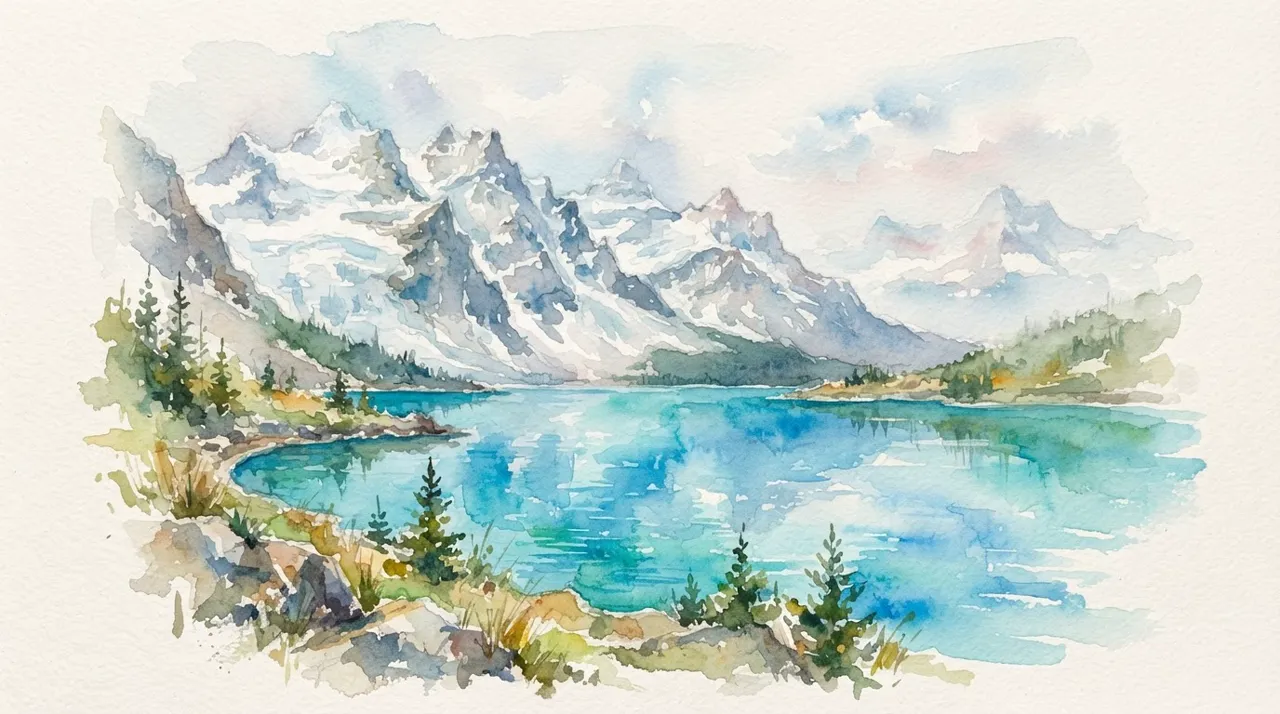
Nano Banana 2 Lite
Google · Image
Google's fast 1K image tier for high-volume AI B-roll.
 Default · Cheapest
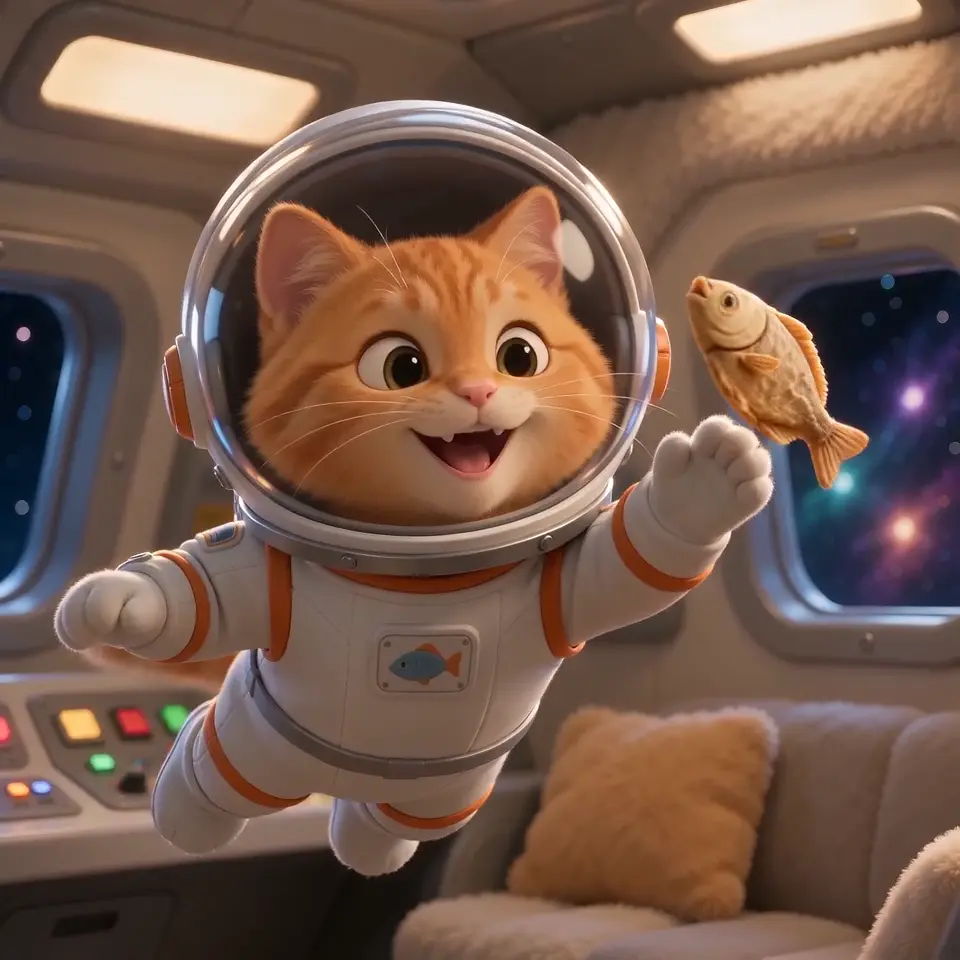
Seedance 2.0 Mini
ByteDance · Video
The default and cheapest video model in Shorz — 4–15s at 480p or 720p.

Kling 4.0
Kling AI · Video
Kling AI's 4.0 model for motion-heavy shots, 3 to 30 seconds in one generation.
Try Nano Banana 2.1 in Shorz
Download Shorz for Windows or Mac and Nano Banana 2.1 is already in the picker — no API key, no subscription, no watermark.
Publishes straight to