






Kling 4.0for motion-heavy shots
Kling AI's 4.0 model animates your scene images and makes B-roll from text. One generation runs 3 to 30 seconds, in landscape or vertical.
- From 23 credits per second
- Length · 3–30s
- Resolution · 720p
Kling 4.0 at a glance
Kling 4.0 is Kling AI's fourth-generation video model, and the only Kling video model in Shorz since it replaced Kling Video v3 in October 2026. Shorz uses it two ways: in Text-to-Video it animates the scene image Shorz generates for each line of your script, and in AI B-roll it makes a clip straight from text.
Specs in Shorz
- Made by
- Kling AI
- Modes
- Image-to-video (scenes), text-to-video (B-roll)
- Clip length
- 3–30 seconds in one generation
- Resolution
- 720p
- Aspect ratios
- 16:9, 9:16
- Billing
- Per second of generated video
Price in Shorz credits
23–35credits per second
- 720p · per second23 cr
- 1080p · per second35 cr
1 credit = $0.01. Prepaid packs, no subscription, credits never expire. Prices are read from the same live catalog the app uses. See packs
Why pick Kling 4.0 in Shorz
Strong motion
Kling is the pick for shots where something has to move convincingly: people, vehicles, camera moves.
Up to 30 seconds in one pass
One generation runs 3 to 30 seconds, so a long scene doesn't have to be stitched from short clips.
Animates your approved still
In Text-to-Video, Shorz generates the scene image first and Kling animates that exact frame, so you keep the composition you approved.
Best for
- Action and movement
- Animating scene stills
- Story-driven faceless videos
- Long single shots
Where Kling 4.0 works in Shorz
Same model, no separate account: it runs on your Shorz credits wherever the app offers it.
How to use Kling 4.0 in Shorz
Shorz is a desktop app for Windows and Mac. Download it, sign in, and Kling 4.0 is already in the model picker — no API key, no waitlist, no second subscription.
Or ask your AI agent
“Animate every scene of my Text-to-Video project with Kling 4.0 at 9:16.”
Shorz MCP server- 1Download Shorz for Windows or Mac and sign in.
- 2Start a Text-to-Video project and tell the chat what the video is about.
- 3On the card that asks how the scenes should look, pick AI Video and choose Kling 4.0 as the video model.
- 4Pick the format, 16:9 or 9:16.
- 5Press Create Video. The clips land in your video, ready to caption and score.
Kling 4.0 vs other video models
All video models in Shorz, with live credit prices.
| Model | Best at | Length | Resolution | Credits |
|---|---|---|---|---|
 Seedance 2.5 | ByteDance's flagship: up to 30 seconds in one coherent generation, with 50 reference assets. | 4–30s | 480p–720p | 15–34 per second |
| Seedance 2.0 | The full Seedance 2.0 model — the only Seedance tier that renders 1080p and 4K. | 4–15s | 480p–4K | 11–113 per second |
| Seedance 2.0 Fast | The middle Seedance 2.0 tier: quicker and cheaper than 2.0, at 480p or 720p. | 4–15s | 480p–720p | 9–18 per second |
| Seedance 2.0 Mini | The default and cheapest video model in Shorz — 4–15s at 480p or 720p. | 4–15s | 480p–720p | 6–11 per second |
 Gemini Omni 1.1 Flash | Google's video model with reference-to-video — the engine behind Shorz Advertisement projects. | 3–10s | 720p | 16 per second |
| Kling 4.0 | Kling AI's 4.0 model for motion-heavy shots, 3 to 30 seconds in one generation. | 3–30s | 720p | 23–35 per second |
Every model, one app
Shorz isn't a model playground. The models generate the parts; the editor around them turns those parts into a finished, captioned, published video.
- Every model on one prepaid balance — no per-provider subscriptions
- No watermark on anything you generate or export
- Full commercial rights on what you create
- No API keys to manage: the models run on your Shorz account
- New model versions appear in the picker without an app update
- Drivable from Claude, Cursor, Codex or Gemini over MCP
Kling 4.0 questions
Kling 4.0: image-to-video for Text-to-Video scenes and text-to-video for AI B-roll. For talking presenters, Shorz uses Kling Avatar and Kling Avatar Pro.
Kling 4.0 replaced it in October 2026. Projects that picked Kling v3 now run on Kling 4.0.
3 to 30 seconds in one generation, in 16:9 or 9:16.
No. It runs on your Shorz account and is billed per second in Shorz credits.
Still have questions? Ask founder
More models in Shorz
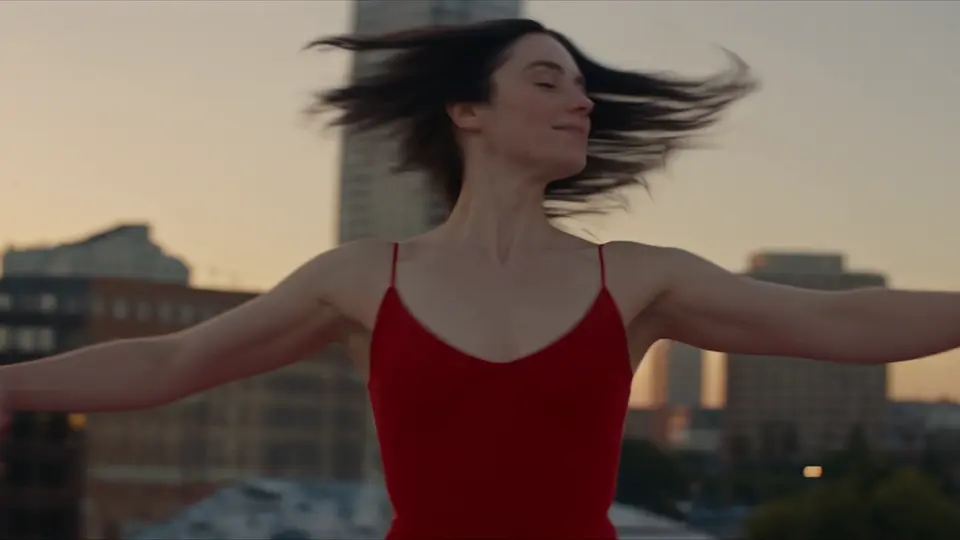 Newest
Seedance 2.5
ByteDance · Video
ByteDance's flagship: up to 30 seconds in one coherent generation, with 50 reference assets.
 Default · Cheapest
Seedance 2.0 Mini
ByteDance · Video
The default and cheapest video model in Shorz — 4–15s at 480p or 720p.
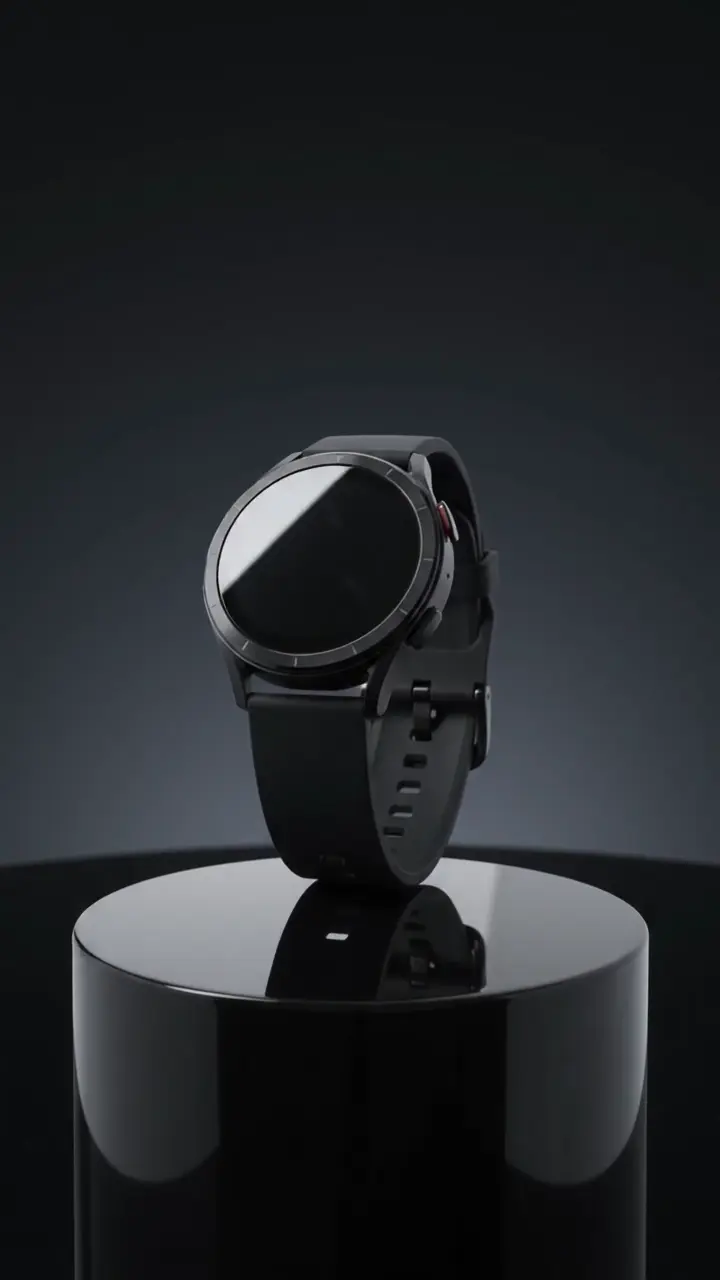 Powers ads
Gemini Omni 1.1 Flash
Google · Video
Google's video model with reference-to-video — the engine behind Shorz Advertisement projects.
Up to 4KNano Banana 2.1
Google · Image
Google's image model for photographic scene stills, at 1K, 2K or 4K.

Try Kling 4.0 in Shorz
Download Shorz for Windows or Mac and Kling 4.0 is already in the picker — no API key, no subscription, no watermark.
Publishes straight to