







Kling Video v3for motion-heavy shots
Kling AI's v3 Standard model animates your scene images and generates B-roll from text — 3 to 15 seconds at 720p, in landscape, vertical or square.
- From 26 credits per second
- Length · 3–15s
- Resolution · 720p
Made with Kling Video v3 in Shorz
Real clips generated in Shorz, unedited, shown with the exact prompt that made them.
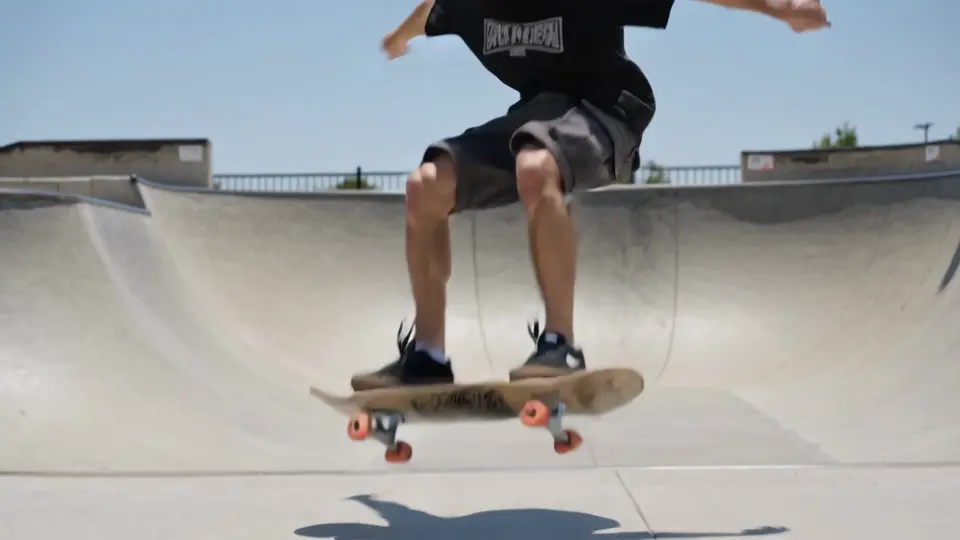
“A skateboarder lands a kickflip in a sunny concrete skatepark, slow motion, handheld camera follows the board.”
Kling Video v3 at a glance
Kling Video v3 Standard is Kling AI's third-generation video model. Shorz uses it two ways: in Text-to-Video it animates the scene image Shorz generates for each line of your script; in AI B-roll it generates a clip straight from text.
Specs in Shorz
- Made by
- Kling AI
- Modes
- Image-to-video (scenes), text-to-video (B-roll)
- Clip length
- 3–15 seconds
- Resolution
- 720p
- Aspect ratios
- 16:9, 9:16, 1:1
- Audio
- Generated silent — Shorz adds voice, music and SFX
Price in Shorz credits
26credits per second
1 credit = €0.01. Prepaid packs, no subscription, credits never expire. Prices are read from the same live catalog the app uses. See packs
Why pick Kling Video v3 in Shorz
Strong motion
Kling v3 is the pick for shots where something has to move convincingly — people, vehicles, camera moves.
Animates your approved still
In Text-to-Video, Shorz generates the scene image first and Kling animates that exact frame, so you keep the composition you approved.
Clean audio track
Clips come back silent, so the narration, music and sound effects you set in Shorz are the only audio in the mix.
Best for
- Action and movement
- Animating scene stills
- Story-driven faceless videos
- Square social posts
Where Kling Video v3 works in Shorz
Same model, no separate account: it runs on your Shorz credits wherever the app offers it.
How to use Kling Video v3 in Shorz
Shorz is a desktop app for Windows and Mac. Download it, sign in, and Kling Video v3 is already in the model picker — no API key, no waitlist, no second subscription.
Or ask your AI agent
“Animate every scene of my faceless project with Kling Video v3 at 9:16.”
Shorz MCP server- 1Download Shorz for Windows or Mac and sign in.
- 2Start a Faceless or Script to Video project, or open AI B-roll.
- 3Choose Kling Video v3 Standard in the video model dropdown.
- 4Set the clip length (3–15s) and aspect ratio.
- 5Generate — clips land in your timeline ready to caption and score.
Kling Video v3 vs other video models
All video models in Shorz, with live credit prices.
| Model | Best at | Length | Resolution | Credits |
|---|---|---|---|---|
 Seedance 2.5 Seedance 2.5 | ByteDance's flagship: up to 30 seconds in one coherent generation, with 50 reference assets. | 4–30s | 480p–720p | 12–27 per second |
| Seedance 2.0 | The full Seedance 2.0 model — the only Seedance tier that renders 1080p and 4K. | 4–15s | 480p–4K | 9–90 per second |
| Seedance 2.0 Fast | The middle Seedance 2.0 tier: quicker and cheaper than 2.0, at 480p or 720p. | 4–15s | 480p–720p | 7–14 per second |
| Seedance 2.0 Mini | The default and cheapest video model in Shorz — 4–15s at 480p or 720p. | 4–15s | 480p–720p | 5–9 per second |
 Gemini Omni 1.1 Flash Gemini Omni 1.1 Flash | Google's video model with reference-to-video — the engine behind Shorz Advertisement projects. | 3–10s | 720p | 12 per second |
| Kling Video v3 | Kling AI's v3 Standard model for motion-heavy shots, 3–15s at 720p. | 3–15s | 720p | 26 per second |
Every model, one app
Shorz isn't a model playground. The models generate the parts; the editor around them turns those parts into a finished, captioned, published video.
- Every model on one prepaid balance — no per-provider subscriptions
- No watermark on anything you generate or export
- Full commercial rights on what you create
- No API keys to manage: the models run on your Shorz account
- New model versions appear in the picker without an app update
- Drivable from Claude, Cursor, Codex or Gemini over MCP
Kling Video v3 questions
Kling Video v3 Standard — image-to-video for Text-to-Video scenes and text-to-video for AI B-roll. For talking presenters, Shorz uses Kling Avatar and Kling Avatar Pro.
3 to 15 seconds, at 720p, in 16:9, 9:16 or 1:1.
Shorz generates Kling clips without audio, so your narration, music and sound effects aren't fighting a generated soundtrack.
No. It runs on your Shorz account and is billed per second in Shorz credits.
Still have questions? Ask founder
More models in Shorz
 Default · Cheapest
Seedance 2.0 Mini
ByteDance · Video
The default and cheapest video model in Shorz — 4–15s at 480p or 720p.
 Default
Kling Avatar Pro
Kling AI · Avatar
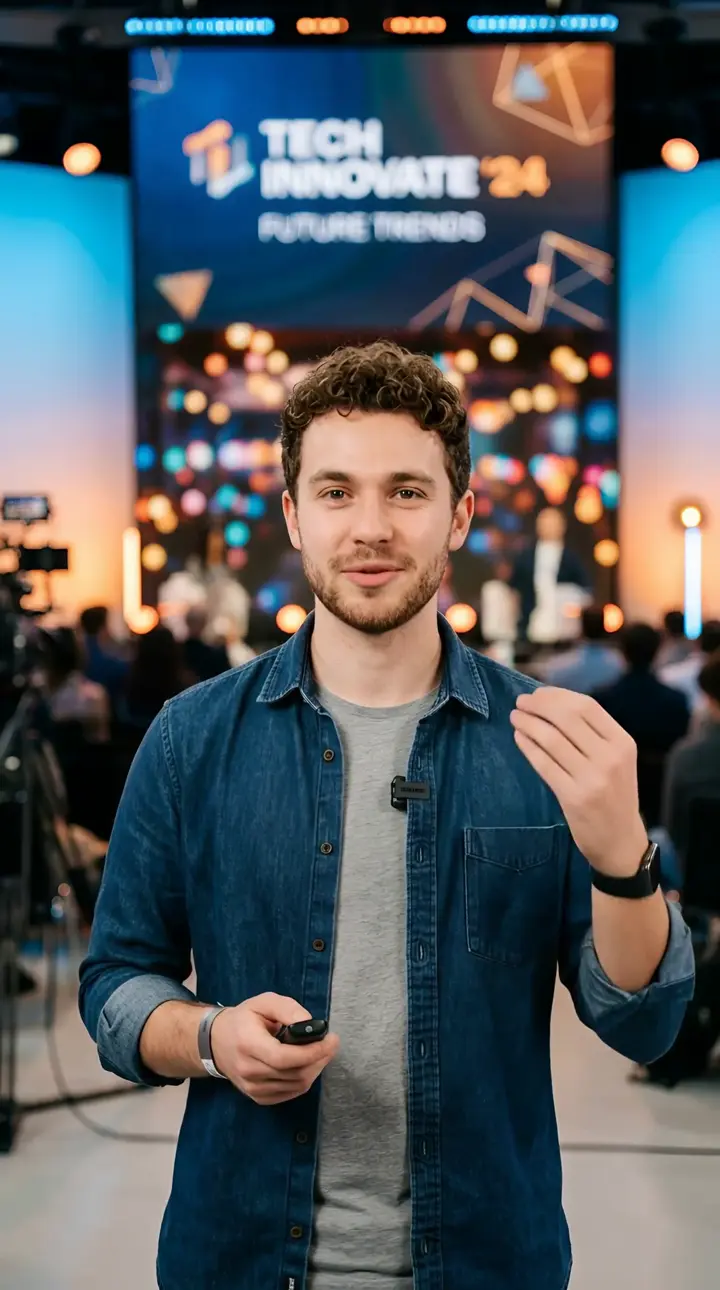
The default talking-avatar model — Kling's Pro tier, with motion and gesture prompts.
 Powers ads
Gemini Omni 1.1 Flash
Google · Video
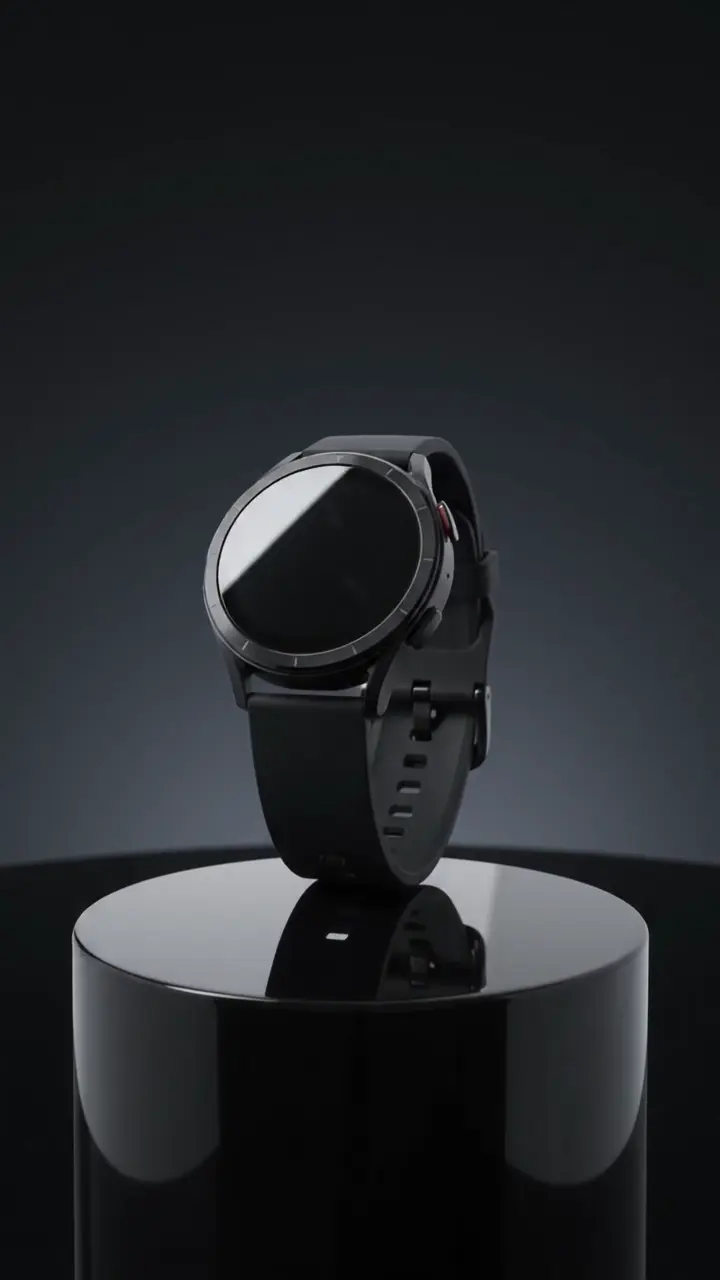
Google's video model with reference-to-video — the engine behind Shorz Advertisement projects.
 Default · Up to 4K
Nano Banana 2
Google · Image
Google's image model for photographic scene stills, at 1K, 2K or 4K.

Try Kling Video v3 in Shorz
Download Shorz for Windows or Mac and Kling Video v3 is already in the picker — no API key, no subscription, no watermark.
Publishes straight to