









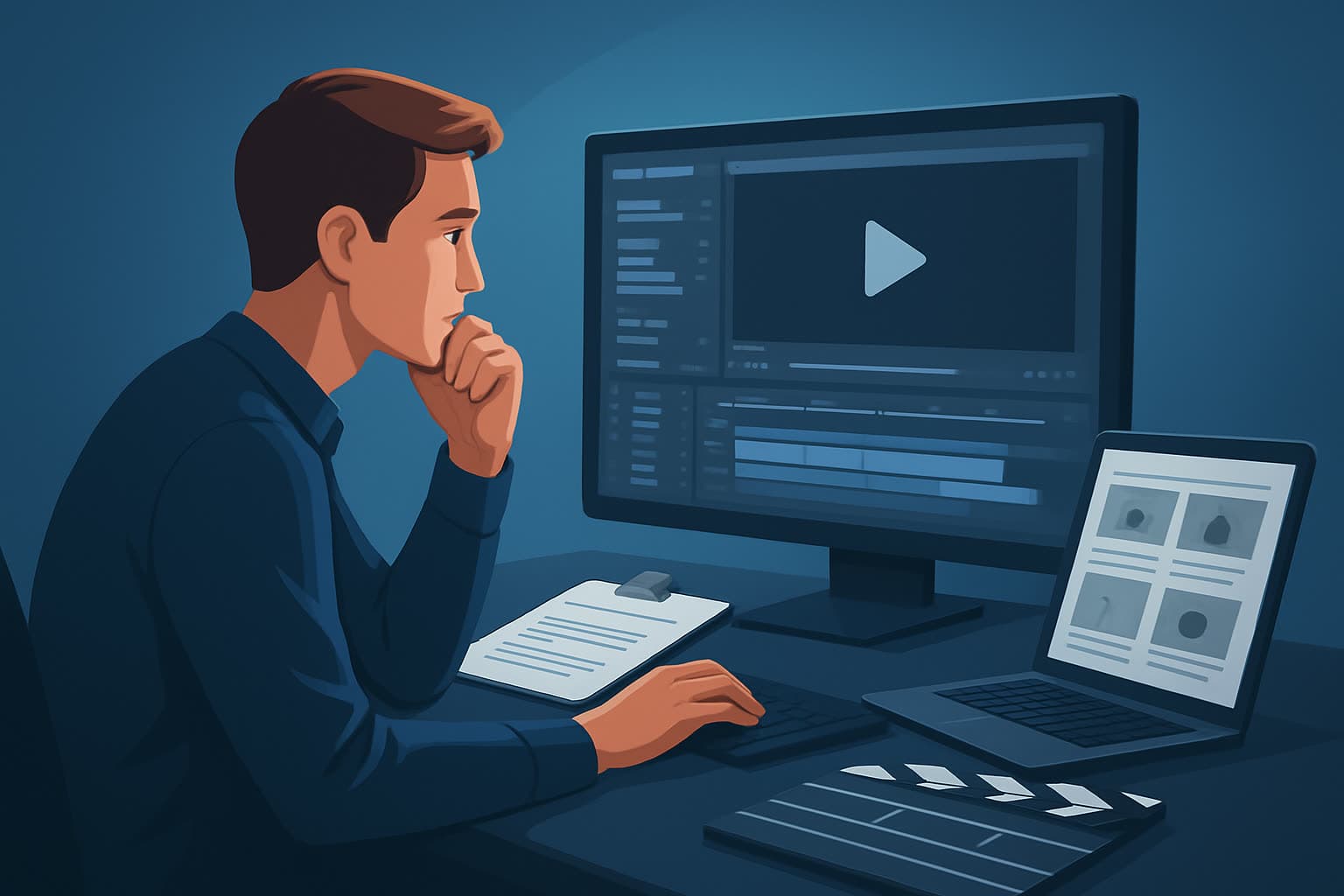

Creating engaging video content can be a daunting task, especially when you're starting with a script. Many creators struggle with the conversion of their written ideas into compelling visual narratives. The core bottleneck often arises from not knowing how to effectively move from script to screen, resulting in lost time and frustrated creativity. In this guide, we’ll break down the workflow to turn a script into a video, ensuring you can produce high-quality content with ease.
Step-by-step Workflow
Step 1: Pre-production Planning
Finalize Your Script
Ensure your script is polished. This means checking for clarity, pacing, and flow.Create a Shot List
List the shots you'll need to visualize each part of your script. This helps in visualizing scenes and ensures nothing gets missed during filming.Storyboarding
Use simple sketches or digital tools to create a storyboard. This will help you envision the flow of your video.
Step 2: Production
Gather Your Equipment
Prepare the necessary tools. This may include:- A camera or smartphone for filming.
- Microphones for clear audio.
- Lighting equipment to enhance video quality.
Set Up Your Shooting Environment
Choose a location that complements your video's theme. Make sure it’s well-lit and free from distractions.Record Your Footage
Stick to your shot list and storyboard. Ensure each scene is captured according to your artistic vision.
Step 3: Post-production
Import Footage into Editing Software
Use a video editing tool to begin assembling your footage. Options like Shorz can enhance this process with AI features.Cut and Arrange Clips
Trim your footage, following the structure of your script. Focus on pacing to keep the audience engaged.Add Visual Effects and Graphics
Incorporate text overlays, titles, and other graphics to enhance your message visually.Incorporate Sound Design
Add background music and sound effects. Ensure the audio levels are balanced throughout.Export Your Final Video
Choose the appropriate format and resolution based on where you will share your video (YouTube, social media, etc.).
Tools Needed
While there are many tools available, here are some essential ones for each stage:
- Planning Tools: Notion, Trello, or Google Docs for script and shot list management.
- Shooting Tools: DSLR camera or smartphone, microphones, and lighting kits.
- Editing Software: Options like Adobe Premiere Pro, Final Cut Pro, and Shorz What Is an AI Video Editor? for a streamlined AI-assisted editing experience.
Mistakes to Avoid
- Ignoring a Clear Script: Failing to finalize your script can lead to a confused narrative.
- Neglecting Sound Quality: Bad audio can ruin an otherwise great video.
- Over-editing: Too many effects can detract from your core message. Keep it simple and impactful.
- Forgetting the Audience: Always consider what your audience wants and tailor your video content accordingly.
Optimization Tips
- Shorten Length: Aim for shorter videos, ideally under 5 minutes for online platforms. Focus on delivering your core message quickly.
- SEO Your Video: Use relevant keywords in your title, description, and tags to help users find your video.
- Encourage Engagement: Include clear calls to action (CTAs) within your videos, prompting viewers to like, comment, or subscribe.
- Analyze Feedback: Monitor analytics to understand what works and what doesn’t, allowing for continuous improvement.
Scaling Your Workflow
Once you're comfortable with the process, consider these methods to scale:
- Batch Production: Create multiple videos at once by planning them together. This saves time and resources.
- Outsource: Hire freelancers for tasks like editing or graphic design to lighten your workload.
- Leverage AI: Utilize tools like Shorz to automate repetitive tasks, improving efficiency in post-production.
Where Shorz Reduces Friction
Shorz simplifies the video editing process with AI tools that:
- Automatically generate cuts and transitions.
- Assist in creating engaging visuals and graphics.
- Offer simple drag-and-drop functionality for ease of use, allowing creators to focus on content rather than technicalities.
FAQ
Q: How long should my video be?
A: Aim for approximately 5 minutes, but this can vary depending on the platform and audience. You want to maintain engagement without overwhelming viewers.
Q: What kind of camera should I use?
A: A DSLR or even a high-quality smartphone camera can provide great results. Focus more on lighting and audio quality for a professional look.
Q: Can I reuse older scripts for new videos?
A: Absolutely! Many creators repurpose older content, updating scripts for relevancy and refreshing visuals for new audiences.
For a quick checklist on turning your script into a video, visit our Script to Video Workflow With Shorz guide. Take control of your content creation with clarity and confidence!