









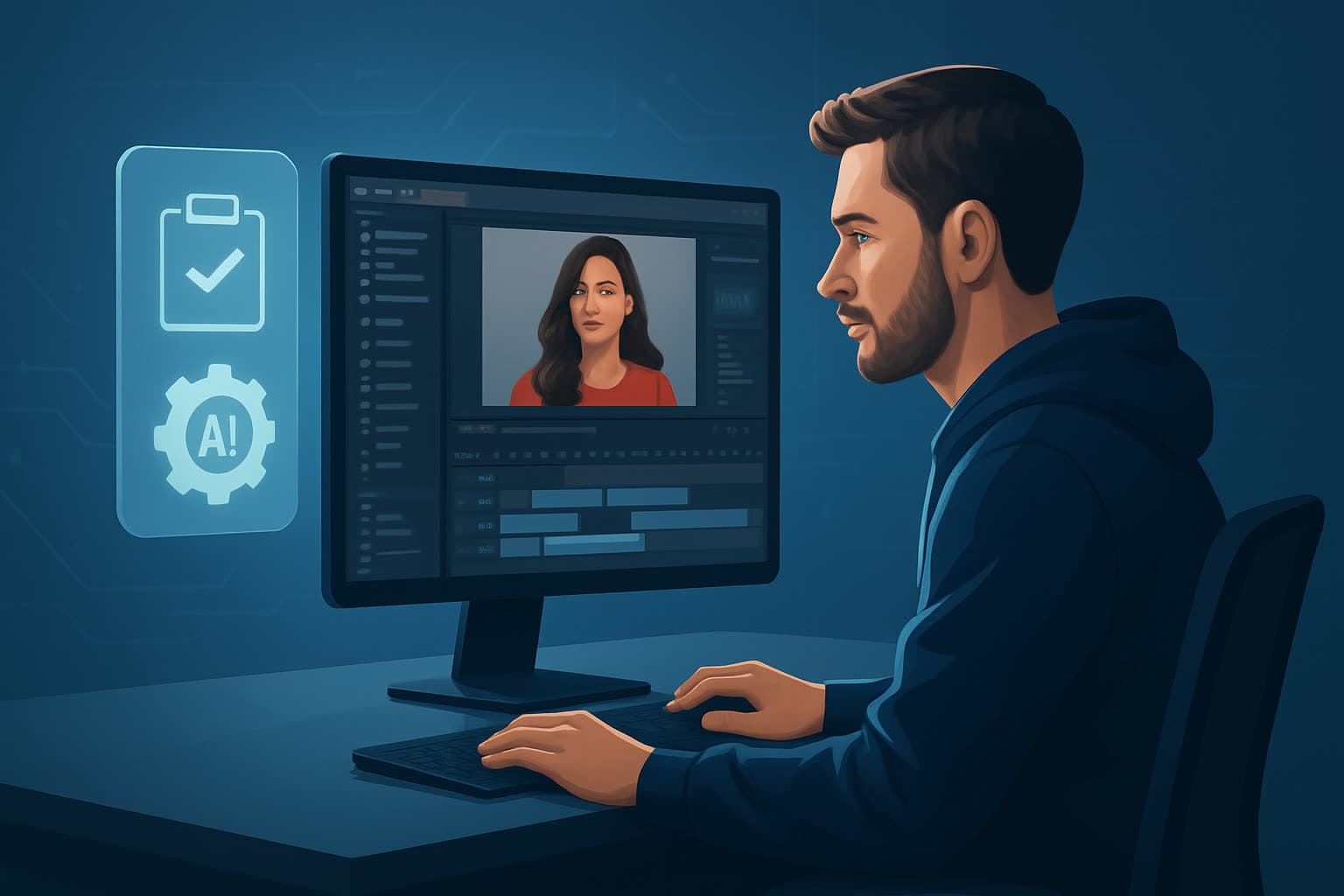

What an AI video editor actually is
An AI video editor is an editor where some of the assembly work is done for you: cuts proposed from a transcript, captions generated from speech, scenes built from a script, framing tracked automatically. The timeline, the export and the judgement are still yours.
That boundary is the useful definition. These tools automate the mechanical part of editing — the hours spent finding the cut point, typing captions, reframing for vertical — and not the editorial part, which is deciding what the video is about and what to leave out. Tools that claim otherwise are overselling, and the disappointment that follows is predictable.
How the automation actually works
Four distinct capabilities usually sit behind the label, and knowing which one a tool leans on tells you what it will be good at.
Speech to text, then text to cuts. The recording is transcribed, and the transcript becomes the editing surface: delete a sentence and the video loses that segment. This is what powers silence removal, filler-word stripping and "edit by deleting text". It is the most mature of the four and the most reliable.
Generation from a script. A written script becomes scenes — stock footage, generated imagery or a presenter — with narration attached. Useful when you have no footage at all, and the weakest link is usually visual consistency between scenes.
Subject tracking and reframing. The subject is detected and kept in frame as the aspect ratio changes, which is what turns a landscape recording into a vertical clip without manual keyframing.
Pattern application. Captions styled a certain way, a recurring intro, a colour treatment, applied across a batch. Not intelligent so much as consistent, and consistency is most of what a channel needs.
Most of the time saved in practice comes from the first and third of these. The generative capability gets the attention; the transcript-driven editing does the work.
When an AI editor is the right tool
Reach for one when the bottleneck is volume or assembly: a weekly publishing schedule, one recording that has to become many clips, several aspect ratios per video, or captions on everything.
Do not reach for one when the video's value is in its craft — a brand film, a piece where timing and rhythm are the point, anything where a specific edit decision is the creative. And do not expect it to rescue weak source material. Automated tools make a competent video faster; they do not make a boring one interesting.
Can AI replace manual editing goes further into where the line sits, and how to use AI video editors without losing control covers keeping judgement in the loop.
The workflow, in outline
- Bring in the source — footage, screen recording, slides or a script.
- Get a rough cut automatically — transcript-driven trim, or script-to-scene generation.
- Make the editorial pass yourself — what stays, what order, what gets cut. This is the part that is still your job.
- Apply the template — captions, intro, overlays, colour, from a style pack you built once.
- Reframe for each placement inside the same project, checked before export.
- Export the set — long form and clips together.
The detailed version is in the AI video editing workflow guide.
Where it helps, by industry
The tool is the same; what changes is which step was hurting.
Finance
Compliance review is the schedule, so the win is that a script-first process puts the reviewable artefact in front of legal before anything is edited. Charts and figures need to be legible at phone size, and claims need to survive a second reading — which argues for slower, more deliberate scripting and faster assembly, exactly the split these tools offer.
SaaS and product marketing
The source material is screen recordings, and the job is turning a long demo into many short, specific clips. Transcript-driven editing is the relevant capability here, not generation: you already have the footage, you need the four minutes of it that matter.
Real estate
Volume against a short shelf life — listings and market updates are worth publishing only while current. Templates carry this: a listing walkthrough, a neighbourhood explainer and a market update as three reusable formats, filled rather than built.
Fitness and coaching
Demonstration content where the subject moves, which makes automatic tracking and reframing genuinely valuable rather than a convenience. Captions matter more than usual, because form cues are often the instruction.
Common mistakes
- Treating the automated cut as finished. It is a starting point that removes assembly work, not an editor with taste.
- Skipping the caption edit. Auto-captions get names and jargon wrong, and those are exactly the words that carry meaning.
- Rebuilding the look every time. If the style pack is not the fastest path, nothing compounds and the tool saves nothing.
- Choosing on the generative demo. Most real value comes from transcript editing and reframing. Buy for those.
- Ignoring where the media lives. Large files and cloud tools mean upload time is your real bottleneck, which is the argument for desktop software.
FAQ
Q: Will an AI video editor replace a human editor? A: Not for work where the edit is the craft. For volume publishing it replaces the assembly hours, which is usually what people actually mean by the question. The pricing comparison works through the economics.
Q: Do I need footage, or can I start from a script? A: Either. Script-to-video exists precisely for the no-footage case, though visual consistency across generated scenes takes more care than people expect.
Q: Is the output good enough to publish? A: After a finishing pass, yes. Straight out of generation, rarely.
Q: Cloud or desktop? A: Cloud to start, desktop once media size or volume makes uploads the constraint.
Q: How much time does it actually save? A: Measure your second project, not your first — the first is slowed by learning the tool. The honest saving is in captions, rough assembly and reframing.
Where to go next
- How to choose an AI video editor — the decision, with criteria
- Best AI video editor for beginners — starting out, and what to prioritise by use case
- AI video editing workflow — the production loop in detail
- Desktop AI video software — when local beats cloud
- Moving from manual editing to AI — the transition, and keeping control
- Platforms: YouTube · Instagram · TikTok · podcast and webinar clips
Free tools for this
Silence Remover · Auto Subtitle Generator · Video Cropper · Auto Zoom · Face Tracking
Try it: Shorz AI video editor