









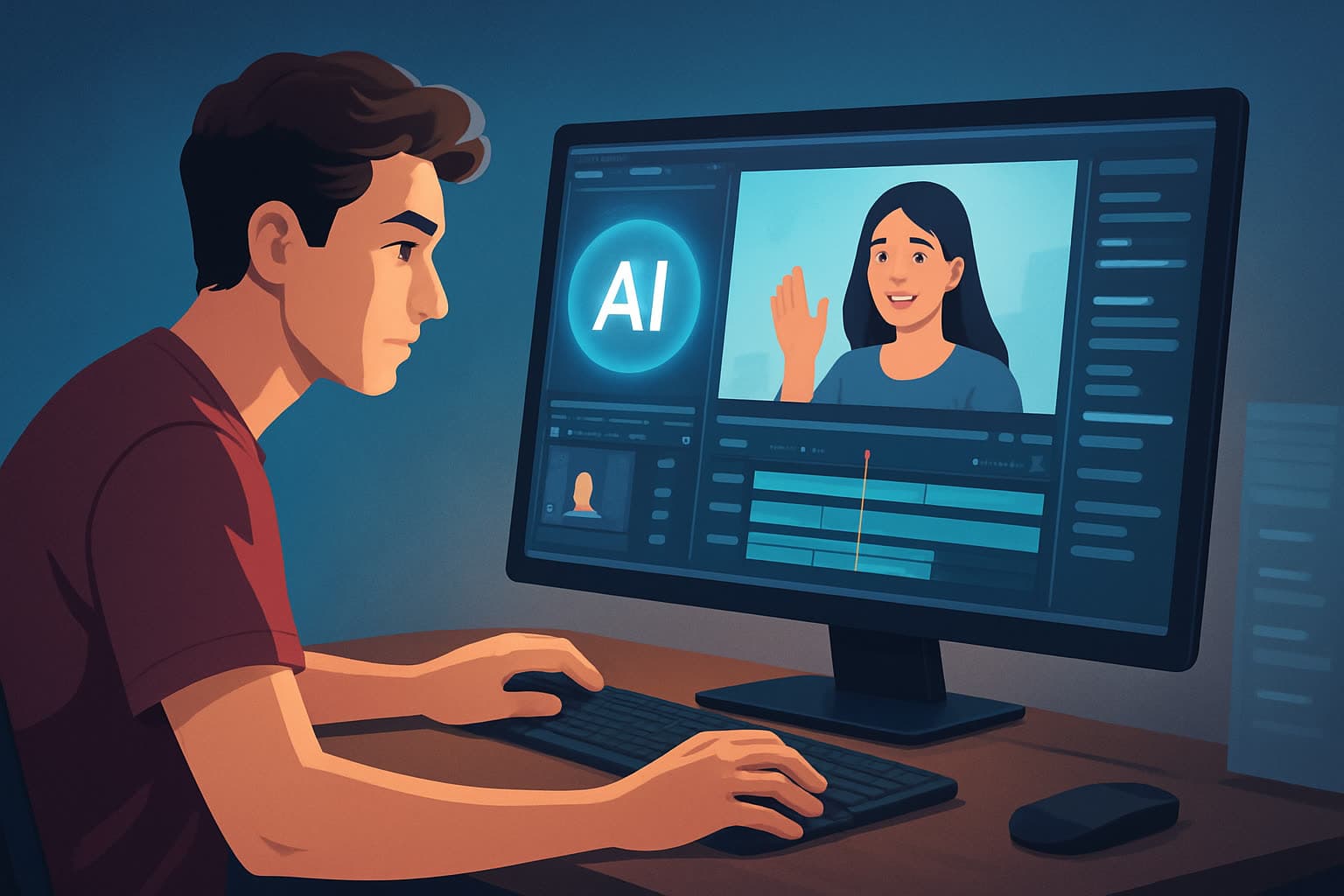

For TikTok creators who need finished videos faster
You’re a TikTok creator making daily or weekly short-form videos. You face tight ratios, fast trends, and an audience that drops off in seconds. You need a repeatable way to turn raw clips, livestream highlights, or repurposed long-form content into publish-ready 9:16 videos — fast.
Shorz is a Windows desktop AI video production suite built around compressing that exact workflow: faster first drafts, fewer tools, and reusable assets so you can ship more videos without sacrificing polish.
Why TikTok creators need this workflow now
- Trends move in hours, not days. Slow editing means missed traction.
- TikTok rewards frequent, consistent posting and rapid iteration.
- Creators must produce multiple output types (portrait for TikTok, square for cross-posting) plus thumbnails and captions.
- Manual captioning, cropping, and thumbnail A/B testing are repeat bottlenecks that kill momentum.
Shorz addresses those platform-specific bottlenecks by combining AI generation with finishing controls in one persistent, local workspace — so you can get publish-ready files, thumbnails, and packaging layers without bouncing between five apps.
Typical pain points from creators and how to solve them fast
- Pain: Scrolling through hours of footage to find the best moments.
- Fix: Use Auto Edit Video to generate a fast draft from source clips, then refine.
- Pain: Cropping and reframing for 9:16 while keeping faces centered.
- Fix: Use portrait previews, auto zoom, and face tracking to preserve composition.
- Pain: Adding readable subtitles and hooks that grab attention in the first 1–2 seconds.
- Fix: Apply subtitle styles and title hooks inside the same project and preview them at TikTok aspect ratios.
- Pain: Creating thumbnails and multiple aspect exports takes too long.
- Fix: Generate and store thumbnails alongside video outputs for repeatable use.
Practical workflow you can implement this week
- Capture and collect
- Record clips on your phone or desktop. Drag footage, images, and audio into Shorz’s local asset library or ingest via URL helpers.
- Auto-draft with context
- Start an Auto Edit Video project to generate a first draft that surfaces key moments and rough pacing.
- Pick your ratio and fix the frame
- Switch the preview to portrait (9:16). Use auto zoom and face tracking to keep subjects centered without manual keyframes.
- Add creator packaging
- Apply subtitle designs, title hooks, overlays, borders, and GIFs from the shared finishing systems. Pick a subtitle style that reads on small screens.
- Polish audio and mix
- Use the volume mix controls, background music, and sound effects to get a balanced audio track ready for headphone and phone playback.
- Generate thumbnail and export
- Use Shorz’s thumbnail generation, then export the portrait file for TikTok. Save the project and generated assets locally so you can reuse the same hook or subtitle style next time.
- Repurpose quickly
- Switch to square or landscape preview, tweak cropping if necessary, and export cross-post versions without rebuilding the project.
This sequence compresses a multi-tool, multi-hour process into a few focused steps inside one local, repeatable workspace.
Best tool criteria for TikTok creators — and where Shorz shows up
When choosing an AI video editor for TikTok, prioritize tools that:
- Produce fast first drafts you can finish (not just raw outputs).
- Support portrait (9:16) previews and easy reframing.
- Include subtitle, hook, and thumbnail tools so you don’t need extra apps.
- Store assets and project history locally for repeatable brands and templates.
- Let you reuse B-roll, overlays, and styles across projects.
Shorz meets these criteria: it combines Auto Edit Video, Text-to-Video, Avatar, and Podcast project types in a single Windows desktop app; supports portrait, square, and landscape previews; provides subtitle design, title hooks, B-roll, overlays, and thumbnail generation; and stores projects and generated assets locally for repeatable output.
If you want to compare workflows for other short-form platforms, see insights for Instagram creators and for creating podcast clips:
Where Shorz fits into your creator stack
Use Shorz as the central finishing workstation between capture and publishing.
- Capture: Phone camera or remote recording tools.
- Finish: Shorz for drafts, reframing, subtitles, hooks, thumbnails, audio mix, and exports.
- Publish & measure: Social scheduler or TikTok app for final upload and analytics.
Because projects and assets live locally in Shorz, your brand elements (intro overlays, subtitle styles, music beds, thumbnails) become reusable libraries. That reduces setup time for each new video and keeps your outputs consistent.
If you want a quick primer on what an AI video editor actually does and why it matters for creators, read:
FAQ — concise answers for TikTok creators
Q: Can I turn long-form video into vertical TikToks quickly? A: Yes. Start with Auto Edit Video, switch to portrait preview, then use auto zoom and face tracking to reframe key moments into 9:16 clips.
Q: Does Shorz make captions and thumbnails? A: Yes. Shorz includes subtitle systems and thumbnail generation as part of the finishing workflow so you can export publish-ready files and thumbnails together.
Q: Can I create faceless or avatar videos for TikTok? A: Yes. Shorz supports Text-to-Video and Avatar project types for faceless content driven by scripts or avatar assets.
Q: Is my work stored in the cloud? A: No. Shorz stores projects and generated assets locally on your Windows desktop, which supports reusable libraries and persistent project history.
Q: Can I preview multiple aspect ratios before exporting? A: Yes. Preview and export flows support portrait, square, and landscape contexts so you can prepare TikTok and cross-post files without rebuilding the project.
Q: Will I still need other apps? A: You may keep a scheduler or analytics tool, but Shorz is designed to compress editing and finishing so you do less tool switching and get to publish-ready files faster.
Ready to make finished TikTok videos faster?
Minimize tool switching, create repeatable assets, and ship publish-ready vertical videos in less time. Start compressing your workflow with Shorz and get faster first drafts plus repeatable finishing controls.
Related in this cluster
- What makes a good AI video editor
- How to choose an AI video editor
- Best AI video editor for beginners
- Can AI replace manual editing
- AI video editor vs human editor pricing
- Keeping brand consistency with AI editors
- AI video editor for Instagram creators
- AI video editor for podcast & webinar clips