









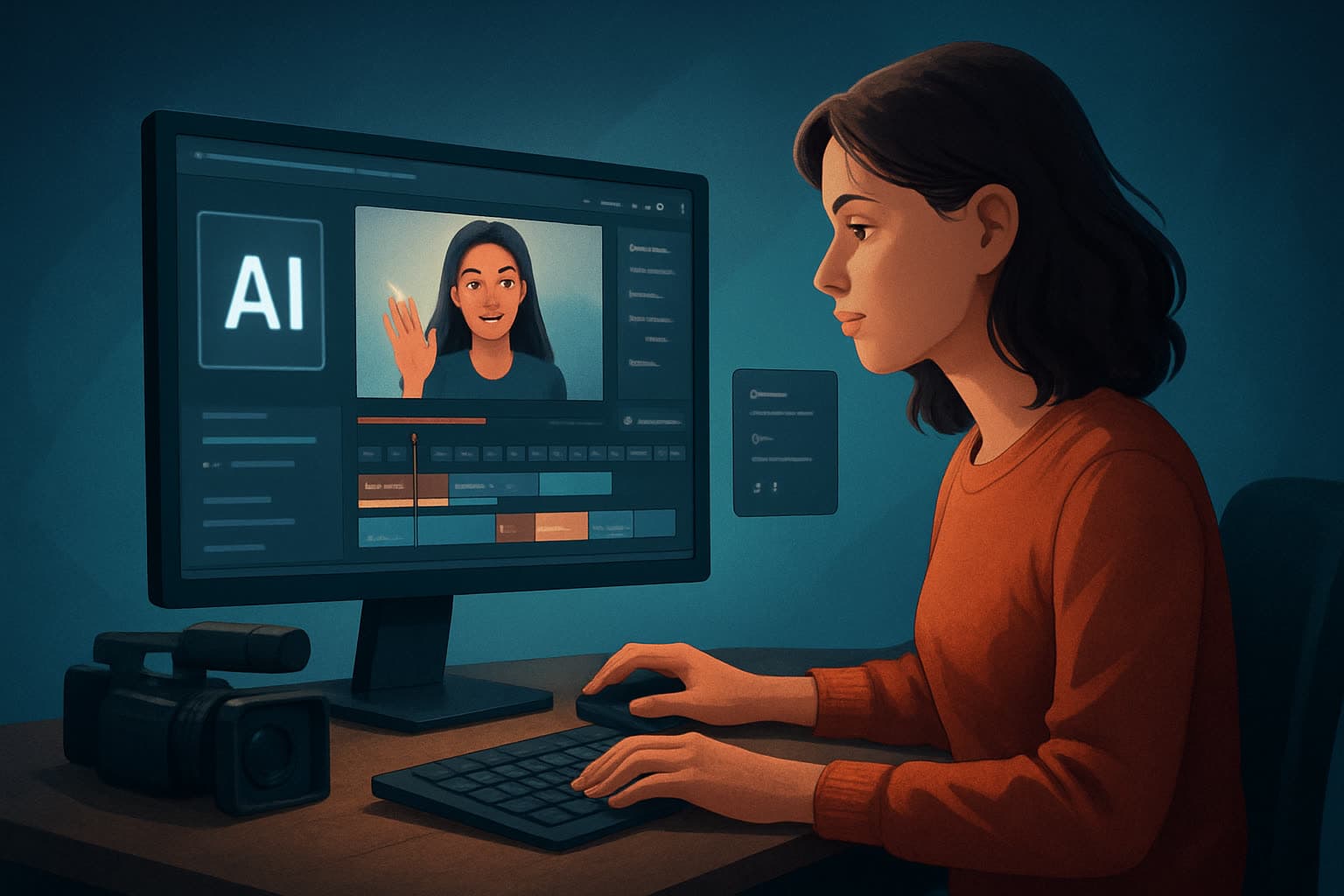

For Instagram creators who make videos — faster, repeatable, publish-ready
You create short, high-frequency video for Instagram: Reels, feed clips, and stories that need sharp hooks, clean captions, and the right crop. Your bottlenecks are familiar — long edit loops, juggling multiple apps for subtitles, thumbnails, and b-roll, and losing momentum between drafts. You need finished videos faster, consistently, and with assets you can reuse.
Shorz is a Windows desktop AI video production suite built to compress that workflow: faster first drafts, repeatable output, and a single persistent workspace that stores your footage, generated assets, and project history locally.
(If you want a quick primer on what an AI video editor does for creators, see What Is an AI Video Editor?.)
Why Instagram video workflows need this now
- Instagram favors frequent, short-form content. That means fewer hours per piece and more predictable, repeatable processes.
- Hooks, subtitles, and thumbnail design have moved from “nice to have” to table stakes for discoverability and retention.
- Repurposing long-form or podcast material into punchy Reels multiplies reach, but it’s only worth the effort if edits are quick and consistent.
You don’t need a raw generator — you need a publish-ready workflow that produces thumbnail, caption-ready video, and reusable packs of assets without bouncing between five apps. That’s the gap Shorz is designed to fill.
(If you’re repurposing podcast material into clips, check the workflow ideas at AI Video Editor for Podcast Clips.)
Practical 5-step workflow you can implement this week
Capture or gather your source material
- Drop recent footage, raw phone clips, images, and audio into Shorz’s local project. Use URL-based ingestion for reference assets you pulled from the web.
- Save those files to a reusable asset library so you can pull the same intros, logos, and music repeatedly.
Produce a fast first draft
- Use Auto Edit Video to generate a draft cut automatically from your footage. This gets you out of the blank-canvas paralysis and into iterating.
- If you’re working from a script or concept, try Text-to-Video to create a rough scene sequence you can refine.
Add creator-style packaging
- Apply subtitle design, title hooks, overlay graphics, borders, GIFs or emojis, and B-roll from the built-in asset library.
- Use face tracking and auto zoom to keep subjects framed for portrait Reels. Add freeze frames or grayscale moments for emphasis.
Finish in one place
- Balance audio with volume mix controls, add music and SFX, and use basic color controls to polish the look.
- Preview your video in portrait and square ratios before export so you know how it will land as a Reel or feed clip.
Generate thumbnails and export repeatable assets
- Produce and store thumbnails alongside your video outputs so every publish-ready bundle includes a thumbnail, captions, and the video file.
- Export the portrait file optimized for Instagram, and keep square and landscape exports ready for cross-posting.
If you need inspiration for short-form hooks or cross-platform tactics, see tips for TikTok creators at AI Video Editor for TikTok Creators.
Best-tool criteria for Instagram creators — and where Shorz shows up clearly
- Fast first drafts: Look for an editor that generates usable drafts without leaving you at “raw AI output.” Shorz’s Auto Edit Video and Text-to-Video workflows are designed for draft-to-finish iteration.
- Finishing controls: You need subtitle styling, title hooks, B-roll placement, and audio mixing in the same app. Shorz combines AI generation with finishing controls instead of stopping at a raw first draft.
- Portrait-first previews and exports: Preview and export flows must support portrait and square as primary contexts. Shorz includes previews for landscape, portrait, and square.
- Reusable asset library and persistent history: Save intros, music beds, and thumbnails for repeatable output. Shorz stores projects and generated assets locally so you can build a personal asset library.
- Social packaging: Thumbnails, hooks, subtitle design, overlays, and export helpers reduce tool switching. Shorz generates thumbnails and supports creator-style packaging layers.
These are the place where Shorz aligns directly with what Instagram creators need: faster first drafts, reusable assets, less tool switching, and publish-ready packaging.
Where Shorz fits into your creator stack
- Capture → Shorz → Publish
- Keep capture on your phone or camera, then move to Shorz on Windows for editing and package creation.
- Use Shorz to assemble the publish bundle: portrait export, thumbnail, subtitle file, and overlay assets. Then hand off the final files to your Instagram scheduler or post directly from your device.
Shorz is the production hub — not just a generator. It ingests footage and URLs, stores generated assets locally, and gives you export-ready files that align with Instagram’s short-form expectations. If your workflow extends to LinkedIn or other platforms, you can adapt the same project and export different aspect ratios; see how creators approach LinkedIn workflows at AI Video Editor for LinkedIn Creators.
FAQ (Instagram creators)
Q: Can I make Reels and square feed posts from the same project? A: Yes. Shorz previews and exports in portrait, square, and landscape contexts so you can produce multiple deliverables from a single project.
Q: Will I lose my assets to the cloud? A: No. Projects and generated assets are stored locally on your Windows machine, supporting reusable libraries and persistent project history.
Q: Can I repurpose longer videos or podcast clips into Reel-sized pieces? A: Yes. Use Auto Edit Video for quick clip selection and the Podcast project type for dialogue-based content to create short, punchy clips rapidly.
Q: How do I get crisp captions and hooks? A: Shorz includes subtitle design and title hooks as part of the finishing controls, so you can style and position captions without switching apps.
Q: Does Shorz create thumbnails? A: Yes. Thumbnail generation is part of the workflow and stores thumbnails alongside your video outputs for consistent publishing packs.
Q: I work with faceless content — can Shorz help? A: Yes. Shorz supports faceless workflows (B-roll, overlays, titles, borders, GIFs, and music) and can assemble publish-ready clips without requiring on-camera footage.
Ready to compress your Instagram production loop?
If you want fewer tool switches, faster first drafts, and repeatable, publish-ready bundles for Reels and feed posts, try Shorz as the desktop hub for your Instagram workflow: What Is an AI Video Editor?.
Related in this cluster
- What makes a good AI video editor
- How to choose an AI video editor
- Best AI video editor for beginners
- Can AI replace manual editing
- AI video editor vs human editor pricing
- Keeping brand consistency with AI editors
- AI video editor for TikTok creators
- AI video editor for podcast & webinar clips